2026-06-03 Author : ZCS
Every time a customer buys something from a business — in a store, at a restaurant, at a market stall — a point of sale transaction happens. The moment a sale is completed, the price is confirmed, payment is accepted, and a record is created. That moment, and the technology that manages it, is what a point of sale system is built around.
The global POS market was valued at $49818.06 Million in 2024, growing at a CAGR of 15.09%, according to a research by verifiedmarketresearch. More than 80% of urban in-person transactions in 2025 were cashless, processed through some form of POS technology. Yet despite how central these systems are to daily commerce, the term "point of sale system" is one of the most commonly misunderstood in business technology — often confused with a simple card reader, or assumed to mean only the physical terminal on a checkout counter.
This guide explains clearly what a point of sale system actually is, what a point of sale purchase means, how the components work together, and how POS technology has evolved into something far more operationally significant than a modern cash register.
A point of sale system — commonly abbreviated as POS system — is the combination of hardware and software that allows a business to complete sales transactions, accept payment, and record the result. It is the infrastructure that sits at the intersection of a customer's decision to buy and a business's record of that purchase.
At its most basic, a POS system does three things: it calculates what the customer owes, it accepts payment, and it produces a receipt. In practice, modern POS systems do considerably more — they update inventory in real time, log the transaction against employee records, feed data into sales reporting dashboards, apply loyalty points, and synchronize with accounting software, all within the same transaction sequence.
The definition that matters for most business owners is functional rather than technical: a POS system is whatever handles the moment of sale in your business. For a café, that might be a tablet running POS software with a card reader attached. For a supermarket, it is a dedicated terminal with a barcode scanner, a scale, an integrated printer, and a cash drawer, all connected to a back-office inventory and reporting platform. For an online retailer with a pop-up stall, it might be a smartphone running a mobile POS application. The form varies; the function is the same.
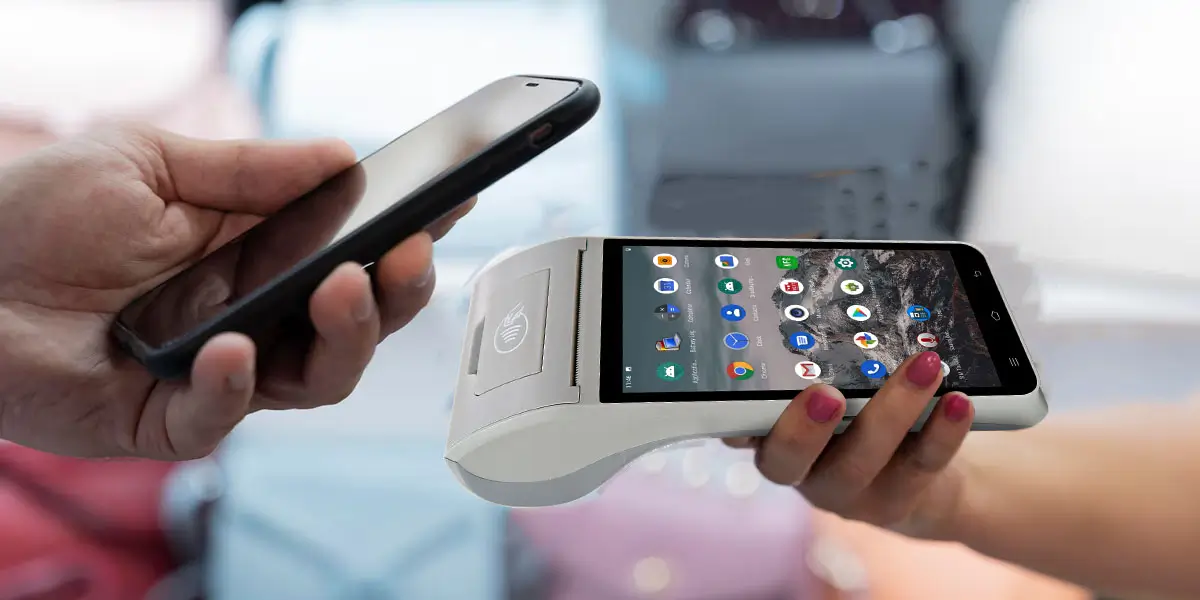
A point of sale purchase is any transaction completed at the moment and location where a product or service is sold — as opposed to a deferred payment, an invoice, or an online checkout. When a customer pays for groceries at a supermarket checkout, orders a coffee at a café counter, or buys a jacket at a clothing boutique, each of these is a point of sale purchase.
The phrase matters because it defines the transaction type and, in some contexts, the associated payment processing rules. Point of sale purchases are distinguished from card-not-present transactions (online purchases where the physical card is not used) primarily in terms of fraud risk and payment scheme fee structures — in-person, card-present transactions at a POS terminal carry lower fraud rates and different interchange rates than card-not-present transactions.
For a business owner, understanding what constitutes a point of sale purchase matters when evaluating payment processing options, setting up accounting categories, or analyzing sales data by channel. A transaction processed through your in-store POS terminal and a transaction processed through your e-commerce platform are both sales, but they are recorded differently, carry different fees, and may require different compliance approaches.
A complete POS system has two layers: the hardware that physically handles the transaction, and the software that manages the data and business logic around it.
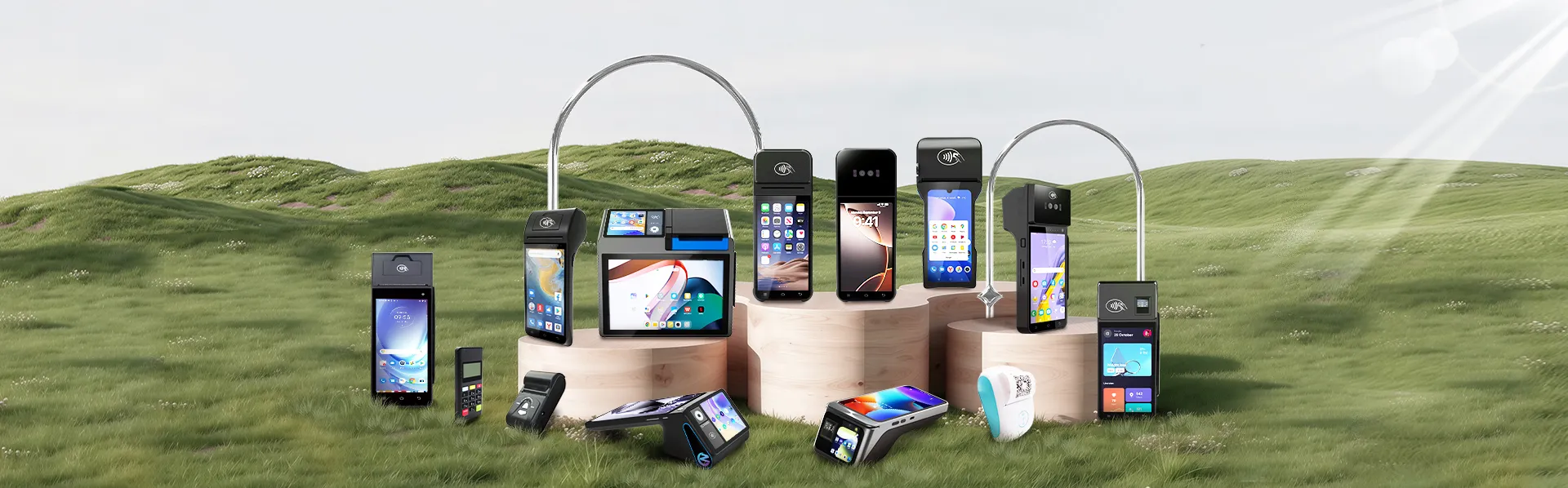
POS terminal. The central device — whether a dedicated payment terminal, an Android-based smart terminal, a tablet, or a smartphone — where the transaction is entered and payment is processed. For businesses wanting to customize the software stack on this hardware layer rather than use a fixed configuration, this guide to open SDK and custom ODM options for Android POS terminals covers what's technically possible.
Barcode scanner. Reads product barcodes to identify items and pull their price from the system database. Barcode scanners integrated with POS systems boost checkout speed by approximately 18%, improving throughput in high-volume retail environments.
Receipt printer. Produces a printed record of the transaction for the customer. Thermal printers (which use heat rather than ink) are the standard in most POS deployments. Some businesses have moved to digital receipts sent via email or SMS, reducing paper use.
Cash drawer. Stores cash for transactions and change. Connected to the POS terminal, it opens automatically when a cash payment is processed and logs each open event against the transaction record — making cash reconciliation at shift end considerably more straightforward.
Customer-facing display. A secondary screen showing the customer their running total, item prices, and payment confirmation during checkout. Reduces disputes, builds trust on promotional pricing, and creates space for loyalty program messaging.
Payment card reader. Reads payment credentials from chip cards, magnetic stripe cards, and NFC-enabled devices (contactless cards and mobile wallets). May be integrated into the terminal or attached as a separate peripheral.
Transaction processing engine. The core function: calculates the total, applies taxes and discounts, processes the payment authorization request through the payment network, and records the result.
Inventory management. Updates stock levels in real time with every sale. Generates reorder alerts when items fall below defined thresholds. Tracks variance between theoretical inventory (based on sales) and physical count (from stock takes) to surface shrinkage.
Sales reporting and analytics. Generates reports on sales by product, category, time period, employee, and location. The POS data layer is the primary source of operational intelligence for most small and medium businesses — 86% of restaurant operators use POS data to make decisions on discounting, loyalty programs, and marketing.
Customer relationship management (CRM). Stores customer purchase history and preferences. Powers loyalty programs, enabling points accumulation and redemption at checkout. Businesses using CRM-integrated POS systems report a 27% increase in customer retention.
Employee management. Tracks staff clock-in and clock-out times, logs transactions by employee, controls access permissions (who can process voids, apply discounts, open the cash drawer), and generates performance reports by staff member.
Payment processing integration. Connects the POS software to the payment service provider (PSP) that routes card transactions through the card network to the customer's bank. This layer handles authorization, settlement, and reporting back to the merchant. Importantly, payment certification — PCI DSS compliance, EMV approval, regional scheme authorizations — sits with the PSP and the payment application, not with the terminal hardware itself.
Understanding the sequence of a POS transaction demystifies what happens between "tap to pay" and the money reaching your bank account.
Step 1: Item entry. The cashier scans a barcode, searches the product database, or enters a PLU code. The POS software retrieves the item's price, applies any active promotions, and adds it to the transaction. For weight-based items, a connected scale provides the weight and the system calculates the price.
Step 2: Total calculation. The system calculates the subtotal, applies applicable taxes, and displays the total to the operator and (on dual-screen setups) to the customer.
Step 3: Payment initiation. The customer presents their payment method — card tap, chip insert, mobile wallet, or cash. For card payments, the terminal reads the payment credentials and encrypts them.
Step 4: Authorization request. The terminal sends the encrypted transaction data to the payment service provider (PSP). The PSP routes the request through the card network (Visa, Mastercard, etc.) to the customer's issuing bank, which approves or declines based on available funds and fraud screening.
Step 5: Authorization response. The issuing bank sends an approval or decline back through the network to the PSP, which returns it to the terminal — typically in 1–3 seconds.
Step 6: Completion. On approval, the terminal confirms the transaction, prints or sends a receipt, updates the inventory count, logs the sale against the employee record, and adds the transaction to the day's settlement batch.
Step 7: Settlement. At end of day (or on a defined schedule), the PSP processes the batch of authorized transactions and initiates fund transfer to the merchant's bank account — typically settling within 1–3 business days.
The customer experience of this sequence is a tap and a beep. The operational infrastructure running underneath it is what a POS system manages.
POS systems come in several formats, each suited to different operational contexts.
Fixed countertop POS. A dedicated terminal anchored at a checkout point, connected via Ethernet for maximum reliability. The dominant format in supermarkets, pharmacies, retail chains, and quick-service restaurants. High throughput, full peripheral integration (scanner, printer, cash drawer, scale), and the most stable connectivity of any terminal type.
Mobile POS (mPOS). A smartphone or tablet running a POS application, paired with a card reader dongle or a purpose-built case with integrated payment hardware. Suited to businesses without a fixed location — market vendors, food trucks, service providers who travel to clients. The mPOS market was valued at $49.7 billion in 2025 and used by over 68% of SMEs globally.
Smart terminal. An Android-based all-in-one device that combines payment processing, POS software, inventory management, and reporting in a single piece of hardware. Bridges the gap between a basic payment terminal and a full POS setup. Most smart terminals on the market today are produced by a small set of manufacturers based in China — this B2B buyer's guide to China's top POS terminal manufacturers compares how leading players like PAX, Newland, LANDI, SUNMI, and ZCS approach this format.
Tablet POS. An iPad or Android tablet running a POS application, typically on a stand at a fixed counter. More flexible than a dedicated terminal, lower hardware cost, and familiar interface — but requires additional peripherals for printing and card reading that a purpose-built terminal integrates natively.
Self-service kiosk POS. An unattended terminal where customers place orders and process payment without staff involvement. Common in quick-service restaurants, cinema concessions, and transport ticketing. McDonald's self-service kiosks are a widely cited example — research confirmed that kiosk locations showed higher average check sizes than counter-only locations, with self-service removing the social friction of ordering.
Cloud-based POS. A POS system where the software runs in the cloud rather than on local hardware, with data synchronized in real time across all terminals and accessible remotely. Cloud POS solutions are growing from $5.40 billion in 2024 at a 19% CAGR through 2030, driven by the advantages of real-time data sync and remote management without on-site server infrastructure.
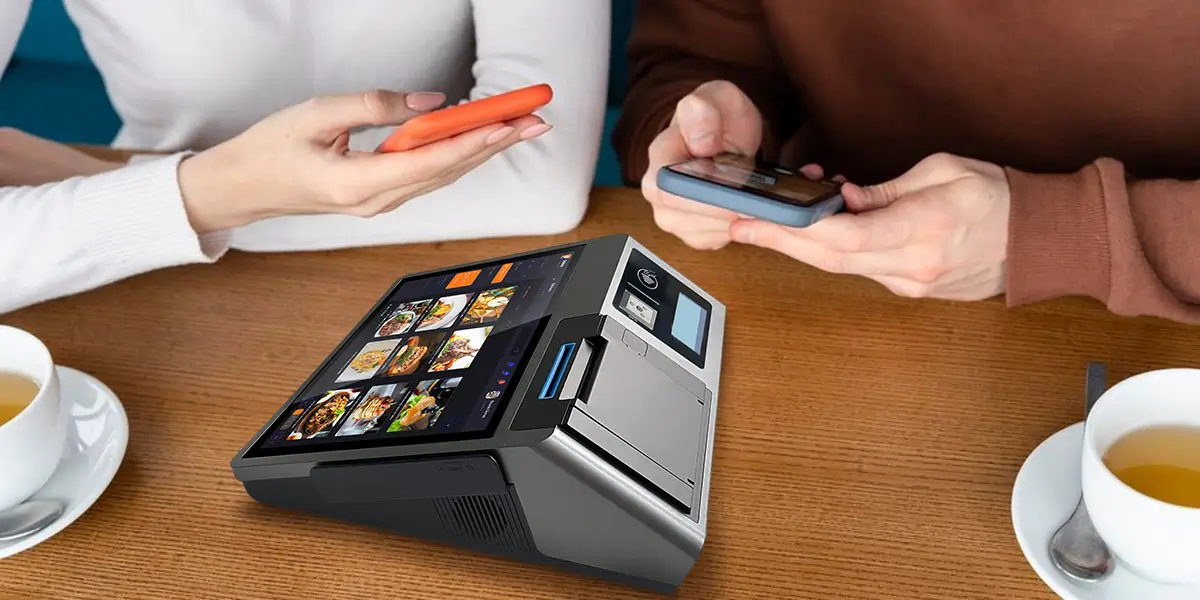
A POS system that only processes payment is leaving operational value on the table. The data generated by every transaction — what was sold, when, by whom, to which customer category, at what margin — is the raw material for the operational decisions that determine whether a business grows or stagnates.
85% of operators cite integration capabilities as their top priority when selecting POS software, recognizing that a POS connected to inventory, CRM, accounting, and reporting transforms from a checkout tool into a business intelligence platform. Omnichannel POS adoption rose by 48% among mid-sized businesses in 2025, reflecting the shift toward systems that unify in-store, online, and mobile sales data in a single operational view.
For a business owner evaluating POS options, the right question is not "what does this system cost?" but "what decisions will this system help me make?" If you're specifically comparing options as a small business, this complete buyer's guide to POS systems for small business in 2026 narrows the broader landscape down to vendor-level recommendations.
That is what a modern point of sale system actually is.
A point of sale system is not a piece of hardware that sits on a counter. It is the operational infrastructure that connects every transaction your business processes to the inventory, financial, and customer data that allows you to run the business intelligently. The global POS market reached $49.8 billion in 2024 for a reason: businesses across every sector have recognized that the gap between a checkout tool and a business management platform is where real operational leverage lives.
For a business owner evaluating options, the starting point is not the hardware spec sheet or the monthly software price — it is the question of what the system needs to do. Which payment methods must it support? What inventory and reporting functions are non-negotiable? Does it need to scale across multiple locations? Is the payment provider you want to use compatible with the hardware you are considering? A system that answers all of these correctly, at a total cost of ownership that makes sense for your transaction volume, is the right POS system — regardless of brand or price point.
The right POS system is not the most expensive one, or the one with the most features. It is the one that fits how your business actually operates today and has the platform flexibility to grow with it.

Q1: What is the difference between a POS system and a payment terminal?
A payment terminal processes a card transaction and returns an approval or decline. A POS system does that and much more — it manages order entry, updates inventory in real time, generates sales reports, handles employee access controls, and integrates with loyalty and accounting platforms. A payment terminal is one component of a POS system, not a substitute for one.
Q2: Does a POS terminal come with payment certification built in?
No. Payment certifications — PCI DSS compliance, EMV approval, and regional scheme authorizations — sit with the payment service provider (PSP) and the payment application they deploy on the hardware, not with the terminal itself. When choosing a POS terminal, evaluate the hardware and your payment provider as two separate decisions, and confirm they are compatible before purchasing either.
Q3: What is a point of sale purchase, and how is it different from an online transaction?
A point of sale purchase is completed at the physical moment and location of sale — a customer paying in-store, at a counter, or at a market stall. This is distinct from a card-not-present transaction, such as an online checkout, where the physical card is not used. The two transaction types carry different fraud risk profiles, different interchange rates, and in some cases different compliance requirements for the merchant.
Q4: Can a small business run a POS system without a fixed internet connection?
Yes, provided the system supports offline mode. A well-designed POS terminal caches transactions locally when connectivity drops and syncs automatically when the connection restores — with no manual staff intervention required. This is a capability worth verifying specifically before purchase, particularly for businesses in locations where internet reliability is inconsistent.
Q5: What is the difference between a cloud-based POS and a local server POS?
A cloud-based POS stores data remotely and requires internet connectivity for full functionality, but offers remote reporting access and automatic software updates. A local server POS runs on hardware within the venue, operates independently of external connectivity, and provides the most reliable performance in environments where internet outages during peak hours would be operationally damaging. Most small businesses are well-served by a cloud system with a robust offline mode; high-volume venues often prefer a hybrid approach.
Related Posts
1. What Are the Key Differences Between Android POS and Windows POS?






 Home
Home  Why Choose a Mobile Payment Terminal for Your Business Needs?
