2025-10-05 Author : ZCS
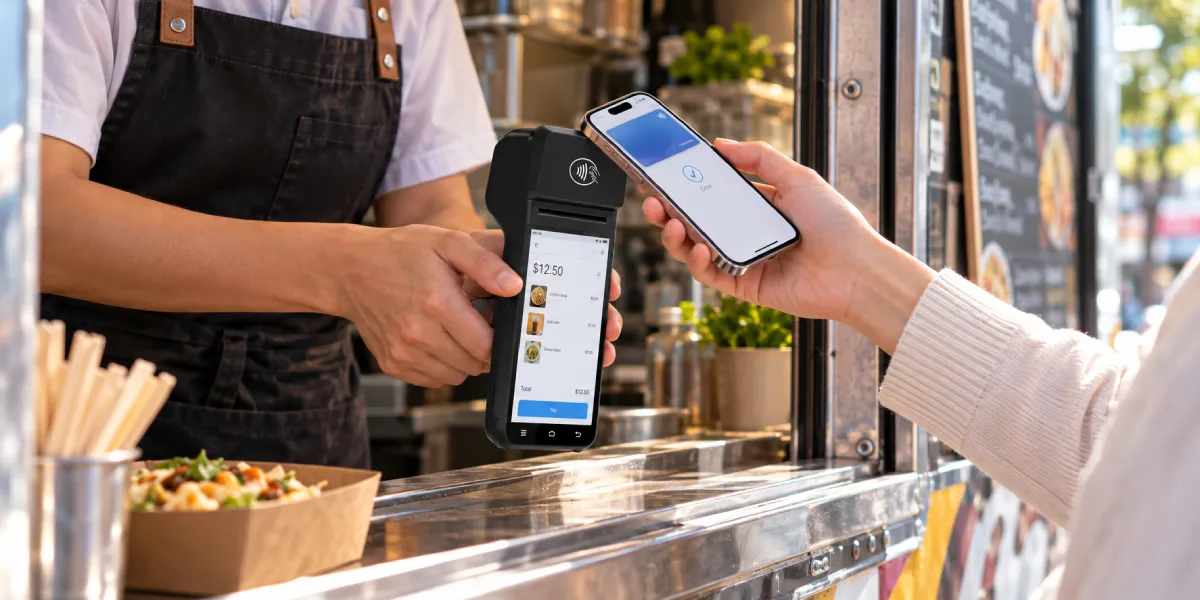
Definition: Tap-on-Phone POS is a software-based payment solution that allows merchants to use a compatible smartphone as a contactless payment terminal without connecting a separate card reader.
Also known as SoftPOS or Tap to Pay, this technology uses the phone's built-in NFC interface to accept payments from contactless debit cards, credit cards, mobile wallets, and compatible wearables.
A cell phone POS system can also integrate with business applications for order management, digital receipts, inventory tracking, and sales reporting.
| Feature | Phone POS (SoftPOS) | Mobile POS (mPOS) | Dedicated POS Terminal |
|---|---|---|---|
| Payment hardware | Compatible smartphone | Phone with card reader or mobile terminal | Dedicated payment device |
| Contactless payments | Supported | Supported on compatible devices | Supported on compatible devices |
| Chip card insertion | No built-in slot on standard phones | Depends on the reader | Available on selected terminals |
| Receipt printing | Digital or external printer | Depends on configuration | Often integrated |
| Initial investment | Relatively low | Low to moderate | Configuration-dependent |
| Best for | Small merchants and occasional payments | Mobile businesses and retail staff | Frequent transactions and complex checkout workflows |
Technical overview: A smartphone POS system combines NFC communication, payment software, device security controls, and a connection to a payment service provider.
The entire process uses NFC-enabled contactless payments, allowing customers to complete purchases without inserting their cards into a physical reader.
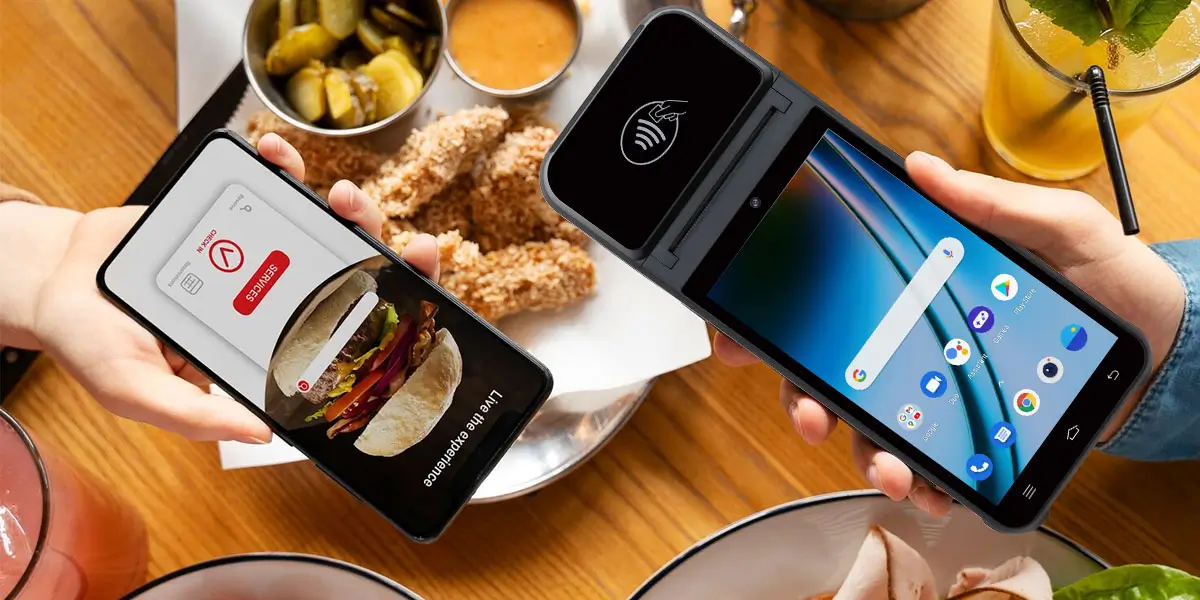
Device requirements: A standard NFC-enabled smartphone must meet the supported-device and security requirements of the selected payment application.
| Requirement | Purpose |
|---|---|
| Built-in NFC | Communicates with contactless cards and wallets |
| Supported Android or iOS version | Enables application compatibility |
| Approved SoftPOS application | Manages payment acceptance |
| Device integrity | Helps protect the payment environment |
| Internet connectivity | Supports authorization and transaction processing |
| Merchant account | Enables the business to receive payments |
Before converting a smartphone into a payment terminal, merchants should review the specific Android payment hardware requirements and their payment provider's supported-device list.
NFC availability alone does not establish payment eligibility. The payment application, operating system, device configuration, and payment provider must work together.
A smartphone POS is particularly attractive for entrepreneurs evaluating POS systems for small businesses with limited initial budgets.
Payment security: Tap-on-Phone POS relies on validated payment software and device security controls to protect cardholder data.
PCI Mobile Payments on COTS (MPoC) provides a security framework for payment acceptance solutions operating on commercial off-the-shelf devices such as smartphones and tablets.
Important security considerations include:
Businesses should select an approved payment solution and check its applicable PCI listing. The PCI MPoC standard provides further information about the security requirements for mobile payment acceptance.
Restaurants and Cafes: Servers can accept contactless payments at the table without requiring customers to visit a fixed checkout counter.
Retail Stores and Boutiques: Sales associates can complete purchases on the shop floor and provide additional checkout capacity during busy periods.
Food Trucks and Street Vendors: Smartphone payments reduce the amount of equipment required for temporary and mobile selling environments.
Events and Pop-up Shops: Temporary merchants can deploy payment acceptance without purchasing permanent checkout infrastructure.
Delivery Services: Couriers and field employees can collect payments when delivering products or completing services.
Professional Services: Freelancers, consultants, and mobile service providers can accept card payments at customer locations.
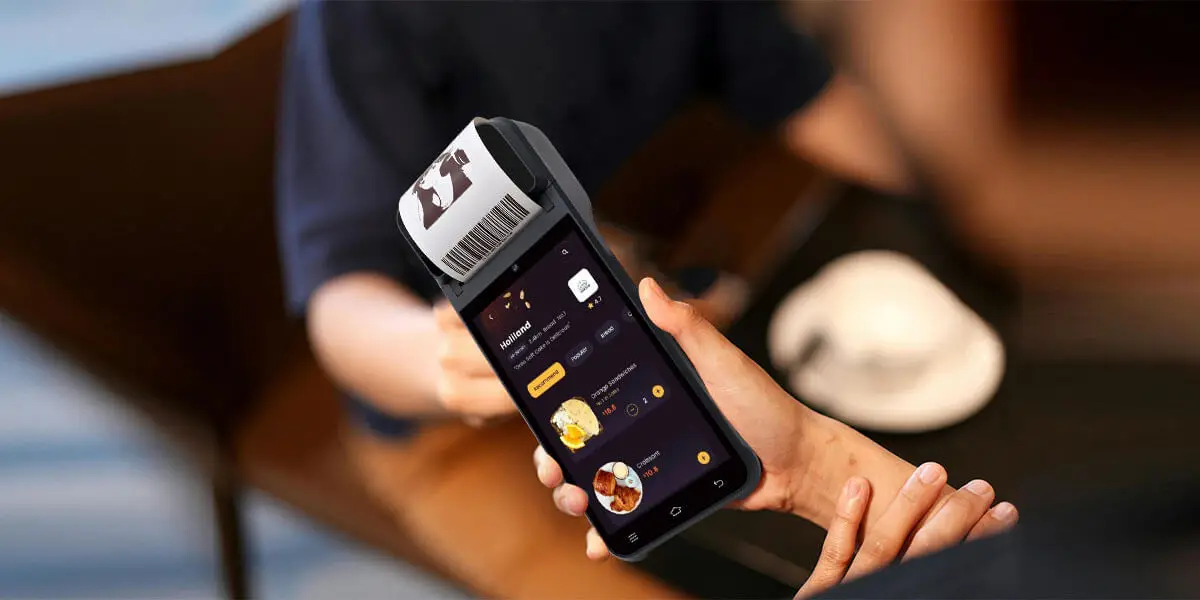
Smartphone POS systems are particularly suitable for simple contactless payment workflows. Businesses with more demanding operations should consider the following limitations.
| Business requirement | Recommended starting point |
|---|---|
| Occasional contactless payments | Tap-on-Phone POS |
| Low-cost mobile payment acceptance | Tap-on-Phone POS |
| Integrated receipt printing | Dedicated POS terminal |
| Continuous checkout operations | Dedicated POS terminal |
| Chip, swipe, and contactless acceptance | Compatible dedicated payment terminal |
| Flexible mobile and fixed checkout | Hybrid POS deployment |
The choice between Tap to Pay and dedicated POS terminals depends on payment methods, transaction frequency, business applications, and the physical checkout environment.
A hybrid deployment can also combine smartphones for occasional mobile payments with dedicated terminals for primary checkout operations.

A POS phone is a compatible smartphone configured to accept payments through a point-of-sale or SoftPOS application. It uses supported payment technology, including built-in NFC, to function as a mobile payment terminal.
Yes. A compatible smartphone can accept contactless payments when it runs an approved payment application and is connected to a supported payment service provider.
Phone POS is a general term for using a smartphone in a point-of-sale workflow. SoftPOS specifically refers to software-based payment acceptance using the device's built-in contactless capabilities.
An approved Tap-on-Phone solution incorporates payment security controls appropriate to its certification and deployment. Merchants should use supported devices and applications from authorized payment providers.
Offline payment support varies by payment provider and application. Merchants should confirm whether transactions can be accepted during connectivity interruptions and what risks apply to deferred authorization.
A smartphone POS can handle payment acceptance for many small and mobile businesses. Businesses requiring advanced inventory management, integrated printing, multiple payment methods, or continuous checkout may need additional software or dedicated equipment.
Compatible SoftPOS applications can accept supported contactless mobile wallets, including Apple Pay and Google Pay, depending on the payment provider and market.
Tap-on-Phone POS provides a practical way for businesses to turn compatible smartphones into contactless payment terminals. Its low initial investment and portability make it attractive for small merchants, pop-up shops, delivery services, and mobile retail operations.
Businesses should evaluate device compatibility, payment security, supported payment methods, transaction costs, and operational requirements before selecting a smartphone POS solution.






 Home
 Can POS Systems Generate Sales Reports and Analytics?

