 Home


 Inquiry Now
 Download





Android Tablet POS System for Restaurant and Retail Software
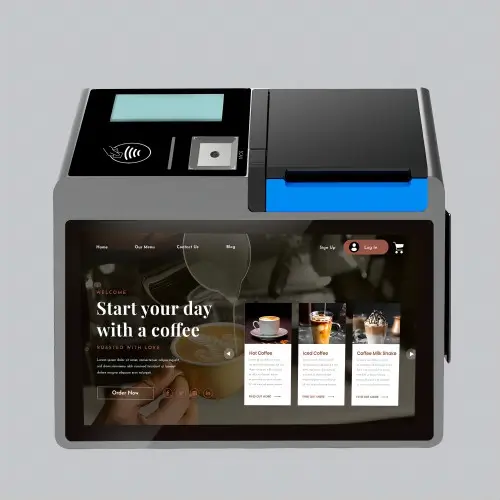
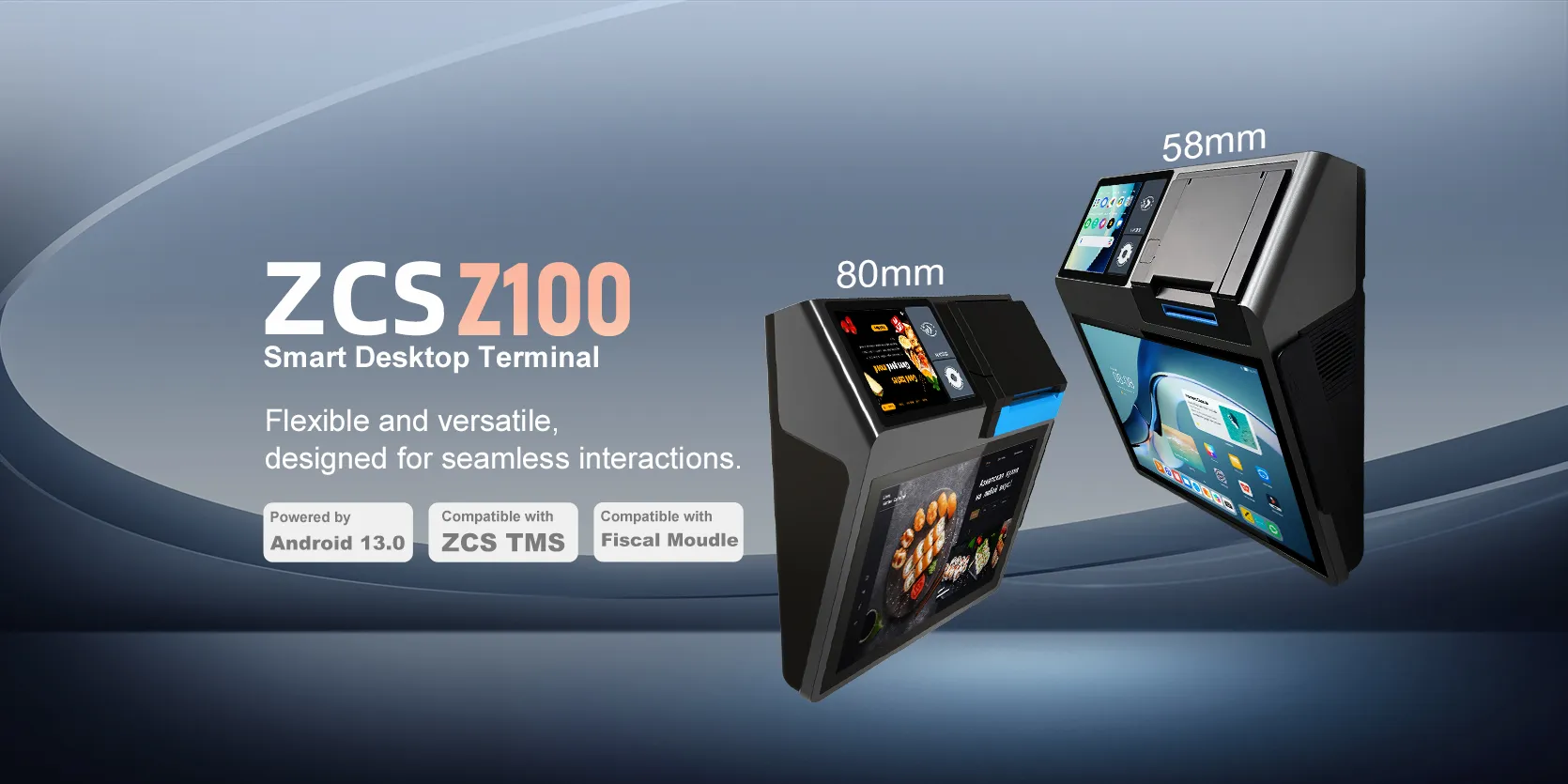
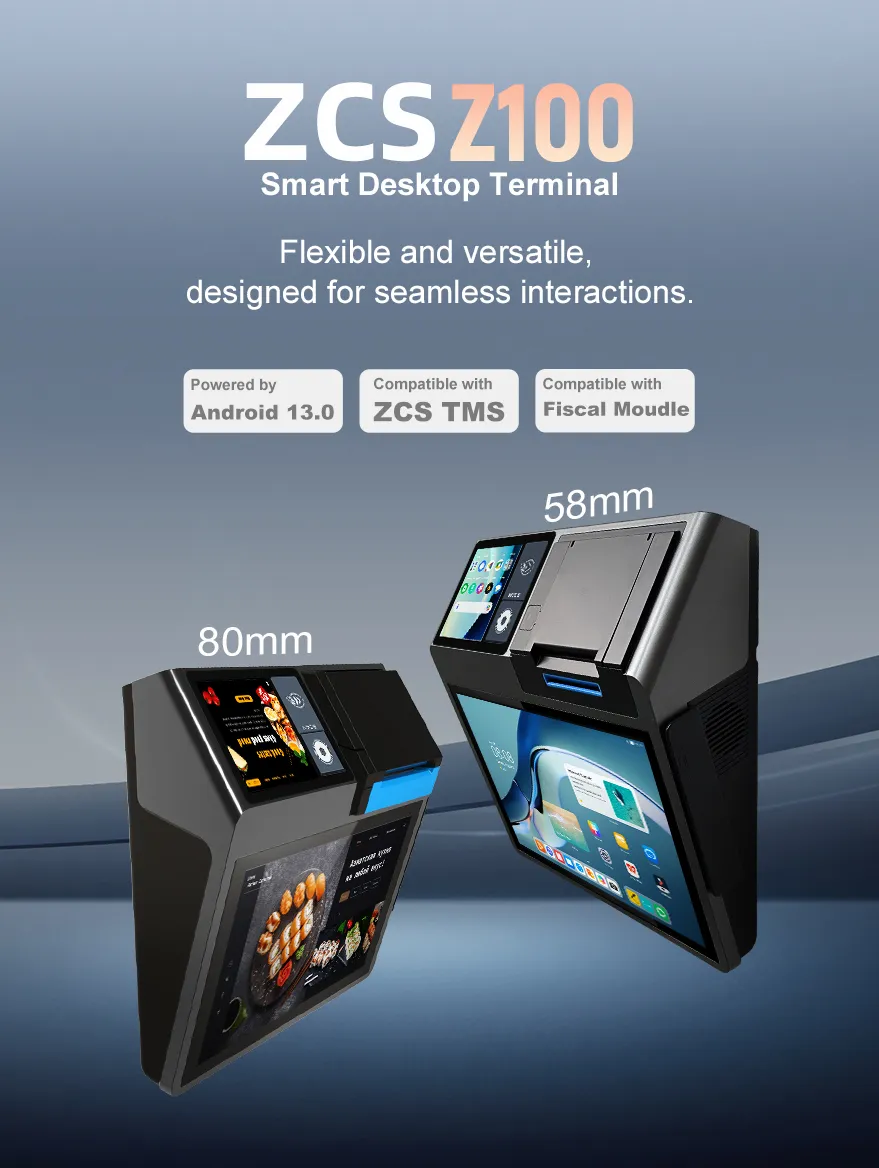
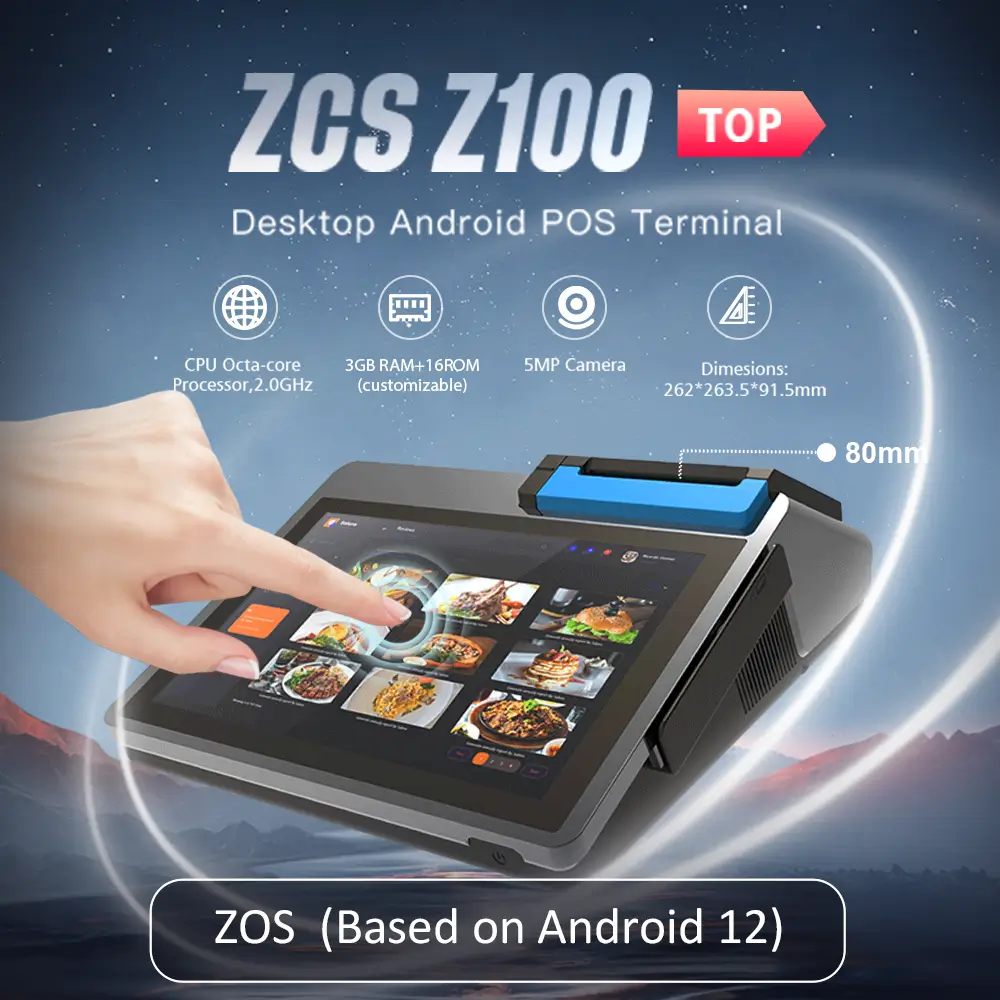
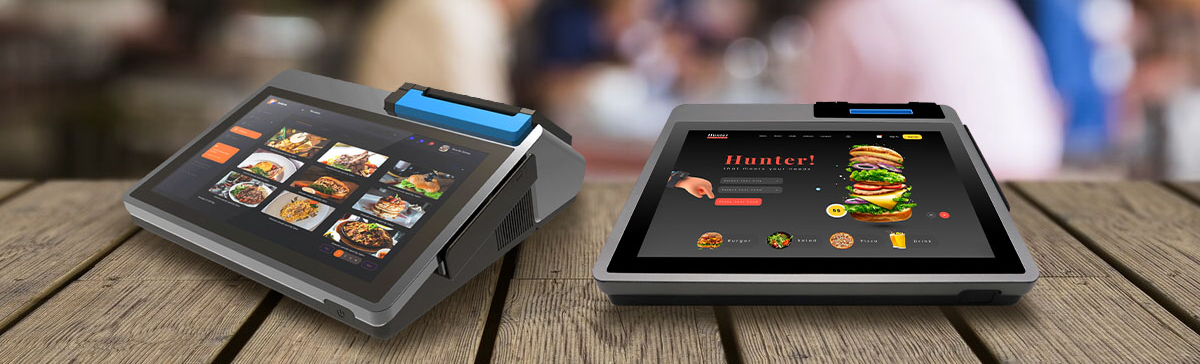
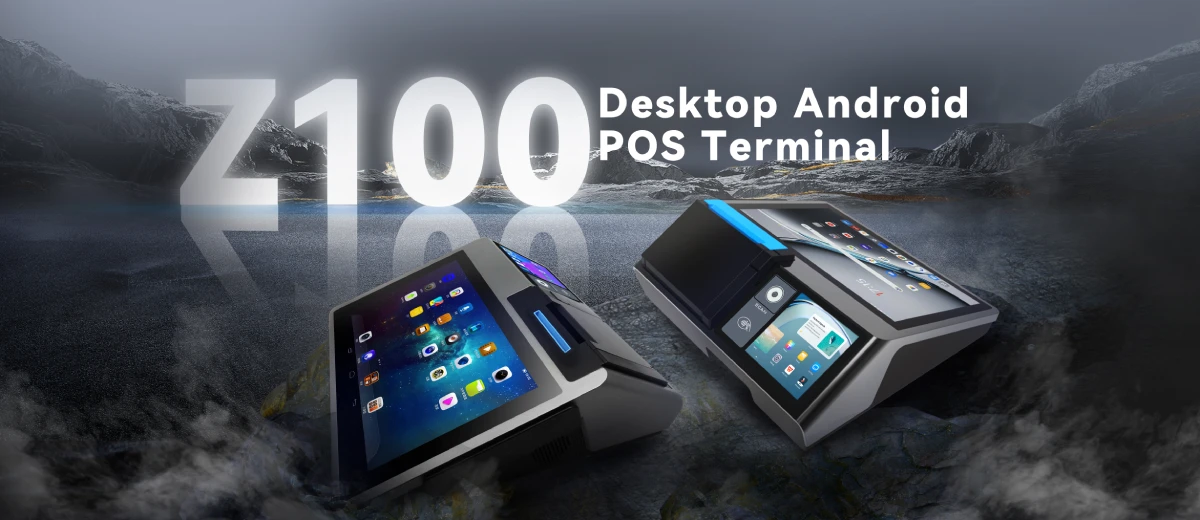
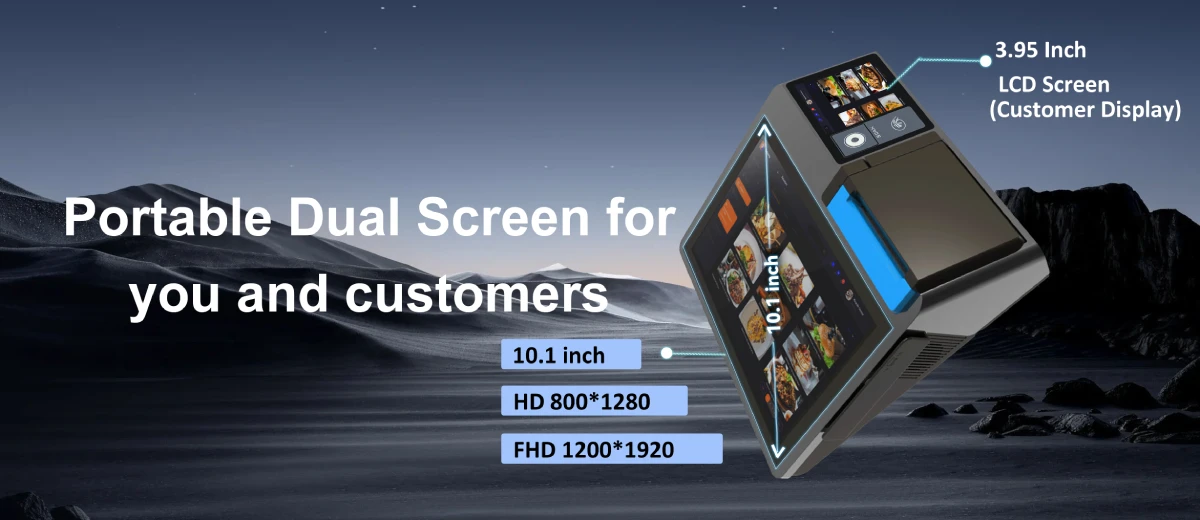
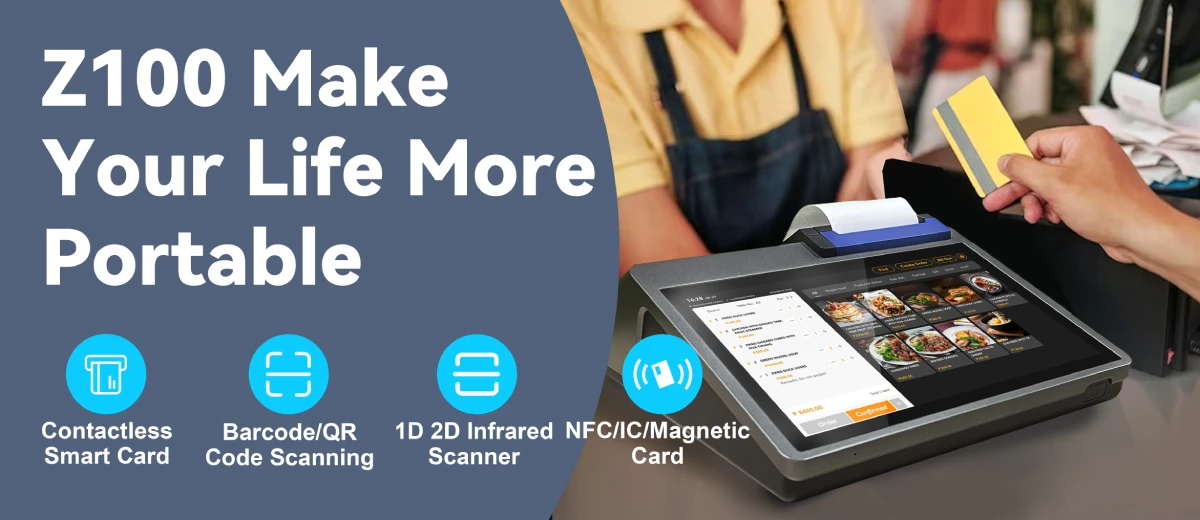
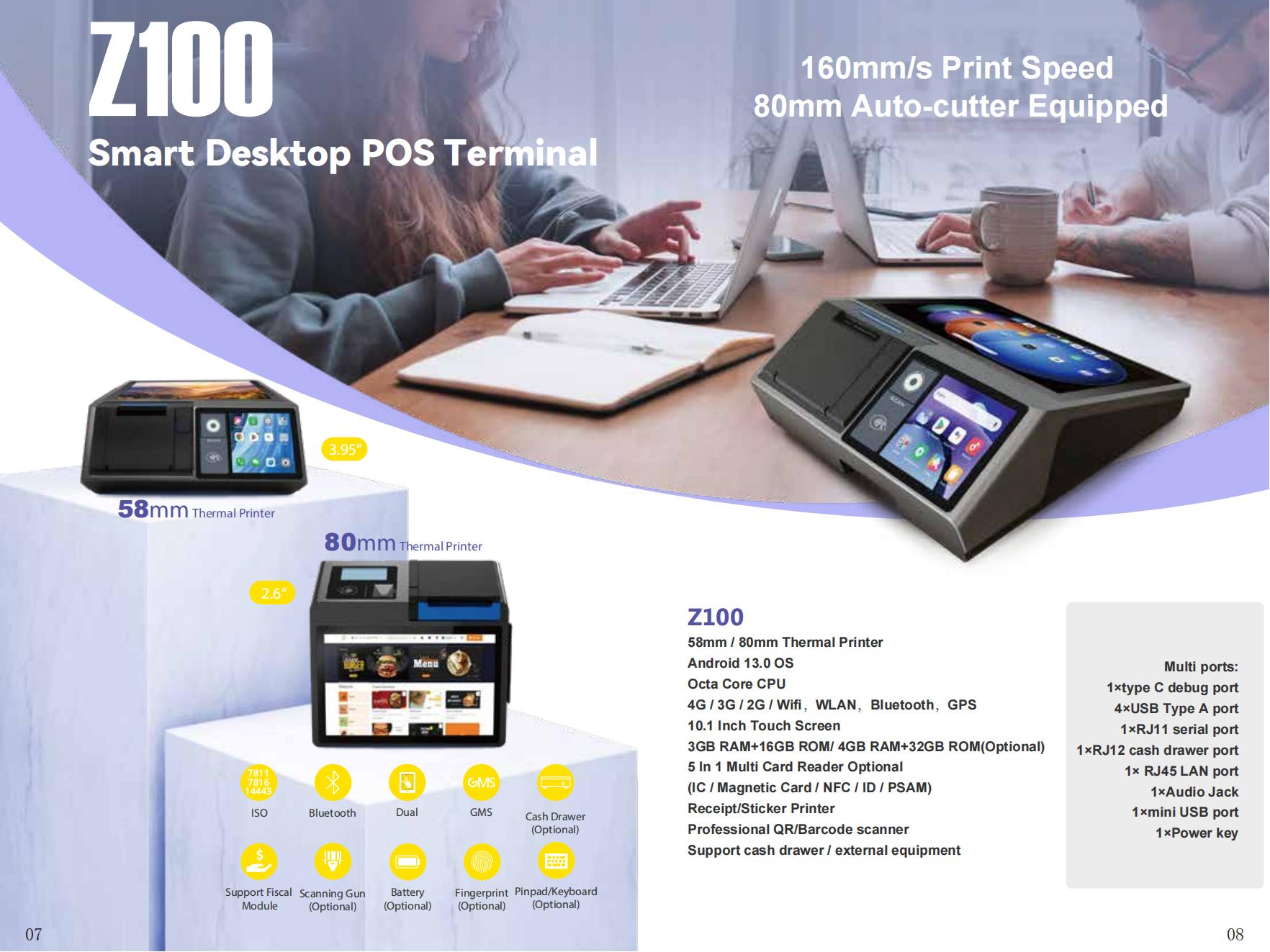
The ZCS Z100 Android tablet POS system is an all-in-one dual-display terminal designed for restaurant ordering and retail checkout. It combines a 10.1-inch operator touchscreen with a 2.6-inch or 3.95-inch customer display for clear order confirmation and efficient counter service.
This all-in-one POS tablet provides integrated receipt printing, optional card-reading hardware and multiple peripheral connections in one fixed-counter platform. Android software providers can deploy compatible ordering, membership, inventory or checkout applications according to the selected operating system, memory and hardware configuration.
1. Dual Displays for Ordering and Customer Confirmation
- ● 10.1-inch operator touchscreen: provides space for menus, product selection, order editing and other application-controlled workflows.
- ● 2.6-inch or 3.95-inch customer display: can show order details, totals, QR codes or promotional content when supported by the installed application.
- ● Same-screen or different-screen presentation: the two displays can support mirrored or application-controlled content according to the selected software and device configuration.
- ● Fixed-counter format: the integrated screen, printer and connection ports reduce the number of separate devices around the service counter.
For an explanation of customer-facing displays and software-controlled dual-screen workflows, read how dual-screen POS terminals work.
2. Tablet POS Applications
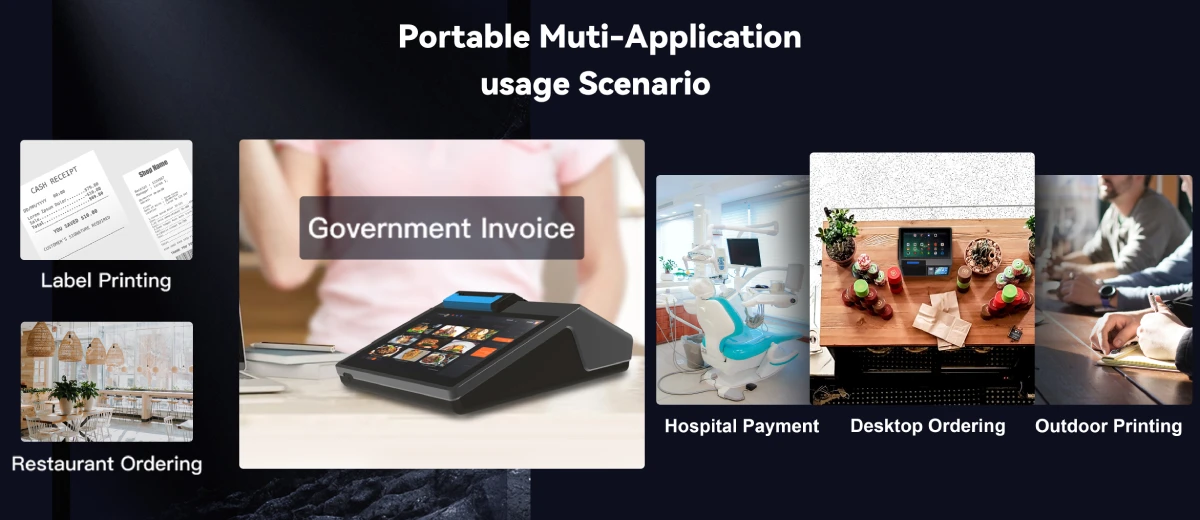
Restaurants and cafés: Compatible applications can support menu browsing, counter ordering, order confirmation and receipt printing. Kitchen routing, table management, split billing and online ordering depend on the installed restaurant software.
Quick-service and takeaway counters: The touchscreen and customer display can support order review, pickup numbers and QR presentation, while the integrated printer produces application-generated receipts or order tickets.
Retail checkout: Retail software can use the Z100 for product lookup, inventory-related tasks, membership workflows and customer-facing order confirmation. Optional scanners, card readers and cash-drawer connections must be matched to the application and electrical requirements.
Software demonstrations and branded deployments: POS software providers, distributors and system integrators can use the Z100 as a consistent Android hardware platform for application demonstrations, pilot projects and multi-site deployment.
3. Printing, Card Reading and Peripheral Options
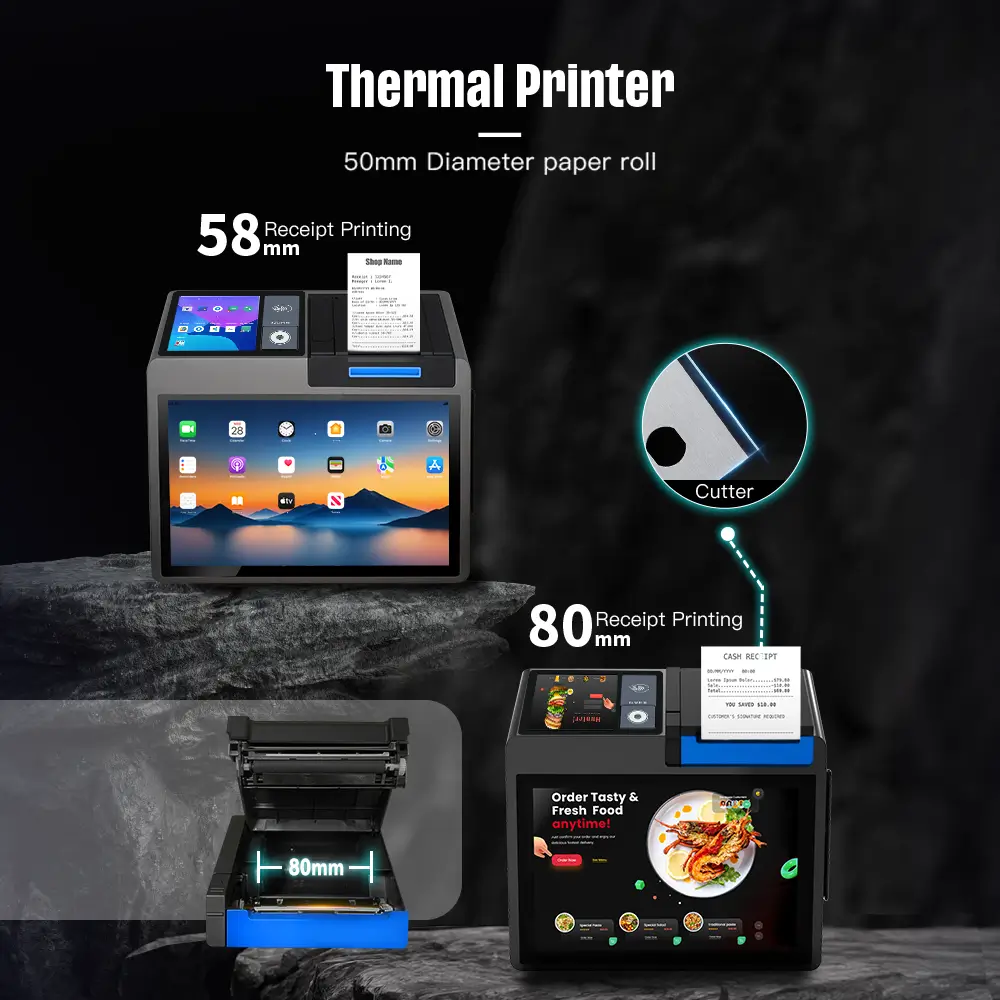
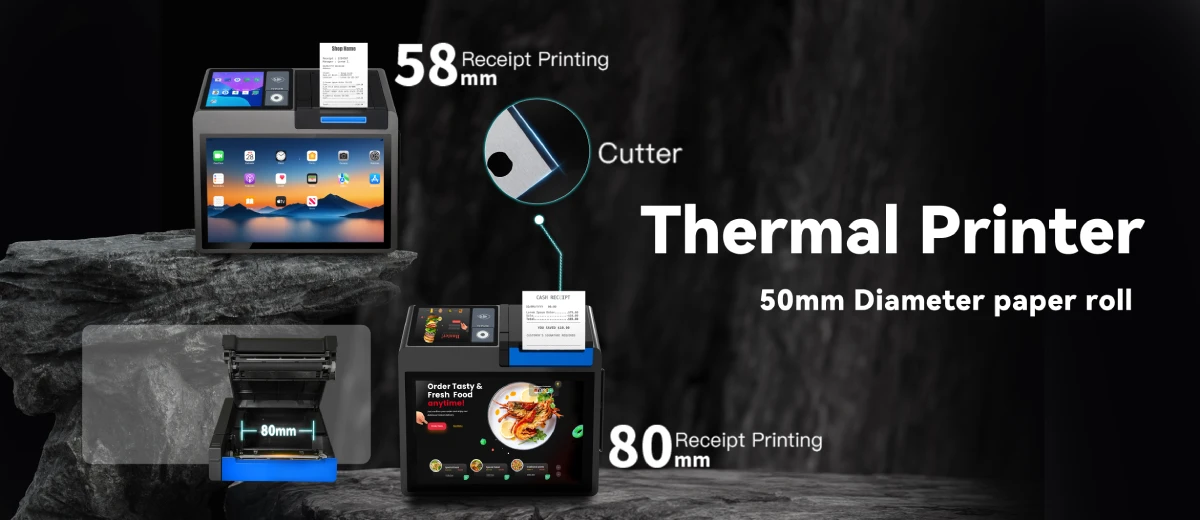
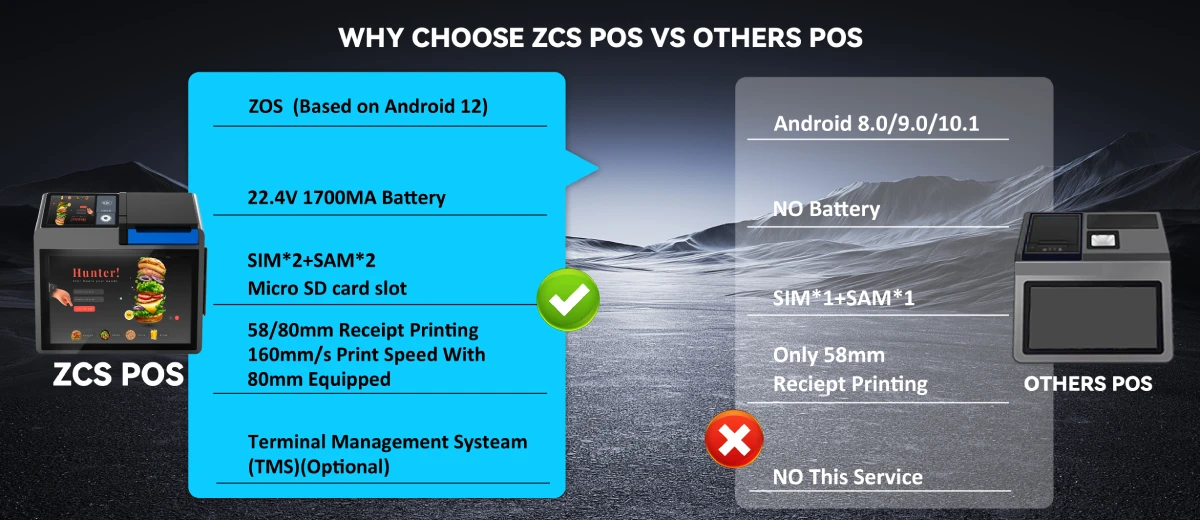
The Z100 can be configured with a 58mm or 80mm thermal printer according to the project. Print templates, paper width, auto-cutter behavior, character sets, logos, barcodes, paper-out handling and reprint logic should be tested with the intended application before deployment.
Card-reading configurations can include NFC, magnetic-stripe and IC chip cards, with two PSAM slots for supported applications. Hardware availability does not by itself confirm payment application approval, acquiring connectivity or complete terminal certification for a destination market. Confirm the reader, protocols, software and applicable documents as one tested configuration.
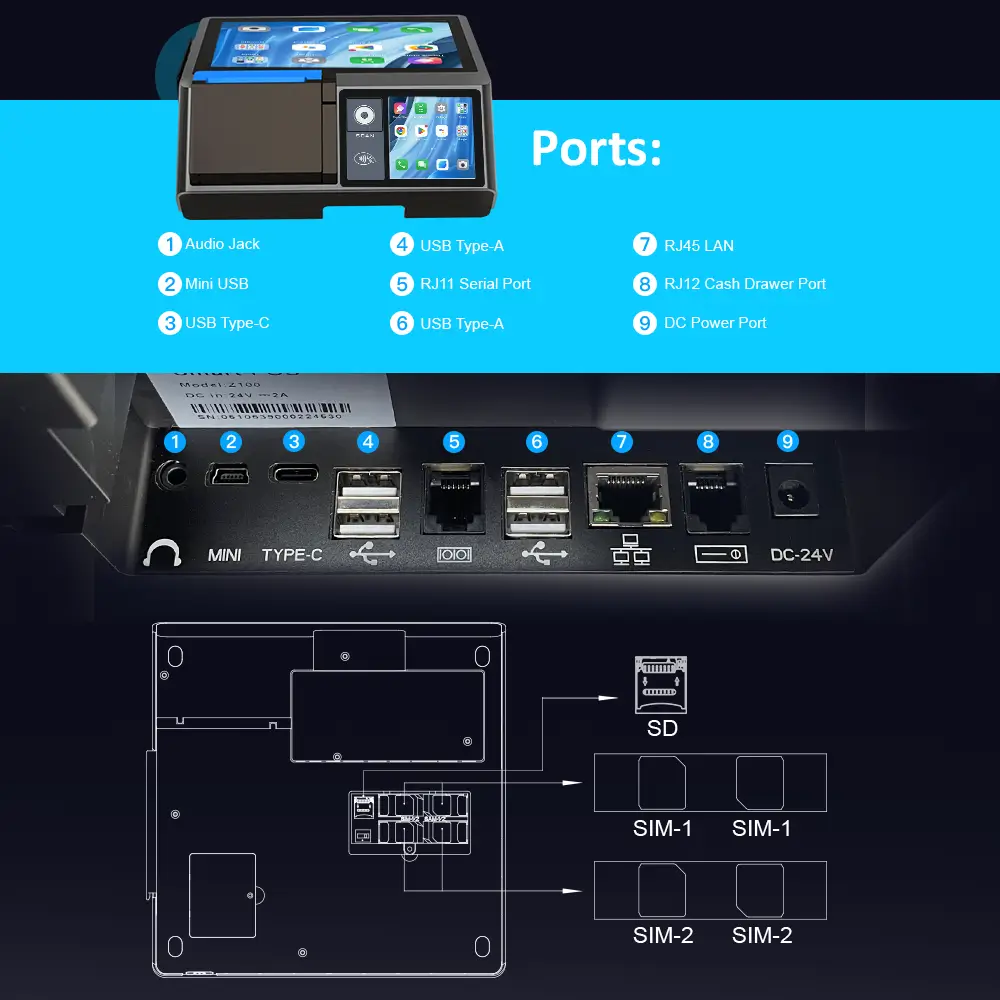
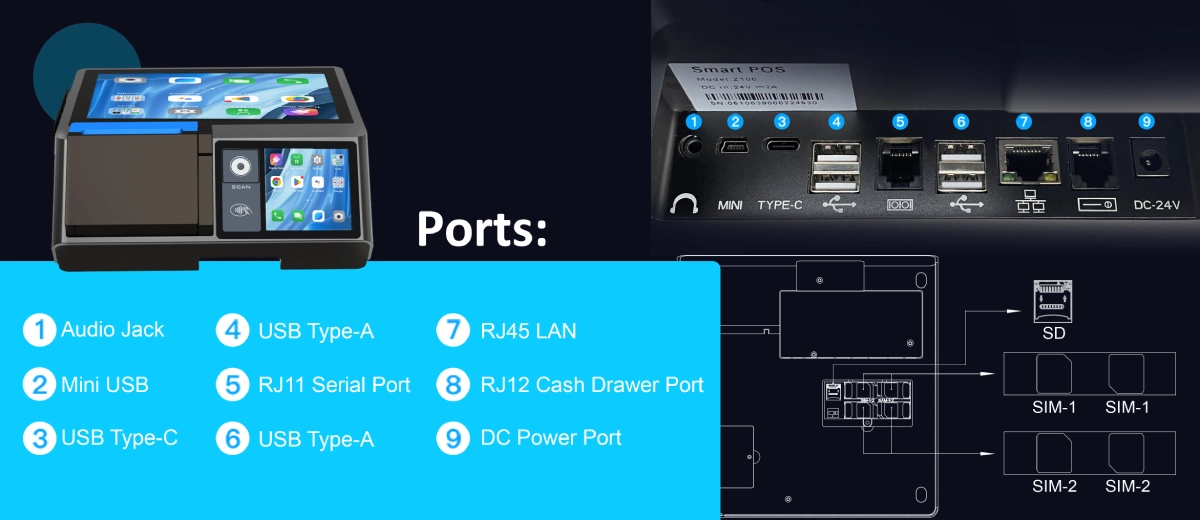
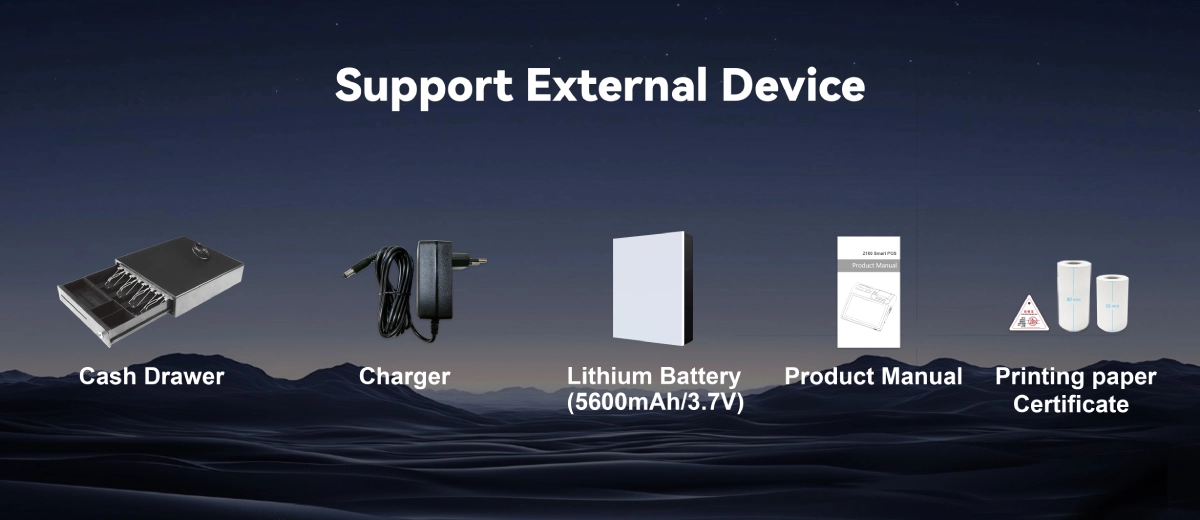
USB, RJ11, RJ12 and RJ45 ports can support compatible peripherals such as barcode scanners, cash drawers, keyboards and wired networks. Confirm pin definitions, power requirements, drivers and software support before selecting external equipment.
4. Android POS Software and OEM Integration
Software teams can review the available Android POS SDK resources when evaluating printer control, card-reader access, device information and supported peripherals. Confirm the Z100 hardware revision, Android build, firmware, device service and SDK version as one compatibility set.
For branded projects, discuss application pre-installation, logo treatment, packaging and the available hardware scope through the OEM and ODM POS customization service. Final capabilities, quantities and lead times must be confirmed in the quotation and production sample.
5. Choose the Right Z100 Page
Choose this page when the priority is an Android tablet POS system for restaurant or retail software. For a retail configuration centered on cash-drawer, scanner and checkout-counter operation, compare the Z100 Android cash register. For projects centered on 80mm receipt printing, review the Z100 80mm POS terminal.
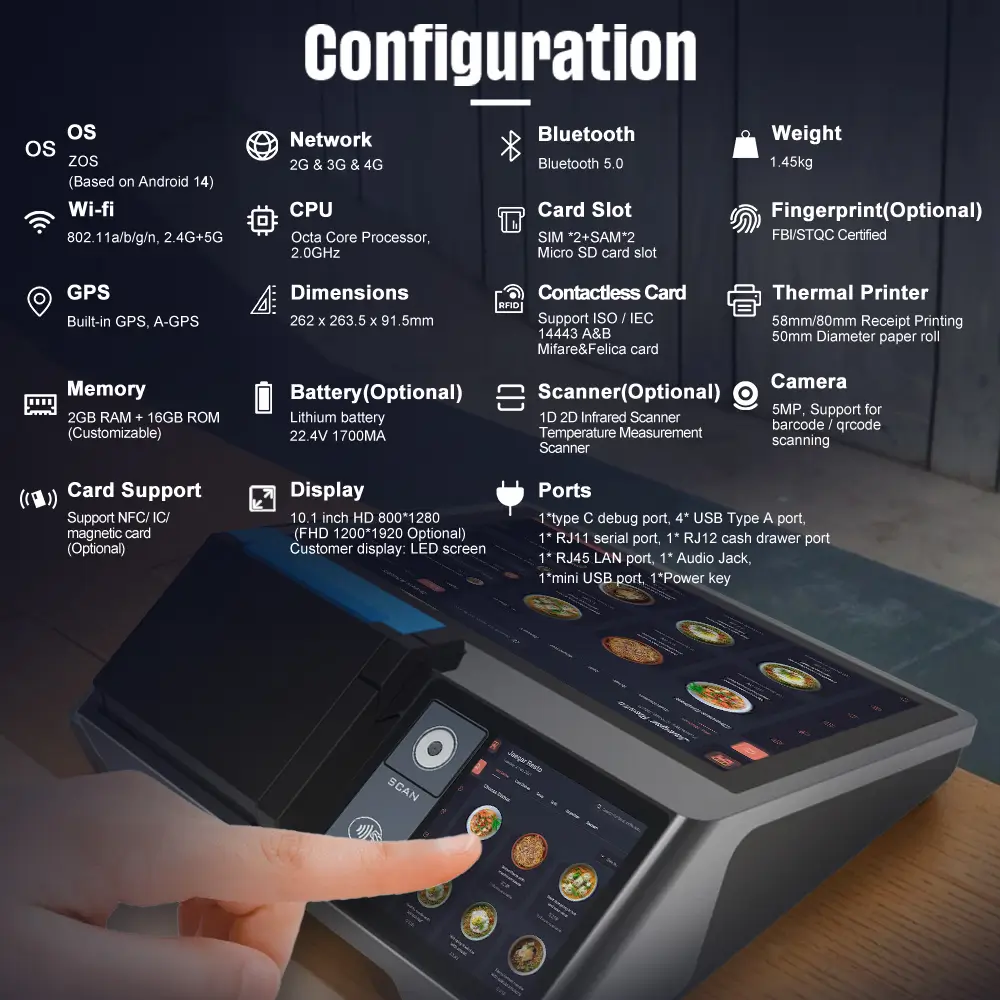
6. Z100 Tablet POS Technical Specifications
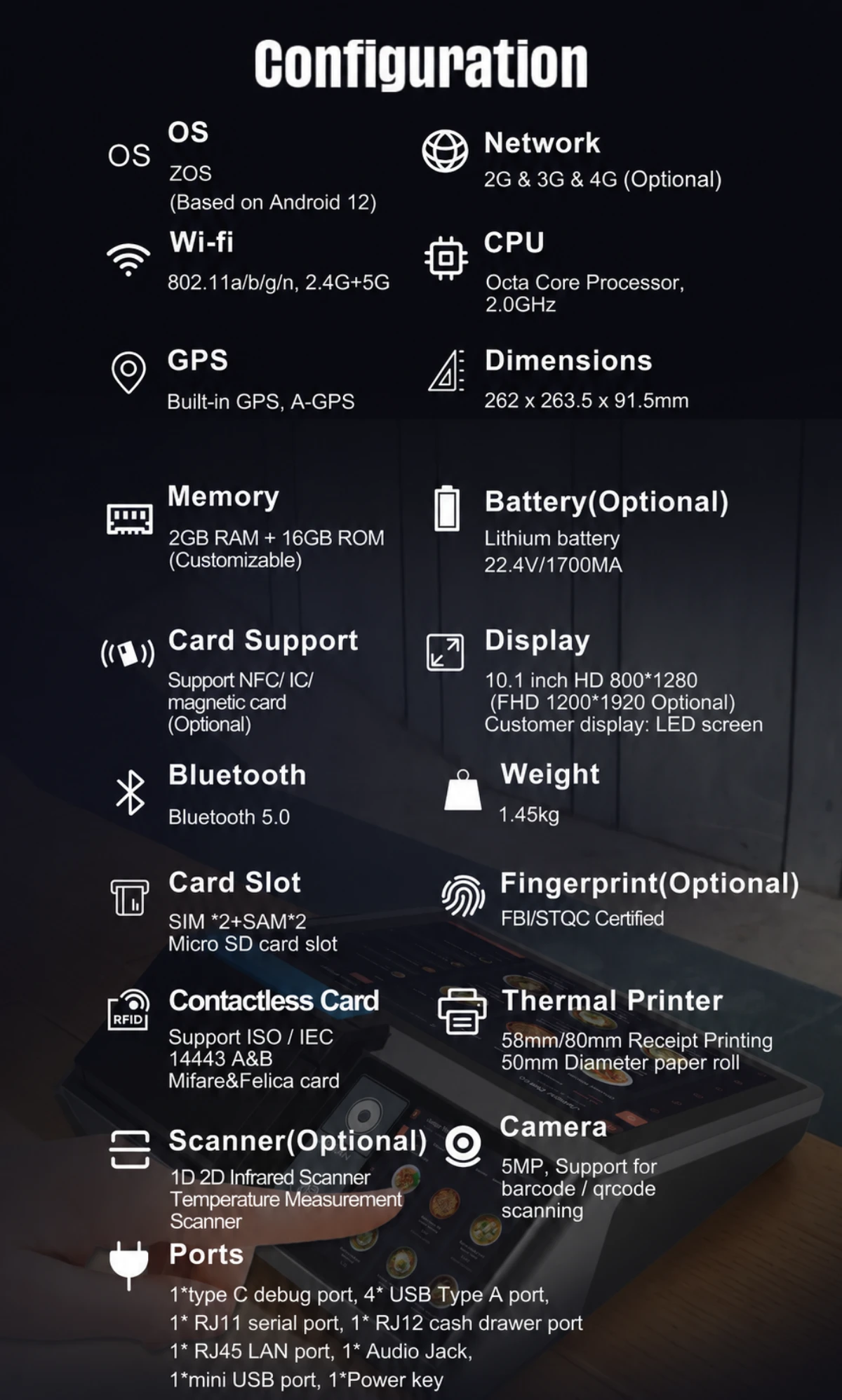
| Z100 Android Tablet POS System | |
|---|---|
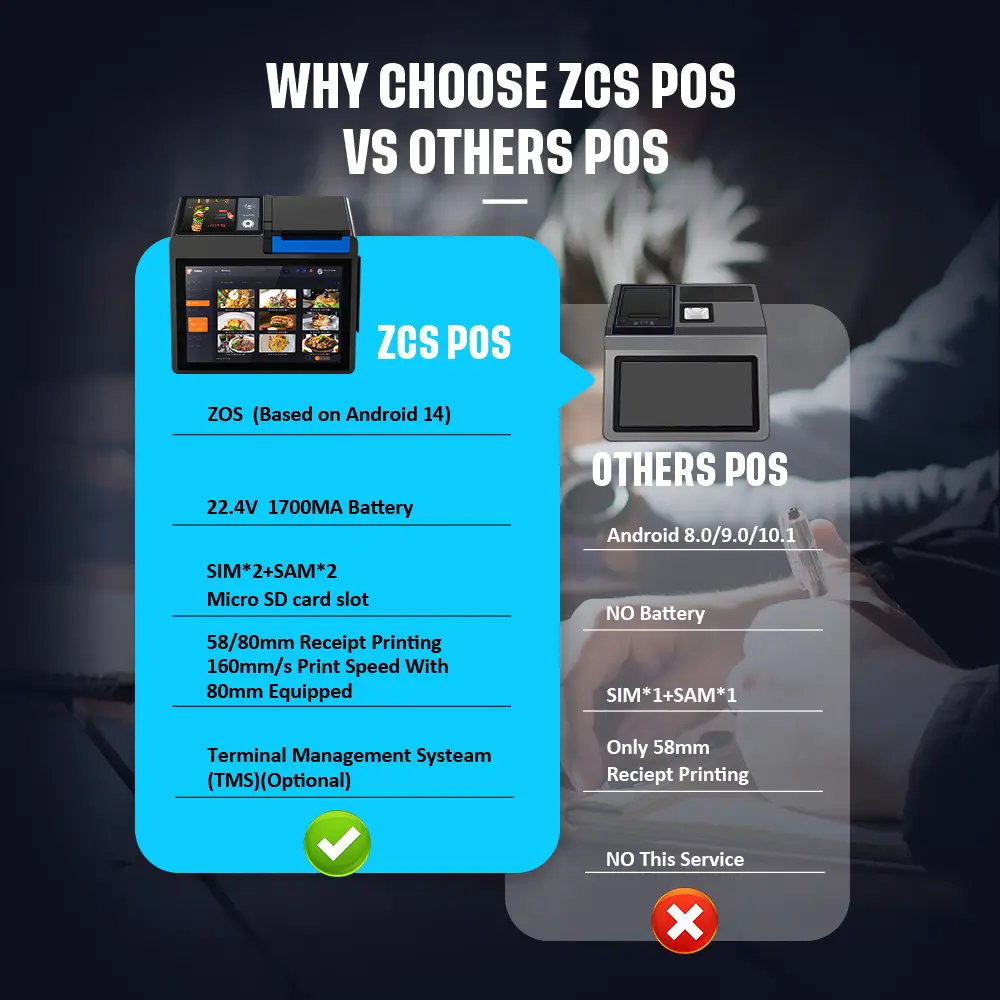
| Operating System | Android 11; Android 12 or Android 13 optional |
| Processor | Octa-core processor up to 2.0GHz; deca-core processor up to 2.3GHz optional |
| Memory | 2GB RAM + 16GB eMMC; 3GB RAM + 16GB eMMC optional |
| Main Display | 10.1-inch capacitive multi-touch screen; 800 × 1280 HD resolution; 1200 × 1920 Full HD optional |
| Customer Display | 2.6-inch or 3.95-inch customer-facing display; supports same-screen or different-screen content according to software integration |
| Thermal Printer | 58mm thermal printer; 80mm optional; maximum paper-roll diameter 60mm |
| Card Reader | NFC, magnetic-stripe and IC chip cards; 2 PSAM slots |
| Camera and Scanning | 5MP camera; 13MP optional; supports barcode and QR code scanning |
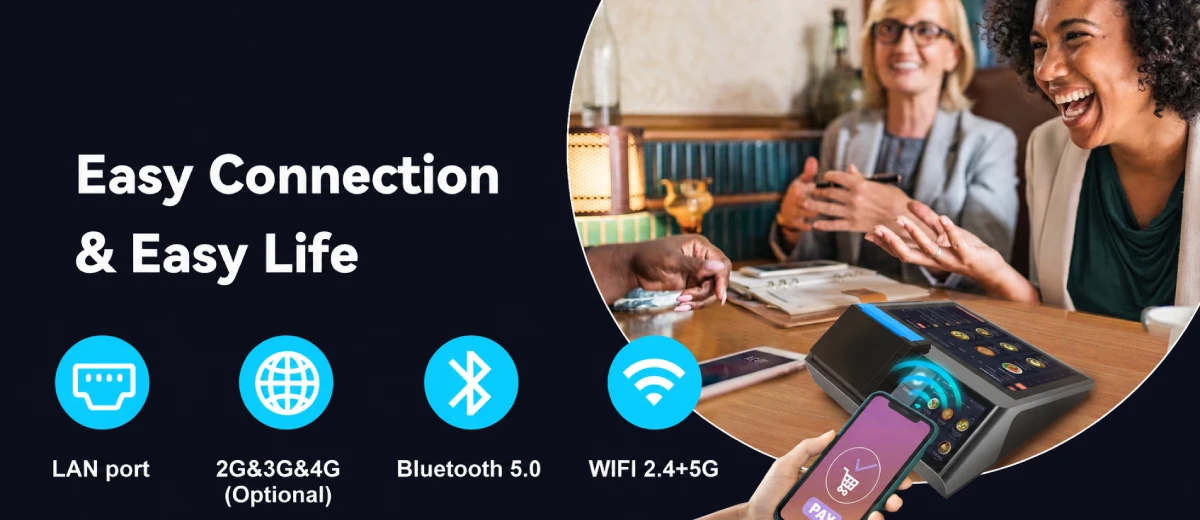
| Wi-Fi and Bluetooth | Dual-band 2.4GHz/5GHz Wi-Fi, IEEE 802.11 a/b/g/n/ac; BLE 5.0 |
| Mobile Network | 2G/3G/4G(Optional) support; confirm regional frequency bands and network compatibility before ordering |
| Positioning and Expansion | GPS, BeiDou and GLONASS; 2 SIM slots; 2 PSAM slots; Micro SD support up to 128GB |
| Ports | USB Type-A ×4, USB Type-C ×1, RJ11 ×1, RJ12 ×1, RJ45 ×1, Mini USB ×1 and 12V/3A DC port |
| Optional Modules and Peripherals | Fiscal module, fingerprint module, barcode scanner, cash drawer and PIN pad keyboard; confirm compatibility |
| Optional Battery | 7.4V/2800mAh lithium battery |
| Dimensions and Weight | 262 × 263.5 × 91.5mm; approximately 1.45kg |
| Power Adapter | Input: 110–240V AC; output: 12V DC/3A |
| Operating Environment | Working temperature: 0–40°C; storage temperature: -10–60°C |
Processor, operating system, memory, customer display, printer, camera, cellular bands, battery and optional modules vary by configuration. Confirm the final bill of materials and test the exact sample before volume deployment.
7. Z100 Tablet POS FAQ
Does the Z100 include restaurant or retail software?
The Z100 is an Android hardware platform. Ordering, inventory, loyalty, kitchen routing and payment functions depend on the installed software and integrations.
Can the customer display show different content from the operator screen?
The product family can support mirrored or different content. Confirm the Android build, display interface and application behavior during sample testing.
Which printer should a project choose?
Choose 58mm for compact receipts and order tickets. Consider the 80mm configuration when detailed receipts or wider layouts are required. Test the exact paper and template before ordering.
Can scanners and cash drawers be connected?
The Z100 provides multiple connection ports, but electrical requirements, drivers, pin definitions and application support must match the selected peripherals.
What should be confirmed before a bulk order?
Confirm the processor, Android version, memory, customer-display size, printer width, camera, card reader, cellular bands, battery, optional modules, peripherals, SDK and destination-market documents.
8. Request a Z100 Sample or Project Quote
Provide the intended application, restaurant or retail workflow, processor, Android version, memory, printer width, customer-display behavior, card-reading requirements, peripherals and estimated quantity. These details help prepare the correct sample for software, printing and dual-display testing.
 Download