
2026-11-04 Author : ZCS
A POS scale connects a measured quantity to a retail transaction. In grocery and fresh-food operations, the scale may send weight to the register, calculate the price itself or print a label for later scanning. The broader grocery store POS guide explains where weighing fits within store operations; this article follows the weight and product data through checkout.
The category boundary depends on which device owns each calculation.
A POS scale is a commercial weighing device used within a point-of-sale workflow. The scale measures gross weight, applies zero or tare to determine net weight, and supplies weight data to a price calculation. Product codes connect that measurement to a unit price, description, tax treatment and inventory record.
The simplest formula is net weight × unit price = item price, but a reliable checkout must also control units, rounding, product identity, stability, legal metrology and error handling.
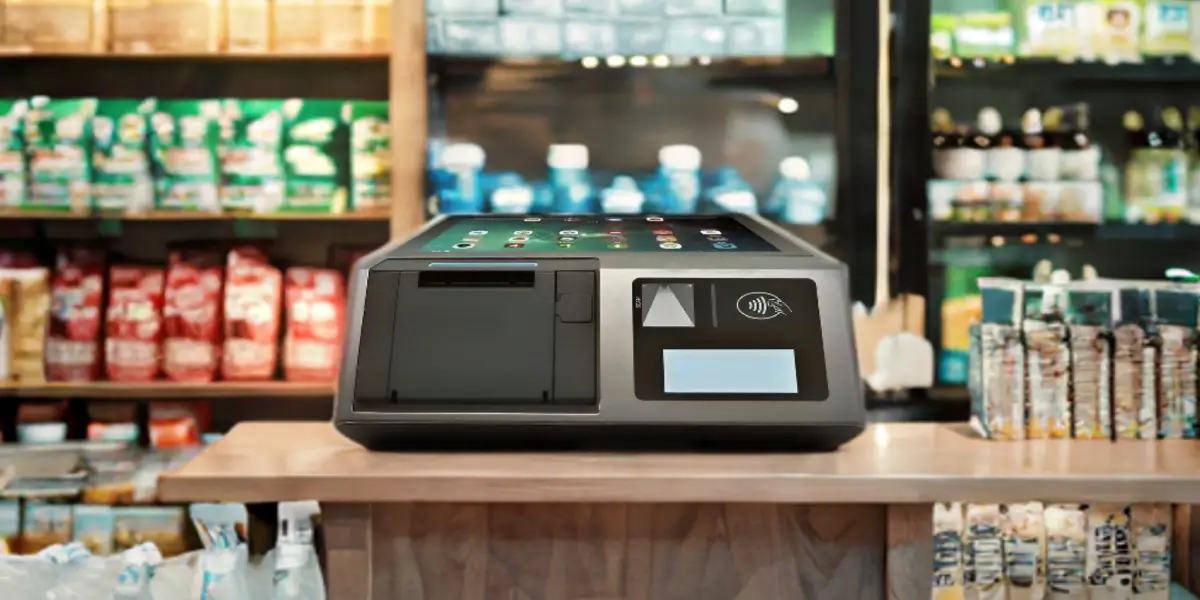
A POS scale converts physical load into a digital weight value that a retail system can use. The weighing platform bends a load cell by a tiny amount. Electronics convert the load-cell signal into a displayed value after applying calibration, zero, filtering and stability rules.
The scale can then follow one of three broad paths:
These paths can use similar weighing hardware but create different responsibilities. A weight-only peripheral depends on the register for the transaction logic. A price-computing scale owns more of the calculation. A label scale creates a portable record that another checkout device reads.
Every retail scale needs a load receptor, sensing element, indicator and control logic. The physical form varies from a small countertop platform to an in-counter scanner-scale.
Typical parts include:
Weight alone cannot identify apples, cheese or bulk coffee. A 0.65 kg reading says how much load is on the platter, not what the product is or how it should be priced.
The cashier, customer or upstream device must select a product. Selection can come from a PLU key, barcode, touchscreen category, produce-recognition system or label previously created by another scale. The selected product record supplies the data that weight does not contain.
Retail price calculation starts with gross weight and removes tare to obtain net weight. The POS or scale then multiplies the net weight by the unit price, using the configured unit and rounding rules.
The basic relationship is:
`Gross weight − tare weight = net weight`
`Net weight × unit price = item price`
Consider a simple example:
| Input | Value |
|---|---|
| Container plus product | 0.820 kg |
| Tare for container | 0.070 kg |
| Net product weight | 0.750 kg |
| Unit price | $8.00 per kg |
| Unrounded calculation | $6.00 |
The customer should be charged for 0.750 kg of product, not the 0.820 kg gross load. The scale or POS must also make clear that the unit price is per kilogram rather than per pound, per 100 grams or per item.
Gross weight is the total load currently represented by the weighing operation. It can include the product, tray, bag, wrapping, deli paper or reusable container. Gross weight is useful for diagnostics, but it is not normally the quantity sold when packaging has a known weight.
Tare is the weight excluded from the sale because it belongs to the container or packaging. The operator may place an empty container on the scale and press tare, select a stored container value or recall a preset tare associated with the PLU.
Tare can be handled in several ways:
Tare is not a discount. A discount changes the selling price after quantity is determined. Tare changes the quantity attributed to the product by excluding packaging weight.
Net weight is the product quantity remaining after tare is deducted from gross weight. Net weight is the value that should feed a per-weight price calculation when the product is sold without charging for the container.
The scale and any printed or transmitted record should keep gross, tare and net relationships consistent. A system that displays one net weight but sends another value to the POS creates both a customer dispute and an audit problem.
Rounding must follow the scale configuration, currency precision and applicable local requirements. The unrounded multiplication may produce more decimal places than the currency supports. The price then needs a consistent rule for reaching the smallest payable unit.
Rounding weight before multiplication can produce a different answer from multiplying a higher-precision internal weight and rounding only the money value. The correct method cannot be guessed from the screen alone. Buyers should verify the approved configuration and transaction output for their jurisdiction.
A product code tells the system which commercial rules belong to the measured weight. In grocery settings, a price look-up code, or PLU, commonly identifies loose produce or another item that has no manufacturer barcode attached to each unit.
A PLU-linked record can contain:
The point of sale system guide explains how product records, pricing and inventory come together at checkout. The scale supplies quantity; the product record supplies meaning.
A PLU is a product identifier or lookup key, while a barcode is a machine-readable carrier. A cashier can type a PLU without scanning anything. A barcode can carry a PLU, GTIN or store-specific item reference, but the exact encoding depends on the retailer and labeling system.
The distinction matters when troubleshooting. A correct weight combined with the wrong PLU produces the wrong price even though the scale is accurate. A correct label that the POS maps to an outdated product record can create the same result.
A prepack label can encode a product reference together with weight or price data for later checkout. The label scale completes the weighing event before the product reaches the register. The cashier then scans the label rather than weighing the item again.
Retailers use different barcode structures and internal prefixes. The POS must know whether a field represents weight, price or another value and how the product identifier is mapped. Copying a barcode format from another store without matching the POS parser can produce an incorrect item or amount.
A product record must distinguish items priced by measured weight from items sold by count. A bag of three identical bakery items may be priced per piece even when it sits on a scale. A deli item can be priced per kilogram. The presence of weight does not force a by-weight sale.
Price-computing scales often support both modes. The operator must select the correct PLU so the system knows whether to multiply unit price by weight or by item count.
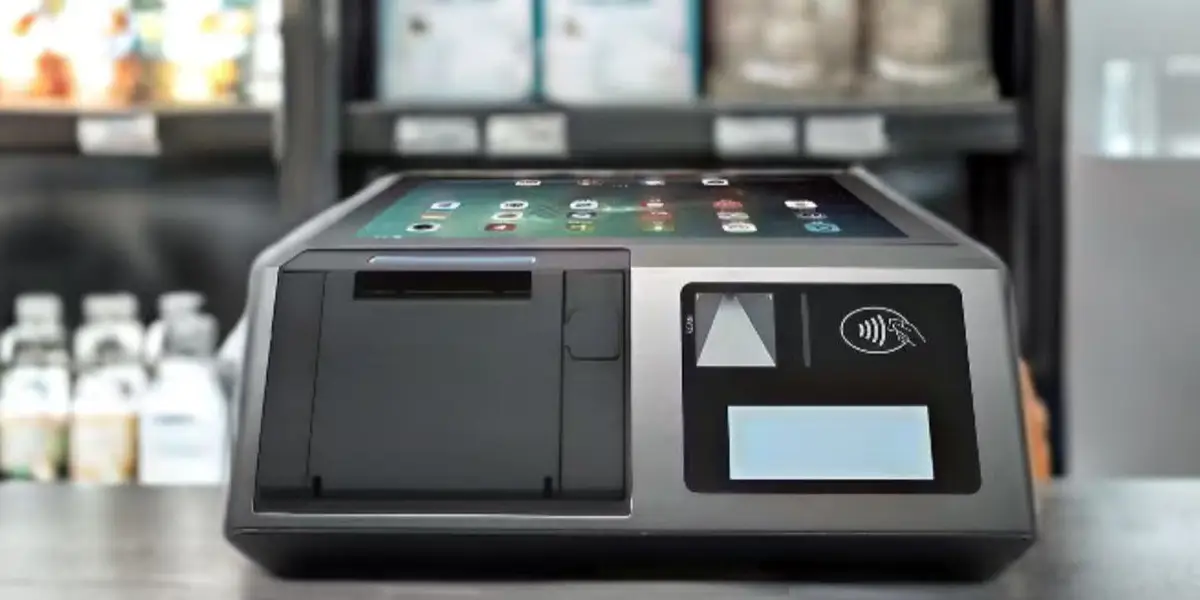
POS scales differ primarily in where product lookup, price calculation and label creation occur. The table below separates five common forms.
| Scale type | What it sends or produces | Where price is normally calculated | Typical use |
|---|---|---|---|
| POS interface scale | Stable weight | POS application | Deli, frozen yogurt, bulk goods or specialty retail checkout |
| Scanner-scale | Barcode data and weight through integrated or coordinated interfaces | POS application | High-volume supermarket lanes and self-checkout |
| Price-computing scale | Weight, unit price and total price on the scale | Scale | Market stalls, counter service and simple direct sales |
| Label-printing scale | Printed label with product and transaction data | Scale before checkout | Prepacked meat, cheese, produce and deli counters |
| Networked retail scale | Product, price and configuration data synchronized across devices | Scale or POS, depending on mode | Multi-counter fresh-food departments and centrally managed stores |
A POS interface scale acts mainly as a measurement peripheral. The POS asks for or receives a stable weight, combines it with the selected product record and calculates the extended price.
This arrangement keeps the product database and promotions in the POS. It also makes protocol compatibility critical because the register must understand the scale’s weight response, units, decimal placement, status and error messages.
A scanner-scale combines barcode reading and weighing in one checkout footprint. The cashier can scan packaged items through the window and place loose produce on the platter without moving to a separate scale.
The two functions still produce different data. The scanner decodes an identifier from a symbol; the scale measures load. Datalogic’s Magellan scanner-scale documentation describes an integrated retail device, but the host POS remains responsible for interpreting scanner and weight data under its configured interfaces.
A price-computing scale calculates the price to pay from indicated weight and unit price. The operator selects or enters the product and unit price, and the scale displays the result to the operator and, where required, the customer.
This model can work without a full POS integration for a simple sale. It may still export transactions or connect to a printer, but its defining feature is that the scale itself performs the money calculation.
A label-printing scale creates a priced record that travels with the product. The product is weighed at a deli, meat counter, bakery or packing station. The scale prints a label containing visible information and a machine-readable code for the checkout.
The Mettler Toledo bTwin retail scale manual shows how a PLU can store by-weight or by-count mode, unit price, optional fixed tare and label content. That example demonstrates the data held inside one product record without establishing a universal label format.
A networked scale can receive centrally managed PLUs, prices, label templates and other store data. Networking helps keep several deli or produce counters aligned with the same price file and allows updates without programming every device manually.
Networked does not mean that the POS controls every live weighment. A label scale may download prices overnight, perform weighing and printing locally, and upload transaction data later. Another scale may query a server during each product selection. The deployment design determines which functions require a live connection.
A weight-only workflow calculates the sale at the register rather than inside the scale. A typical sequence is:
The POS should reject unstable, negative, overloaded or otherwise invalid readings. Silent conversion of an error into zero weight can let an item enter the basket without a valid charge.
Both request-response and continuous-output models exist. A POS may send a command asking for stable weight, or the scale may continuously transmit readings while the application chooses when to accept one.
Continuous data requires careful state handling. The POS needs to distinguish motion from stability, kilograms from pounds, zero from a missing response and a fresh reading from an old buffered message.
The item price should use a settled measurement rather than a number captured while the product is moving. Filtering can reduce vibration, but it also introduces response time. A checkout configuration must balance quick interaction with reliable stability detection.
Airflow, an uneven counter, contact with nearby equipment, overloaded platters and products resting partly outside the load receptor can all affect the reading. Software cannot correct a mechanically poor installation.
A label-scale workflow separates weighing from final checkout. The scale calculates and records the package before it reaches the register.
The label becomes an interface between two systems. A price update can fail if the scale still holds yesterday’s PLU file. A label can also be mathematically correct but unreadable by the POS because the prefix, field length, check digit or parser rule differs.
A physical connector does not define the complete integration. Retail scales can use RS-232, USB, Ethernet, Wi-Fi or vendor-specific adapters, but the POS still needs the correct data protocol.
The integration must define:
The same scale can support several protocols without supporting every POS application. A vendor may provide an OPOS or JavaPOS service object, a serial command set or a proprietary SDK. The POS vendor must support one of those paths and map the responses correctly.
Network connectivity adds another layer. A scale may use Ethernet only for price-file management while sending live weight through a serial interface. Buyers should ask which data travels over each connection rather than treating “networked” as a complete architecture description.
A scale used to determine the price in a commercial sale may fall under legal metrology rules. The exact approval, inspection, sealing and display requirements depend on the country or local jurisdiction.
The United States uses NIST Handbook 44 as a technical reference adopted through state and local weights-and-measures systems. The 2026 NIST Handbook 44 page provides the current edition and its scale code. Other markets may use OIML-based type evaluation, national legislation or regional rules.
OIML R 76 defines useful category boundaries. A price-computing instrument calculates the price to pay from indicated weight and unit price, while a price-labeling instrument also prints weight, unit price and price information for prepackages. This international recommendation should be read with the applicable national implementation rather than treated as a universal retail license.
Approval normally applies to a defined instrument and configuration, not any scale connected to any POS. Load cell, indicator, software, capacity, scale interval, interface behavior and sealing can affect the evaluated system.
A generic kitchen or parcel scale may display an accurate-looking number but still be unsuitable for determining a retail price. Buyers should confirm that the exact model, capacity and software configuration are accepted for trade use in the deployment location.
Direct-sale rules may require the customer to see weight, unit price and total price. A separate customer display, pole display or POS screen may satisfy part of that interaction only if the approved system and local rules allow it.
The requirement is not merely cosmetic. Visible values let the customer confirm the quantity and price basis before payment.
A scale can drift after installation because of movement, impact, dirt, temperature, counter changes or component wear. Stores need a maintenance and inspection process that follows local rules and manufacturer instructions.
Re-zeroing is not the same as calibration. Zero establishes the no-load reference for current operation. Calibration compares and adjusts the measurement against suitable standards under an authorized procedure. The definitions and test framework in the OIML R 76 recommendation help explain these controls, but local authorities determine which rules apply to a particular store.
Most scale-related checkout errors come from mismatched data or operating state rather than a completely failed load cell. The following problems deserve separate tests.
An operator selects the wrong container, a preset tare remains active for another product or the package weight changes without updating the PLU. The scale can measure gross weight correctly while the customer-facing net value is wrong.
The scale sends kilograms while the POS interprets pounds, or the product is priced per 100 grams while the application assumes per kilogram. Decimal placement errors can multiply or divide the charge by 10, 100 or more.
The operator chooses conventional apples instead of organic apples, or a networked scale has not received the latest price file. The weight can be correct but the unit price and inventory item are wrong.
The POS captures a reading while the package is still moving. Short, inconsistent weight changes then become price differences across repeated attempts.
The label scale encodes price while the POS expects weight, or the register reads the wrong field boundaries. The printed human-readable price may disagree with the basket amount.
The scale sends an already calculated total, but the POS interprets the value as weight and multiplies it by unit price again. The interface contract must identify every numeric field explicitly.
The receipt records kilograms, while inventory decrements one unit per package. Reporting can then show correct sales revenue with incorrect stock consumption.
A successful deployment starts with the selling workflow rather than the scale capacity alone. The buyer should document where products are weighed, who selects the PLU, where prices are stored and which device creates the final transaction record.
Use this checklist:
| Area | Questions to verify |
|---|---|
| Product flow | Checkout weighing, deli counter labeling, prepack or self-service? |
| Calculation owner | Does the scale or POS calculate the price? |
| Product identity | PLU, GTIN, store barcode or touchscreen selection? |
| Tare | Live tare, preset tare or container-specific rule? |
| Units | Kilograms, pounds, ounces, 100 grams, count or mixed catalog? |
| Interface | Serial, USB, Ethernet, Wi-Fi or combined paths? |
| Protocol | Supported POS driver, service object or command format? |
| Legal metrology | Exact local approval, sealing, inspection and display requirements? |
| Label format | Product field, weight/price field, check digit and POS parser agreement? |
| Failure handling | Motion, overload, disconnect, stale price and duplicate reads? |
| Maintenance | Cleaning, verification, calibration and service ownership? |
The retail POS hardware checklist provides the wider peripheral and software context. The scale-specific acceptance test should still use real products, containers and price files from the target store.
Testing should cover the boundaries that change price, not only one successful weighment. Include:
One passing test with a single product cannot establish that tare, units, labels and error handling are correct.

Some do and some do not. A POS interface scale may send only stable weight while the POS calculates the price. A price-computing or label-printing scale can store the unit price and calculate the total internally.
Zero establishes the no-load reference, while tare deducts container weight from a loaded or prepared transaction. Both can make the display show zero in some circumstances, but they represent different operational and metrological functions.
The net weight and customer charge become wrong even when gross measurement is accurate. Too much tare undercharges the product; too little tare charges the customer for part of the packaging.
No. A PLU is a product lookup identifier. A barcode is a machine-readable carrier that may encode a product reference, price, weight or other fields under a defined store format.
No. USB describes a connection, not the data protocol. The POS needs the correct driver, device mode, command set, units, status interpretation and application support for the exact scale.
A label scale weighs and prices the product before final checkout, then prints a label for later scanning. A checkout scale normally supplies live weight during the active register transaction.
Not necessarily. Many networked scales measure and calculate locally while using the store network for PLU, price, label or transaction synchronization. The exact offline behavior depends on the product database and system design.
Not automatically. Commercial sales may require an approved legal-for-trade scale with defined capacity, accuracy, sealing, display and inspection status. Requirements must be checked with the relevant local authority.
A POS scale links a physical measurement to product and price data. Tare removes packaging, the PLU identifies the commercial item, unit price defines the rate and the scale or POS calculates the amount due.
The main design decision is where each step occurs. A weight-only peripheral depends on the POS for lookup and calculation. A price-computing scale performs the calculation locally. A label scale creates a priced package before checkout. A networked scale adds centralized data management without necessarily changing who owns the live weighment.
Reliable deployment requires more than a connector match. Units, decimal placement, stability, tare, PLU data, label format, legal approval and failure behavior must agree across the complete checkout system.






 Home
 What Is a POS Cash Drawer and How Do Printer-Driven and USB Connections Work?

