
2026-08-13 Author : ZCS
The parameters that actually matter for retail pos hardware fall into eight categories: processing performance, peripheral compatibility, payment certification, software openness, fleet management, offline resilience, loyalty integration, and durability. Brand and price are what most buyers compare first. They're the wrong starting point. This guide breaks down each category of pos retail hardware specification in the order a retailer should actually evaluate them, not the order a spec sheet lists them.
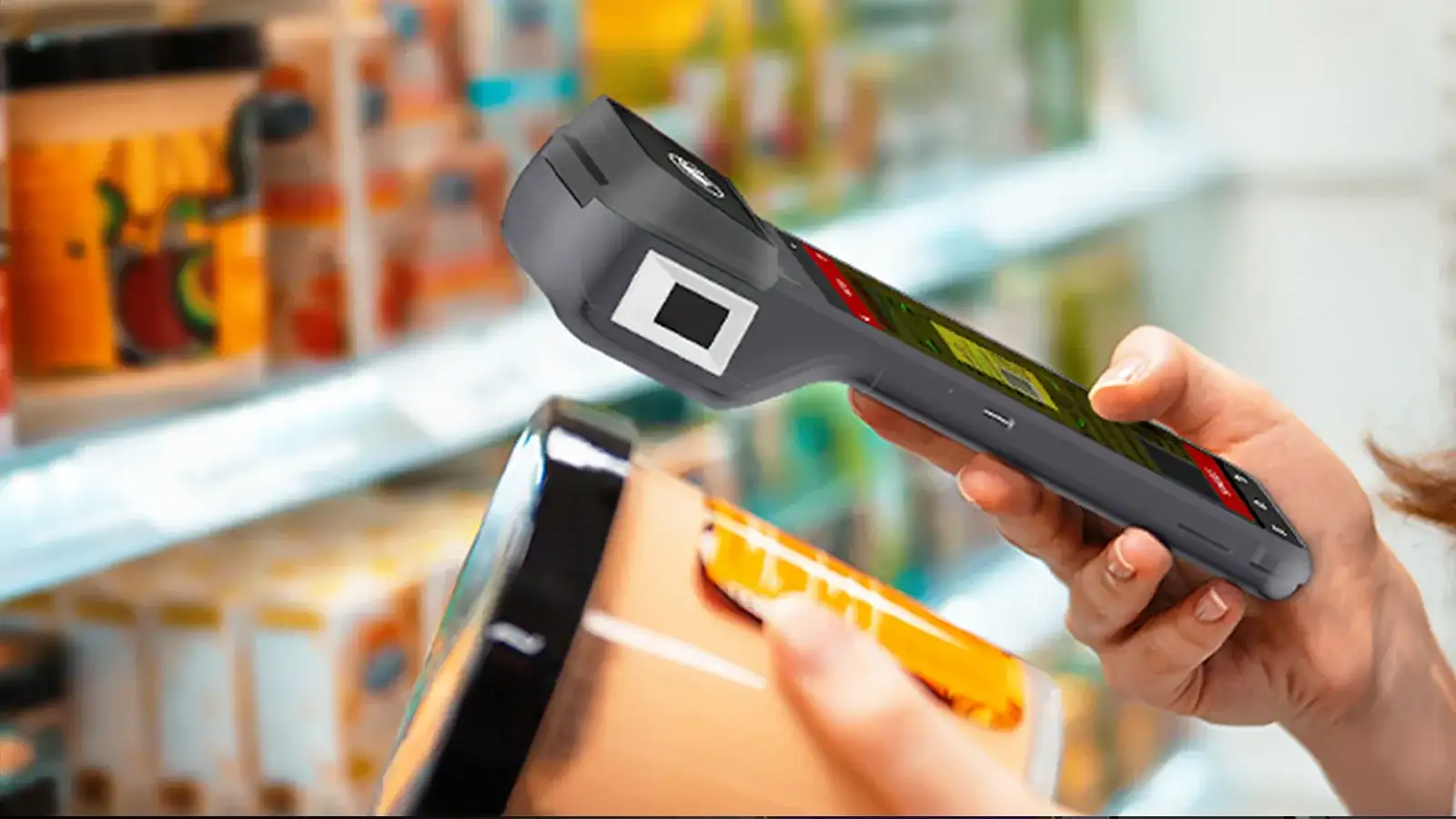
Checkout speed depends more on RAM than on CPU clock speed alone. A terminal running a POS app, a barcode scanner driver, and a live inventory sync simultaneously needs enough memory headroom to avoid lag between scanning an item and it appearing in the cart — this shows up during a rush, not during a demo.
A single-register independent store can run comfortably on a mid-range configuration. 2–3GB RAM with 16–32GB storage handles a standard POS app, receipt printing, and basic reporting without strain.
A multi-register store or a chain running inventory sync across locations needs more headroom. 4GB RAM and 32GB+ storage becomes the practical minimum once real-time stock updates and multiple simultaneous app processes enter the picture.
Screen resolution affects operator speed, not just appearance. A cramped, low-resolution display slows down staff during high-volume periods, particularly on touchscreens handling a large product catalog with images.
Barcode scanning can be built-in or external, and the choice affects checkout speed. A built-in scanner module speeds up single-item scanning; a separate handheld unit adds flexibility for scanning items that don't fit under a fixed scanner.
Receipt printer width affects print speed and paper cost. 58mm printers suit standard retail receipts; 80mm printers handle higher-volume printing better, which matters more for stores also printing detailed itemized receipts or promotional inserts.
Cash drawer connectivity still depends on legacy ports in many retail environments. RJ11 and RJ12 interfaces remain common for cash drawer triggers, so retailers replacing older hardware should confirm the new terminal supports the same connection rather than assuming a full drawer replacement is required.
A terminal needs specific, named certifications, not a general "secure" claim. EMV Level 1 and Level 2 cover hardware and application-level card processing compliance. PCI DSS or PCI PTS covers payment data security. NFC-specific certifications like PayPass and PayWave cover contactless acceptance for Mastercard and Visa respectively.
Certification applies to a specific model, not a manufacturer's full product line. A retailer should ask which certifications a specific model holds, not accept a blanket claim about the brand. Verifying this properly is covered in our guide to EMV Android POS terminal manufacturer selection.
Most retail POS hardware checklists stop at physical specs. That's a gap, because software openness determines what a retailer can actually run on the device after purchase, not just what it can process at checkout.
GMS certification determines whether a terminal can install apps from Google Play. A certified terminal can run a core POS app alongside other software a retailer already depends on — a delivery integration, a loyalty app, an inventory management tool — without requiring custom firmware work for each one. What GMS certification actually involves, and why it matters beyond the checkout function itself, is covered in more depth in a dedicated guide.
A closed terminal locks a retailer into whatever software shipped with it. Adding a new tool later — a different payment processor, a new loyalty platform — can mean replacing hardware rather than installing an app, which is a cost most buyers don't factor in at purchase time.
A single-location retailer can manage one terminal manually. A multi-store retailer cannot manage dozens or hundreds of terminals the same way without remote fleet tools.
TMS (Terminal Management System) support determines how a firmware update or security patch reaches every store. Without it, a chain needs a technician visiting each location individually — a cost that scales directly with store count. The hardware-level requirements for remote fleet management across multiple stores or countries are covered in a separate configuration guide.
Retailers evaluating hardware for future expansion should check TMS support even if they only operate one location today. Adding it after the fact often means replacing hardware that wasn't built with remote management in mind.
Connectivity isn't guaranteed everywhere a retailer operates. Stores in areas with unstable internet, intermittent power, or unreliable telecom infrastructure need hardware that keeps processing sales through a connectivity gap, not hardware that simply stops.
Offline capability depends on local storage, multi-network fallback, and battery resilience working together. A terminal with enough onboard memory to queue transactions locally, multiple cellular bands as fallback options, and battery capacity to outlast a power interruption handles an outage far better than one relying on a single always-on connection. Retailers deciding how much of this they actually need can work through our offline POS vs online POS comparison.
A POS terminal's ability to run loyalty and rewards functionality isn't automatic — it depends on both the software layer and, in some cases, additional hardware. Before assuming any terminal can handle a rewards program, retailers should confirm what the software actually supports — POS loyalty program integration is covered as its own baseline question in a separate guide.
Biometric loyalty identification is an emerging option for retailers wanting faster repeat-customer recognition than a phone number or card lookup. This requires purpose-built hardware, such as a palm vein-capable terminal, rather than a standard POS unit — worth flagging as a separate line item for retailers specifically interested in this direction rather than assuming it's included by default.
Retail counters see more physical wear than office environments. Spills, drops, and constant handling near a checkout counter are routine, not exceptional, which makes operating temperature range and build durability a real spec to check rather than an afterthought.
A working temperature range of 0°C to 50°C covers most indoor retail environments. Stores with less climate control — open-air markets, semi-outdoor counters — need hardware rated for a wider range, and storage temperature tolerance matters too for hardware shipped or stored in non-climate-controlled conditions.
| Category | What to Check |
|---|---|
| Processing | RAM/storage sized to register count and app load |
| Peripherals | Scanner type, printer width, cash drawer port compatibility |
| Payment certification | EMV L1/L2, PCI DSS/PTS, PayPass/PayWave — by specific model |
| Software openness | GMS certification for Play Store access |
| Fleet management | TMS support for remote updates across multiple stores |
| Offline resilience | Local storage, multi-network fallback, battery capacity |
| Loyalty integration | Software support confirmed; biometric hardware if needed |
| Durability | Operating/storage temperature range, build quality |

Q1. Do small independent retailers need to check the same specs as large chains?
The core categories apply to both, but priority shifts. A single-location store can deprioritize TMS fleet management, while payment certification, peripheral compatibility, and durability matter regardless of store count.
Q2. Which spec should a retailer prioritize on a limited budget?
Payment certification and peripheral compatibility are non-negotiable baselines — a terminal that can't legally process cards or connect to a required printer isn't usable regardless of price. Software openness and fleet management can often be added or upgraded later if budget is the binding constraint now.
Q3. What should retailers check differently when buying used or refurbished POS hardware?
Confirm certifications are still valid for the specific unit, not just the model line, since certifications can lapse or vary by firmware version. Battery health and physical wear also matter more for used hardware than for new units.
Q4. Is software openness more important than physical hardware specs?
Neither replaces the other. Physical specs determine whether the hardware functions reliably today; software openness determines how much a retailer can adapt the same hardware to new tools later without replacing it.
Q5. How often should retail POS hardware be upgraded?
There's no fixed schedule — the more useful signal is whether current hardware can still meet certification, software, or performance requirements as they change, rather than replacing on a fixed calendar cycle.






 Home
Home  Where Does Palm Vein Payment Actually Work Best — Banking, Government, or Enterprise?
