
2026-10-30 Author : ZCS
Mobile POS in Iran should be tested as a complete payment path, not judged from one “connection failed” message. The terminal is only one layer in the wider EFTPOS transaction process, which also includes connectivity, a payment service provider, switching infrastructure and the cardholder’s bank.
The practical starting point is one failed sale.
A mobile POS terminal sends an authorization request through Wi-Fi or a cellular connection to the merchant’s payment provider. The provider routes the request through the applicable Iranian payment infrastructure and returns an approval, decline or technical error. A failure at any point can look like a terminal problem even when the hardware is working normally.
This guide follows that request from the shop counter to the provider and back.
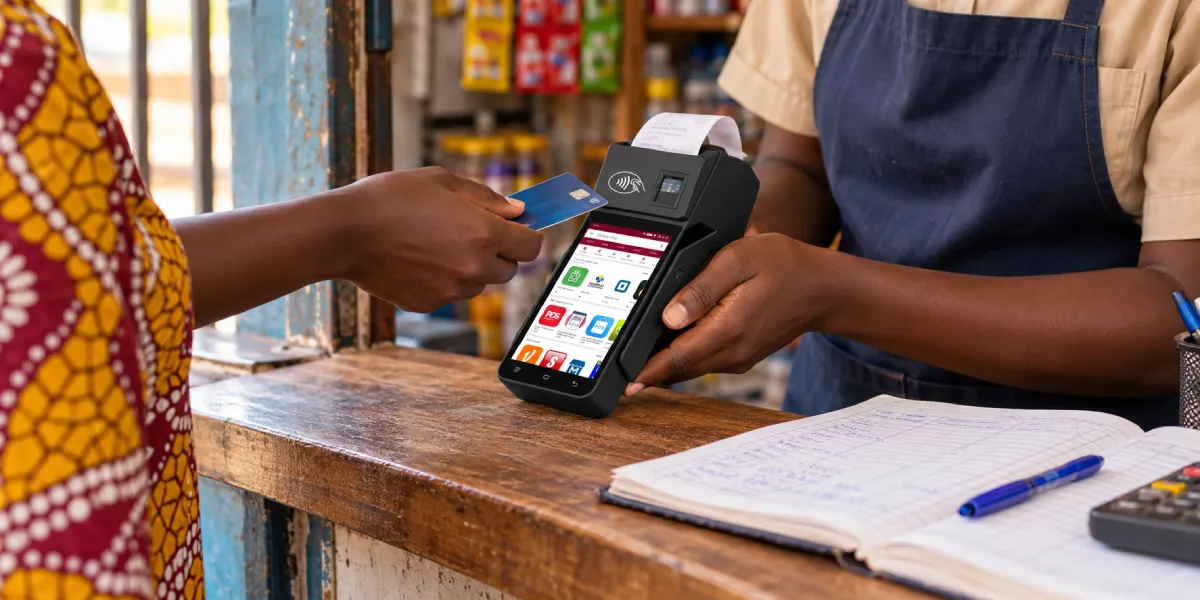
Mobile POS in Iran loses connection when one layer of the authorization path cannot communicate or cannot accept the request. The visible symptom may be a timeout, host-unavailable message, SIM error, reversal, decline or a transaction that remains incomplete.
The failure can belong to five different layers:
| Layer | Typical problem | What the merchant can check | Who may need to fix it |
|---|---|---|---|
| Local signal | Weak indoor cellular coverage, Wi-Fi dead zone or interference | Move the terminal, compare another location, inspect Wi-Fi status | Merchant, network administrator or mobile operator |
| SIM and data service | Inactive SIM, exhausted plan, wrong APN, roaming restriction or poor contact | Test SIM status, data service and approved APN | Mobile operator or payment provider |
| Terminal | Frozen modem, damaged antenna, incorrect date, low power or bad configuration | Reboot once, compare a known-good terminal, inspect logs | Terminal support or integrator |
| Payment provider | Merchant profile, terminal ID, keys, application version or host route problem | Record error code and terminal ID, contact provider | PSP, acquirer or integrator |
| Issuer or payment network | Card-specific decline, issuer unavailable or switching error | Try another permitted card only after recording the first result | Issuer, PSP or payment network |
Iran’s card-payment infrastructure includes multiple systems rather than a direct cable from the terminal to the merchant’s bank. The World Bank’s overview of Iranian financial infrastructure identifies Shetab and Shaparak among the country’s retail payment and settlement systems. The institutional map remains useful even though individual services, rules and providers can change.
The diagnostic lesson is simple: a powered-on terminal with strong signal can still fail beyond the device.
The first failed payment contains more diagnostic value than ten immediate retries. Staff should pause long enough to preserve the time, amount, error text, terminal ID and whether the card interaction completed.
Record these fields before changing anything:
The stage narrows the cause. A card-read failure occurs before network authorization. A timeout after “processing” may involve connectivity or the provider. An issuer decline means the request travelled farther than a local no-signal error. An incomplete or reversed transaction requires reconciliation rather than a casual second charge.
The difference between portable and fixed hardware also matters. The guide to mobile POS and countertop POS explains why wireless mobility adds radio coverage, battery and roaming variables that a wired counter normally avoids.
Signal must be tested at the checkout position, not at the shop entrance or on an employee’s phone. Walls, metal shelving, basements, elevators, crowded indoor areas and distance from the router can produce different results within the same building.
Use a controlled location test:
A location-dependent result points toward coverage, interference or antenna performance. A failure in every location points toward the SIM, device configuration, payment application or provider path.
Signal bars remain an imperfect indicator. The terminal can see a cellular tower but lack an active data session. Wi-Fi can show “connected” while the router has no upstream connection, blocks the required destination or sends the terminal to a login page that the payment application cannot use.
Reporting on Shaparak’s Khordad 1404 performance report, Digiato separated issuer and network errors from merchant-side errors. The published categories reinforce the main troubleshooting rule: failed transactions should not automatically be assigned to terminal hardware.
A POS SIM card must have an active subscription, the correct network settings and a data path accepted by the payment provider. A SIM that works for voice or SMS does not automatically prove that the terminal can reach its payment host.
Check the following items with the provider or mobile operator:
The SIM’s security role should also be understood. ETSI explains that a UICC provides the secure platform for SIM applications and mobile-network credentials in its secure element technology overview. The payment application still needs its own merchant profile, keys and authorized host route.
Removing and reinserting a SIM should follow the device manual. Some terminals require power-off before opening the card compartment, and repeated live swaps can damage contacts or leave the modem in an uncertain state.
Switching SIMs helps only when the failure follows the original SIM or mobile operator. A controlled comparison uses the same terminal, payment application, merchant profile and location while changing one approved connection variable.
A useful test matrix looks like this:
| Test | Result | More likely explanation |
|---|---|---|
| Original SIM fails; approved second SIM works | Failure follows SIM or operator | Subscription, APN, coverage or operator route |
| Both SIMs fail; Wi-Fi works | Cellular path problem | Modem settings, SIM provisioning or mobile network |
| Both SIMs and Wi-Fi fail | Failure independent of local access method | Terminal application, merchant setup, provider or host |
| Original SIM works in another approved terminal | Failure follows first device | Modem, antenna, slot, firmware or device configuration |
| All terminals fail at the same time | Shared service failure | Router, operator, PSP or payment network |
The physical card is only one deployment choice. The comparison of eSIM and physical SIM terminals explains that eSIM can simplify remote profile management, but neither eSIM nor a removable SIM creates coverage where no usable mobile network exists.
Merchants should not insert personal consumer SIM cards into managed payment terminals unless the PSP permits it. Private APNs, device whitelists, fixed IP rules and security monitoring can make an apparently working consumer data plan incompatible with the approved payment service.
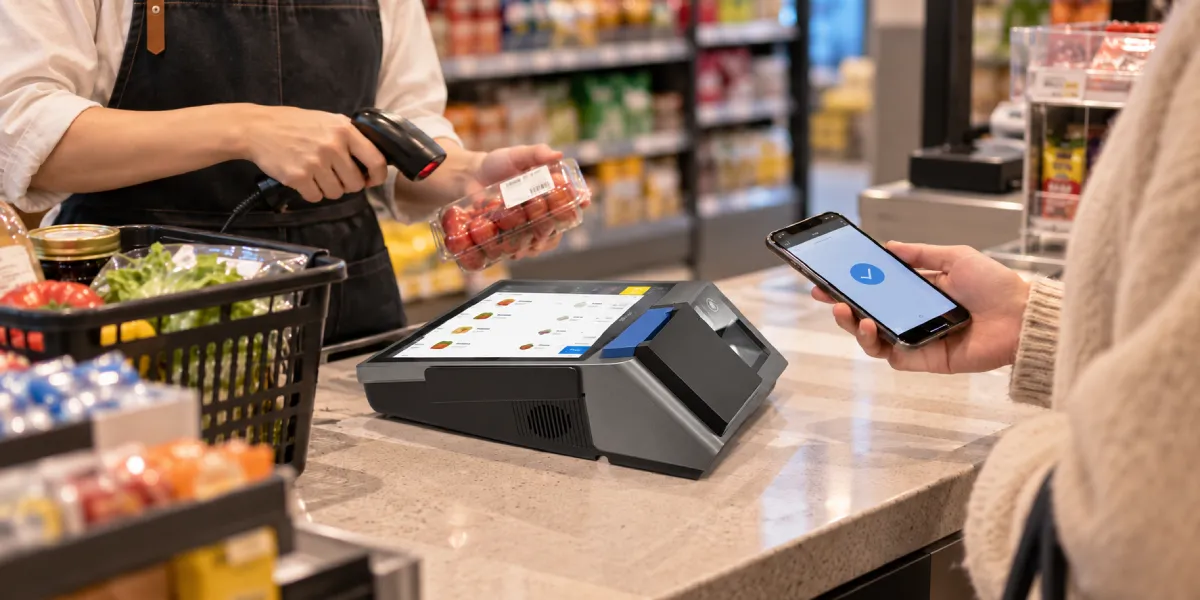
A Wi-Fi icon confirms a local radio connection, not a complete route to the payment provider. The access point, router, DNS service, firewall, captive portal and upstream provider must all work for the terminal’s approved host connection.
Run the checks in this order:
Public Wi-Fi should not become the default recovery path for a payment terminal. Unknown networks can be unstable, can require interactive login and may violate the provider’s deployment policy. The merchant should use only networks approved for the payment application.
One successful web page also does not prove the payment route. A browser may use destinations and ports that differ from the payment host, while the payment application may require a private network, certificate or fixed endpoint.
The terminal becomes the leading suspect only when the fault follows the device across known-good connections. A replacement decision should rely on comparison, not frustration after one failed sale.
Check these device conditions:
Restart the terminal once after recording the original error. Repeated restarts can erase temporary evidence, delay queued messages and create a false impression that a provider outage was fixed by hardware.
PCI Security Standards Council notes that payment terminals remain part of the cardholder data environment and must be checked for correct configuration and active security settings. Its current guidance on payment terminal PCI scope also says the applicable controls vary with device type and configuration. Factory reset, side-loaded software and unapproved firmware should therefore not be used as casual troubleshooting steps.
Low or unstable power can break a transaction before the terminal shuts down completely. A battery may still show charge while voltage drops under the combined load of the screen, printer, card reader and cellular radio.
Look for these patterns:
A swollen, leaking or physically damaged battery should be removed from service under the supplier’s safety procedure. Staff should not puncture, compress or continue charging it.
Power testing should separate the battery, charger, cable and charging port. Use an approved charger and cable, charge the device fully, run several permitted transactions and print receipts while monitoring the percentage. Then repeat with another known-good battery or terminal when the model supports controlled replacement.
Battery capacity alone does not predict a full shift. Screen brightness, cellular signal strength, print volume, temperature, application workload and battery age all affect runtime. Procurement teams should request a workload-based test instead of accepting a standby figure as a checkout guarantee.
A working network cannot authorize a terminal that the payment provider no longer recognizes. Merchant onboarding, terminal identifiers, cryptographic keys, application versions and host routing must remain valid together.
Contact the PSP or acquirer when:
Provide the recorded evidence rather than only saying “the machine is offline.” The provider can use the terminal ID, timestamp, amount, application version and error code to check whether the request reached its systems.
The provider should also confirm whether any offline transaction mode is permitted. The article on contactless payments without internet explains that offline EMV and store-and-forward depend on card, acquirer and terminal settings. Merchants should not assume those models or liability rules apply to an Iranian domestic payment deployment without written PSP confirmation.
An uncertain payment should be reconciled before the customer is charged again. A timeout can occur after the issuer processed the request but before the approval reached the terminal.
Staff should:
The terminal screen is not the merchant’s bank statement. An approval is not the same as settlement, and a customer debit alert does not always prove that the merchant will receive final funds. Provider records control the next action.
A mobile POS purchase for Iran should begin with local payment-provider approval, then move to hardware. A technically capable imported terminal may still be unusable if the PSP cannot provision its payment application, keys, merchant profile or network route.
ZCS can provide configurable Android mobile POS hardware to approved integrators, and the Z92 mobile POS terminal illustrates a handheld layout with cellular, Wi-Fi, battery and receipt-printing components. The hardware example does not establish compatibility with an Iranian PSP, bank or payment network; those approvals must be completed locally before deployment.
A five-minute test can separate obvious local failures from issues that require provider support. Staff should use a permitted test transaction and follow the PSP’s operating procedure.
The result should point to a layer. Failure by location suggests coverage. Failure by SIM suggests provisioning or the operator. Failure by device suggests terminal hardware or configuration. Failure across all devices and connections suggests the PSP, issuer or shared payment infrastructure.

Signal bars show that the radio can see a network, not that the terminal has a valid data session or payment-host route. The SIM, APN, provider configuration, merchant account or payment network can still reject or time out.
A new SIM helps only when testing shows that the fault follows the original SIM or operator. The replacement must also be approved and configured with the APN and service required by the PSP.
A mobile POS can use Wi-Fi only when the payment application and provider allow it. The Wi-Fi network must provide a complete, approved route to the payment host without a captive portal or blocked destination.
A weak battery can cause modem resets, printer-related restarts or sudden shutdowns under load. A controlled test with an approved charger or known-good battery can separate a power fault from a network fault.
Changing the terminal does not solve issuer, PSP or shared payment-network errors. Replacement is justified when the failure follows one device across known-good SIM, Wi-Fi and merchant configurations.
Offline acceptance depends entirely on the PSP, payment application, card rules and local deployment. Merchants should not enable or assume offline approval without written provider instructions because later declines and reconciliation risks may remain with the merchant.
Mobile POS in Iran should be diagnosed by following one failed authorization from the checkout location to the PSP and issuer. Signal, SIM, Wi-Fi, terminal configuration and battery are all testable, but none explains every failure.
The safest buying decision follows the same logic. Confirm local PSP approval first, test the intended SIM and networks in real stores, run a realistic battery workload, document uncertain-payment handling and pilot the complete configuration. Hardware matters, but successful payment acceptance depends on the entire authorized service around it.






 Home
Home  What Is a PSAM Card and How Is It Different From a SIM Card in a POS Terminal?
