
2026-10-08 Author : ZCS
Contactless card payments work without internet on the customer's side, but a merchant terminal can approve a tap offline only within strict limits set by the card issuer and the terminal. A tap that clears in a basement café can still be declined hours later, when the terminal reconnects and the issuer finally sees the transaction.
Offline versus online acceptance comes down to which component makes the approval decision, so the category needs a precise definition first.
Contactless card payment utilizes ISO/IEC 14443 NFC communication at 13.56 MHz to deliver EMV-based tap authorization for cardholders and merchants. Current acceptance bifurcates into online authorization, represented by Visa and Mastercard network routing, and offline approval, utilizing terminal floor limits and card-side counters.
In plain terms, a tap is only as offline-capable as the terminal's configuration and the card's own limits allow.
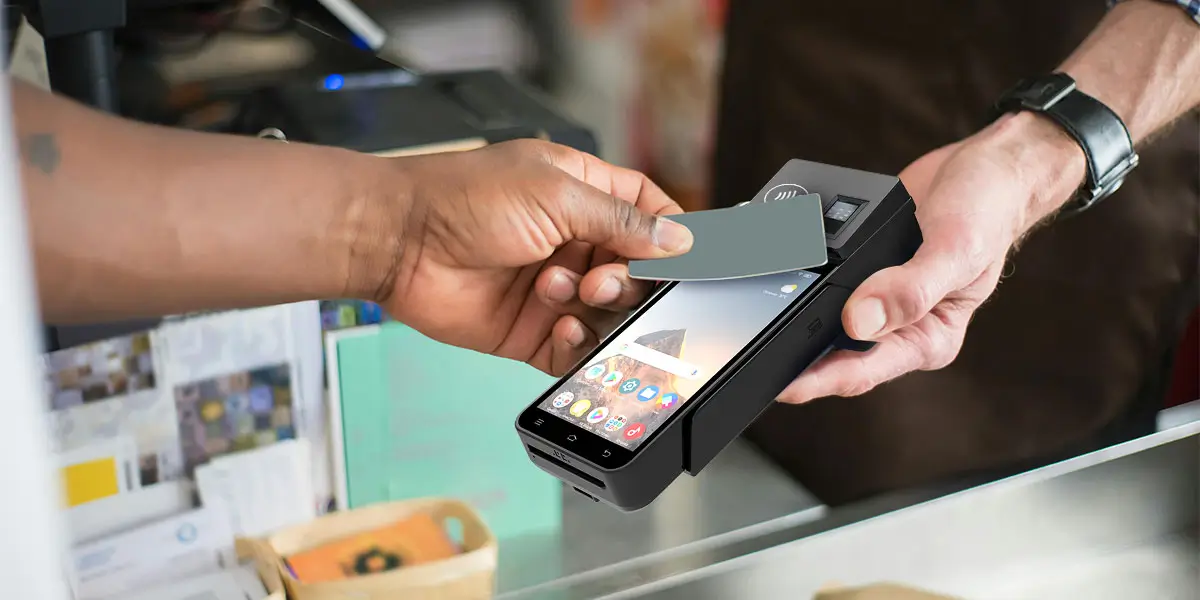
Quick answer: Yes for the customer, conditionally for the merchant. A card or phone never needs internet to tap. The terminal needs a link to the acquirer for normal approval, and falls back to limited offline approval when that link fails.
A contactless payment relies on three separate connections, and only one of them belongs to the customer.
| Layer | Internet needed at the tap? | What happens when it is down |
|---|---|---|
| Customer's card or phone | No | The chip or wallet produces payment data locally; Apple Pay works with no Wi-Fi or cellular signal |
| Terminal ↔ acquirer | Yes for online authorization; no for offline approval | The terminal falls back to offline EMV or store-and-forward, or declines |
| Issuer decision | Real time only when online | Offline taps reach the issuer later in batch, and the issuer can still decline |
A contactless card carries a chip that draws power from the terminal's NFC field, so the card needs no battery and no network of its own. Apple Pay follows the same logic: Visa's Apple Pay offline guidance states that a contactless payment requires no internet connection at the time of purchase. The phone holds a Device Account Number instead of the 16-digit card number, so the tap needs no lookup.
Card enrolment, card disabling and balance checks do require a connection, according to issuer FAQs. The tap itself does not.
A merchant terminal normally sends every authorization request through the acquirer to the issuer. Contactless taps feel instant but are usually still authorized online, which is why a dead Wi-Fi router can stop a queue even when every customer's card is fine.
The fallback is offline approval, and it exists only when three conditions line up: the issuer configured the card for offline use, the acquirer enabled offline modes on the terminal, and the terminal's limits have not been exhausted.
An EMV contactless transaction runs through four checks before the terminal chooses between approval, online authorization and decline.
1.Card read: the terminal powers the card over NFC and reads the application data.
2.Offline data authentication (SDA, DDA or CDA): the terminal verifies the card's RSA-signed data to confirm the card is genuine.
3.Terminal risk management: the terminal checks the floor limit, velocity counters and its exception file.
4.Decision: the terminal and card agree to approve offline, go online, or decline.
Online authorization is the default path for almost every tap. The process starts at the card reader, whose role in contactless payments is limited to power, data exchange and cryptogram capture, and the real decision happens at the issuer. The terminal forwards the request through the acquirer, and the issuer approves or declines within seconds. The issuer sees the live balance, fraud signals and card status before the terminal confirms the sale, which is why online authorization carries the lowest decline risk of the three paths covered below.
Offline EMV authorization lets the card chip and the terminal approve a tap without contacting the issuer. The card returns an offline approval cryptogram, the terminal stores the transaction, and the batch reaches the processor later. The card limits how often this can happen through issuer-set offline counters, so a card that has hit its counter forces the next tap online.
A terminal configured as online-only skips offline data authentication and typically uses a zero floor limit, so it declines the transaction offline instead of approving it; Visa's online-only terminal configuration guide documents this behaviour.
Store-and-forward (SAF) is a terminal-level fallback that approves the tap without any verification and sends the transaction to the issuer later. Adyen's documentation states that SAF supports contact chip and contactless transactions from the major card schemes, but not most local schemes, QR wallets, magnetic stripe or cashback.
| Online authorization | Offline EMV | Store-and-forward | |
|---|---|---|---|
| Who decides | Issuer | Card chip + terminal | Terminal only |
| Issuer verification at tap | Yes | No, card counters apply | No |
| Decline risk after the tap | None | Low | High |
| Liability if declined later | Issuer/acquirer rules | Shared by scheme rules | Merchant |
| Typical use | Normal trading | Planned offline acceptance | Emergency outage fallback |
When both offline modes are enabled, Adyen's platform tries offline EMV first and store-and-forward second.
The numbers below decide whether an offline tap clears or bounces later.
Offline-capable payment terminals typically enforce per-transaction ceilings from a $100 default at Oolio to a $10,000 platform maximum at Stripe, and store 100 to 2,000 offline transactions per device. Selecting terminals with configurable floor limits and transaction-count caps prevents unrecoverable issuer declines during extended connectivity outages.
These ceilings are set at terminal or payment-platform level, not by the card, so two shops on the same street can behave differently during the same outage.
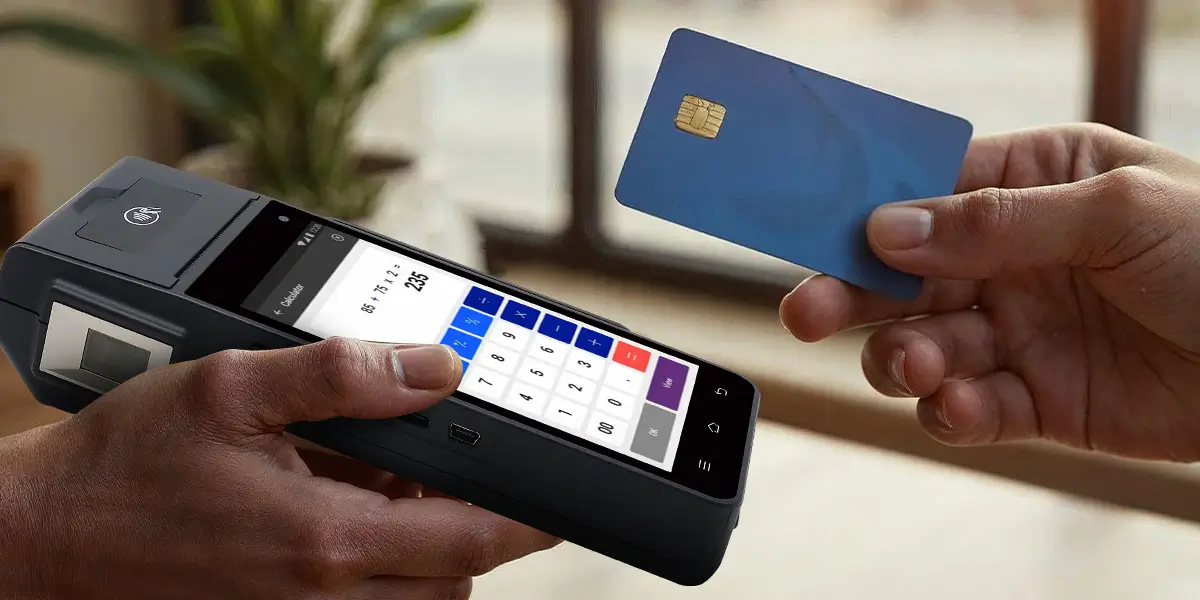
| Limit | Example values |
|---|---|
| Per-transaction offline ceiling | $100 default (Oolio); $10,000 enforced maximum (Stripe) |
| Offline transaction count | 100 stored (BlockChyp); 999–2,000 per pinpad, by model (Oolio) |
| Daily offline total | $10,000 default on a subset of pinpad models (Oolio) |
| Contactless in SAF | Can be blocked by configuration (Adyen) |
The issuer decides whether a card may be approved offline at all. Adyen lists two questions that determine the result: whether the issuer configured the card for offline payments, and whether the terminal has already reached its maximum number of offline payments. A failure on either one sends the tap online or declines it.
Regulatory contactless limits control when a PIN is required, not whether the network is needed. In the UK, UK Finance contactless limit rules set a £100 single-tap ceiling for cards. A cumulative check of £300, or five consecutive taps, then triggers strong customer authentication; mobile wallets such as Apple Pay operate without a fixed £100 limit.
According to UK Finance guidance published in March 2026, the FCA allows banks and payment providers with strong fraud controls to change these limits from 19 March 2026, and customers are unlikely to see immediate changes because terminals and industry rules also need updating. UK Finance reports 19.2bn contactless payments worth £311bn in the UK in 2025, and FCA-cited UK Finance data shows 82% of contactless transactions below £25.
The distinction matters at the counter: a tap below £100 still needs an approval path when the network is down, while the £300 or five-tap check works as a card-side counter that forces the next transaction to use a PIN or go online. A cumulative counter therefore resets only through an authenticated, issuer-visible transaction, not through a terminal's offline decision.
The earlier rule change is documented in the FCA contactless limits policy statement, which raised the single limit from £45 to £100 and the cumulative threshold from £130 to £300.
Offline acceptance of contactless cards in merchant environments depends on issuer-configured offline counters and acquirer-set floor limits. Store-and-forward approval transfers decline liability to the merchant, whereas EMV offline authorization checked by card counters limits unverified exposure, a sequence Adyen applies by trying offline EMV before store-and-forward.
The practical consequence is that the merchant, not the customer, absorbs the loss when an offline tap fails at settlement.
Braintree and Stripe both state that the merchant bears the risk of offline decline. Braintree notes that a stored offline transaction declined by the issuer after forwarding is not funded to the merchant. Stripe states there is no way to recover the funds when the issuer declines or a tampered reader cannot forward payments. BlockChyp adds that stored transactions can be permanently lost if the terminal's internal storage fails.
Stripe's offline mode earns credit for coverage: it works on iOS, Android, React SDK and all Stripe Readers, with a hard $10,000 per-transaction cap. The limitation is operational, because the reader must be connected before going offline and the merchant assumes all decline and tamper risk. Adyen's store-and-forward for Tap to Pay on iPhone is currently supported only in the US.
Terminals that hold stored offline transactions must still meet the contactless payment compliance standards that govern encryption and key management.
Offline approval depends on the payment method, and QR wallets are the clearest exception. Chip-and-PIN, contactless card and mobile wallet payments all pass through the same EMV kernel on the terminal, whereas QR and magnetic stripe payments sit outside the offline fallback described in the previous sections.
| Method | Offline approval at the terminal? | Basis |
|---|---|---|
| Chip card (contact) | Yes | Offline EMV or SAF, supported by major schemes (Adyen) |
| Contactless card | Yes, within limits | Floor limit and card counters; can be blocked in SAF |
| Apple Pay | Yes, within limits | No internet needed on the phone (Visa); terminal rules still apply |
| QR code wallets | No | Not supported by store-and-forward (Adyen) |
| Magnetic stripe | No in SAF | Excluded from SAF (Adyen); separate offline swipe limits exist |
The terminal must carry the EMV contactless kernel that makes offline decisions. NFC contactless POS terminals built for EMV Level 1 and Level 2 can run risk management locally, while a reader that only relays data to a cloud app cannot. Hardware without that kernel can read a card but cannot apply floor limits or velocity checks, which leaves the acquirer's host as the only decision-maker and makes every tap depend on connectivity.
Five steps confirm whether a terminal can approve a tap offline, and the airplane-mode test settles it. Each step produces a yes-or-no answer that can be written down before the next outage.
1.Ask the acquirer whether offline EMV, store-and-forward, or both are enabled for the merchant ID. Ask which card schemes are covered, because store-and-forward excludes most local schemes (Adyen), and whether contactless taps are blocked in store-and-forward mode.
2.Confirm the hardware: the terminal needs a certified EMV kernel, offline data authentication support, a configurable floor limit and a transaction-count cap, and the datasheet or certification letter should state each of them explicitly, as with an EMV Level 2 payment terminal.
3.Set the limits: choose a per-transaction ceiling and a transaction-count cap that match the risk the business can absorb.
4.Run the airplane-mode test: disconnect the terminal, tap a low-value card, and note that the result reads stored, not approved.
5.Reconnect and reconcile: confirm that every stored payment forwards, and track any issuer declines.

Q1. Can I tap to pay with no phone signal at all?
Yes, the customer's tap works with no signal; the outcome depends on the merchant terminal. The card or phone needs no connection, and the terminal approves offline only if offline modes and limits allow it.
Q2. Does Apple Pay work in airplane mode?
Yes. Visa states that Apple Pay needs no internet connection at the time of purchase. Adding or disabling cards still requires a connection.
Q3. Can a shop accept contactless payments offline?
Yes, within limits. The terminal must have offline EMV or store-and-forward enabled, stay under its per-transaction ceiling and transaction-count cap, and the card's issuer must permit offline use.
Q4. What happens if an offline payment is declined later?
The merchant usually absorbs the loss. Braintree and Stripe both document that declined offline payments are not funded or cannot be recovered.
Q5. Can refunds be processed while offline?
Usually not. BlockChyp states that returns cannot be processed while store-and-forward is active, so refunds wait until the terminal is back online.






 Home
Home  Fiscal POS Offline Mode: What Happens When Tax Servers Go Down?
