2026-01-23 Author : ZCS
Mobile POS systems and traditional POS systems serve the same core purpose — processing sales, tracking inventory, and managing transactions — but they differ significantly in hardware, cost, and deployment model. Mobile POS uses smartphones, tablets, or lightweight handheld terminals to process payments anywhere on the floor, tableside, or at off-site events. Traditional POS uses fixed countertop hardware connected to wired networks at dedicated checkout stations.
This guide breaks down the key differences between mobile and traditional POS systems — covering hardware costs, reliability, integration capabilities, and real-world use cases — to help retail and F&B operators choose the right setup.
At its core, both types of systems are designed to handle sales transactions, inventory tracking, and basic reporting. However, their design and deployment models differ significantly:
ZCS Z93 is one example of an Android-powered handheld terminal built for retail and F&B mobile POS workflows.
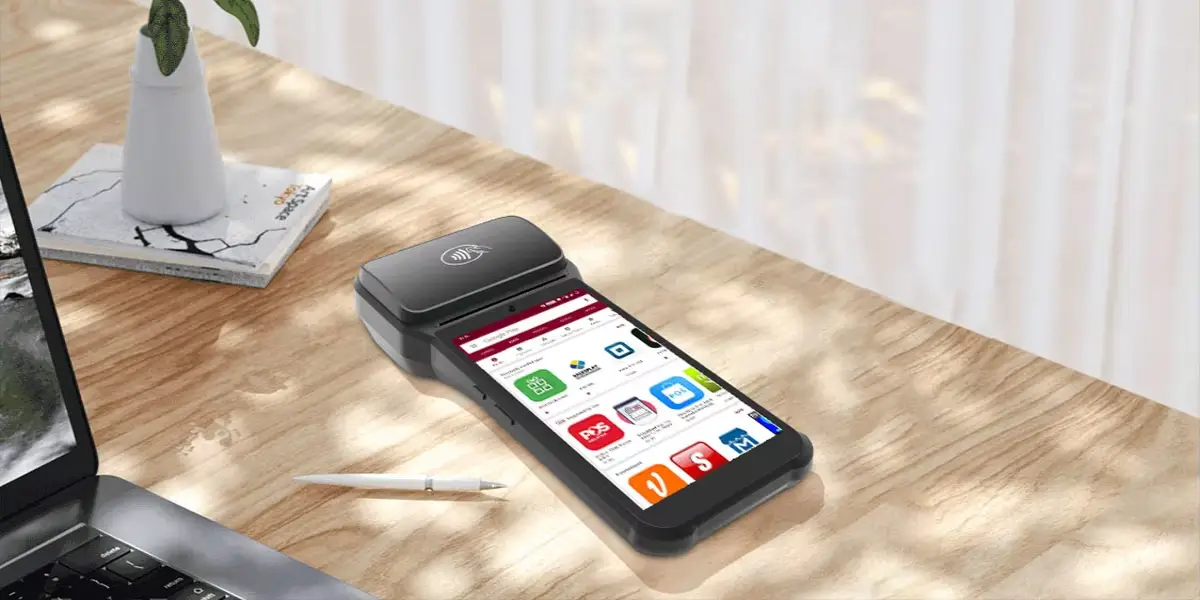
The fundamental difference between mobile POS and traditional POS lies in hardware design and where transactions can take place. Mobile POS terminals are portable — they run on wireless handheld devices or tablets and connect via Wi-Fi or cellular networks, making them suitable for tableside service, pop-up retail, and roaming floor staff. Traditional POS terminals are stationary, built around fixed countertop hardware with wired Ethernet connections, dedicated cash drawers, receipt printers, and customer-facing displays.
|
Feature |
Mobile POS (mPOS) |
Traditional (Countertop) POS |
|
Mobility |
Fully portable — floor, tableside, events |
Fixed to a single checkout station |
|
Hardware Cost |
Lower upfront; uses tablets or handheld readers |
Higher upfront ($500–$1,200+); dedicated registers and peripherals |
|
Connectivity |
Wi-Fi or cellular; vulnerable to network drops |
Wired Ethernet; maximum stability for high-volume locations |
|
Transaction Volume |
Ideal for low-to-medium or seasonal environments |
Built for high-volume permanent locations |
|
Peripheral Support |
Wireless compact accessories; may lack built-in scanner/printer |
Full hardwired peripherals: scanners, scales, cash drawers |
|
Best For |
Food trucks, pop-ups, tableside restaurants, roaming retail |
Supermarkets, busy cafes, convenience stores with fixed queues |
The global POS market is expanding rapidly as businesses digitize their checkout and store operations:
In the broader payments landscape, mobile POS transactions worldwide are expected to grow strongly — with mobile POS payment volume projected to reach $5.63 trillion by 2027.
These trends illustrate rising demand for portable, cloud-enabled, adaptive retail POS solutions, especially in fast-paced and customer-centric environments like F&B and retail.
Mobile POS devices let staff take orders or process payments anywhere — from pickup counters to outdoor dining. This queue-free payment technology enhances customer experiences and reduces bottlenecks during peak hours.
For example, in restaurants, tableside ordering with handheld POS devices can:Reduce wait times,Increase order accuracy,Improve service efficiency.For operators running food trucks, street stalls, or outdoor markets, the hardware requirements and connectivity considerations differ from indoor retail — see our guide to mobile POS for food trucks and outdoor vendors.
Mobile POS systems also facilitate on-the-go checkout systems at trade shows, pop-ups, and temporary retail spaces without heavy infrastructure needs.
Traditional POS infrastructure often involves high hardware costs, network cabling, and professional installation. In contrast, mobile POS systems:Use standard tablets or handheld hardware,Require minimal setup time,Are easier to scale with business growth.
Affordable setup increases adoption for startups, independent retailers, and small cafés — enabling them to launch operations quickly without heavy investment.
4.3 Cloud-Based Insights & Real-Time Data
Cloud-connected mobile POS solutions provide real-time sales dashboards, inventory tracking, and performance metrics accessible from anywhere.
This real-time POS synchronization system empowers owners and managers to:Track trends instantly,Optimize pricing dynamically,Respond to seasonal shifts.
Compared to traditional systems that may rely on periodic batch report downloads, cloud-native mobile POS delivers faster business intelligence.
Mobile POS supports all major payment methods — chip cards, contactless pay, Apple Pay, and QR codes — enabling faster, frictionless checkout.
Case studies find that reducing checkout friction boosts conversion rates and increases customer satisfaction.
In addition, staff using portable cashier machines can upsell or cross-sell on the spot by accessing product catalogs and loyalty history directly during checkout.
While modern systems dominate, traditional POS systems have strengths too:
For flagship stores, large supermarkets, or enterprise setups, traditional POS stations may still be relevant — especially when coupled with hybrid orchestration models.
Choose mobile POS if your business requires flexibility — including food trucks, pop-up events, tableside restaurant service, or roaming retail floor staff — or if you want to minimize upfront hardware investment.
Choose traditional POS if you operate a high-volume permanent location with a dedicated checkout queue, such as a supermarket, convenience store, or busy café, where hardware durability and a stable wired connection are priorities.
Consider a hybrid POS deployment if you need both: traditional terminals at fixed checkout counters paired with mobile POS devices for floor service and overflow capacity. This is increasingly the standard approach for mid-to-large retail and F&B operations.
Many successful enterprises adopt a hybrid POS deployment model:
This offers a balanced solution — combining the reliability of fixed systems with the agility of mobile devices. Hybrid models ensure continuity while enhancing customer service touchpoints.
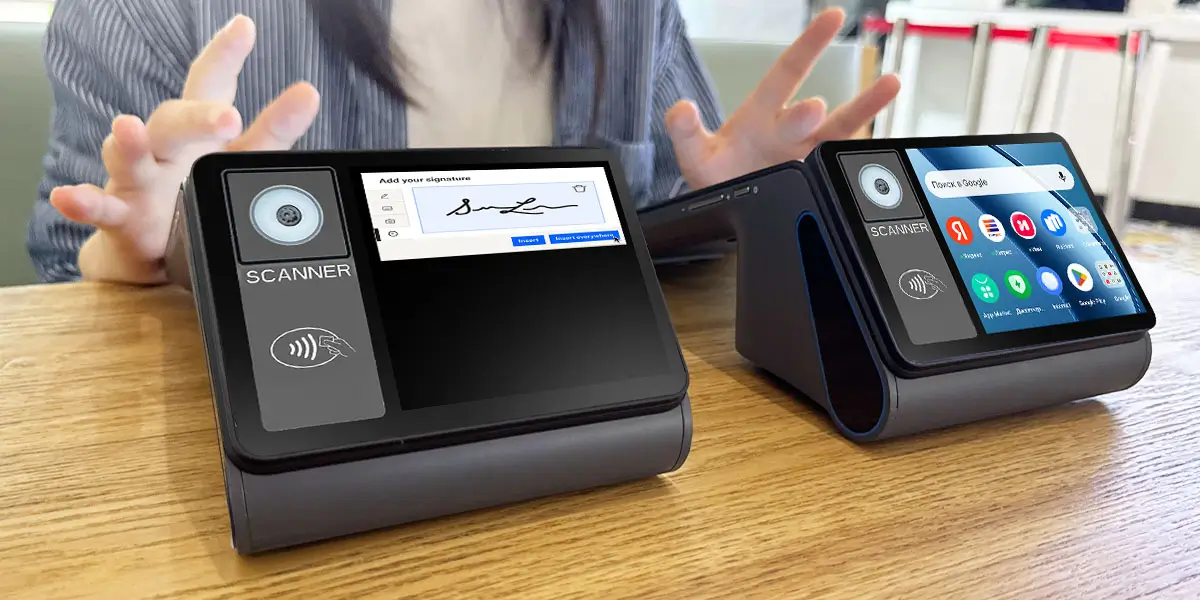
- Retail Stores:Fashion boutiques and specialty retailers use mobile POS to eliminate queues, increase sales floor engagement, and reduce abandonment rates.
- Quick-Service Restaurants (QSR):Baristas and counter staff can process orders from any station, improving throughput and table rotation.
- Pop-Up Retail & Events:Mobile POS makes it easy to sell anywhere without permanent hardware, ideal for markets, festivals, and seasonal events.
Android-based POS systems are gaining significant traction in retail for three key reasons:
The ZCS Z93 is an Android-based handheld POS terminal designed for retail and F&B environments, supporting NFC payments, barcode scanning, and cloud-based POS software integration. ZCS's Android hardware lineup — including GMS-certified devices running Android 14.0 — has been showcased at industry events including UAE Seamless, reflecting growing regional adoption across the Middle East.
Q1. What is the difference between mobile POS and traditional POS?
Answer: Mobile POS uses handheld or tablet devices and cloud software for flexible checkout anywhere, while traditional POS is fixed hardware often tied to a location. Mobile POS excels in portability and ease of deployment.
Q2. Is mobile POS better for restaurants than traditional POS?
Answer: For many restaurants, mobile POS improves table-side service, reduces wait times, and enhances customer satisfaction. Traditional POS remains relevant for fixed order counters.
Q3. Do mobile POS systems integrate with inventory management?
Answer: Yes. Modern mobile POS systems sync inventory in real time with cloud dashboards, enabling accurate stock tracking and reporting.
Q4. Are mobile POS systems more cost-effective than traditional POS systems?
Answer: Generally, mobile POS has lower hardware and installation costs, making them appealing to startups and small businesses.
Q5. Can a traditional POS system work with mobile POS devices?
Answer: Many hybrid setups integrate traditional and mobile POS, allowing flexible point-of-sale experiences across channels.
Q6. What is the difference between mPOS and traditional POS systems, and when should I choose one?
mPOS (mobile point of sale) uses portable handheld devices or tablets connected via Wi-Fi or cellular networks, allowing transactions anywhere on the floor, tableside, or at events. Traditional POS is fixed to a checkout station with wired connections and full peripheral support. Choose mPOS when mobility and low upfront cost are priorities; choose traditional POS when you need maximum uptime and high transaction volume at a fixed location.
Q7. Which POS system is better for retail stores using Android hardware?
Android-based mobile POS systems are popular in retail because they support open app ecosystems, flexible payment integrations, and lower hardware costs compared to proprietary systems. Android handheld POS devices allow staff to assist customers and process payments anywhere on the retail floor.

Both mobile and traditional POS systems have their place in the retail and F&B landscape. However, if your business prioritizes mobility, customer experience, low upfront cost, and real-time analytics, mobile POS systems clearly offer an edge — especially when paired with cloud-native architectures and flexible checkout workflows.
As a trusted POS manufacturer, ZCS recommends:
Investing in the right POS infrastructure not only streamlines operations but positions your brand for future growth in a rapidly digitalizing marketplace.






 Home
Home  Z108 Android POS: A Next-Generation Retail & Hospitality Solution by a Trusted POS Manufacturer
