2026-11-09 Author : ZCS
The correct Square Register customer display is the exact version built for the seller display, not any Square screen that fits the counter. A merchant should identify both serial numbers before ordering a part. The broader dual display Android POS guide explains why customer-facing screens are used; this guide focuses on Square compatibility, replacement and the point at which a new POS architecture becomes more sensible.
The equipment boundary is simple once the customer screen is treated as part of a system rather than a generic monitor.
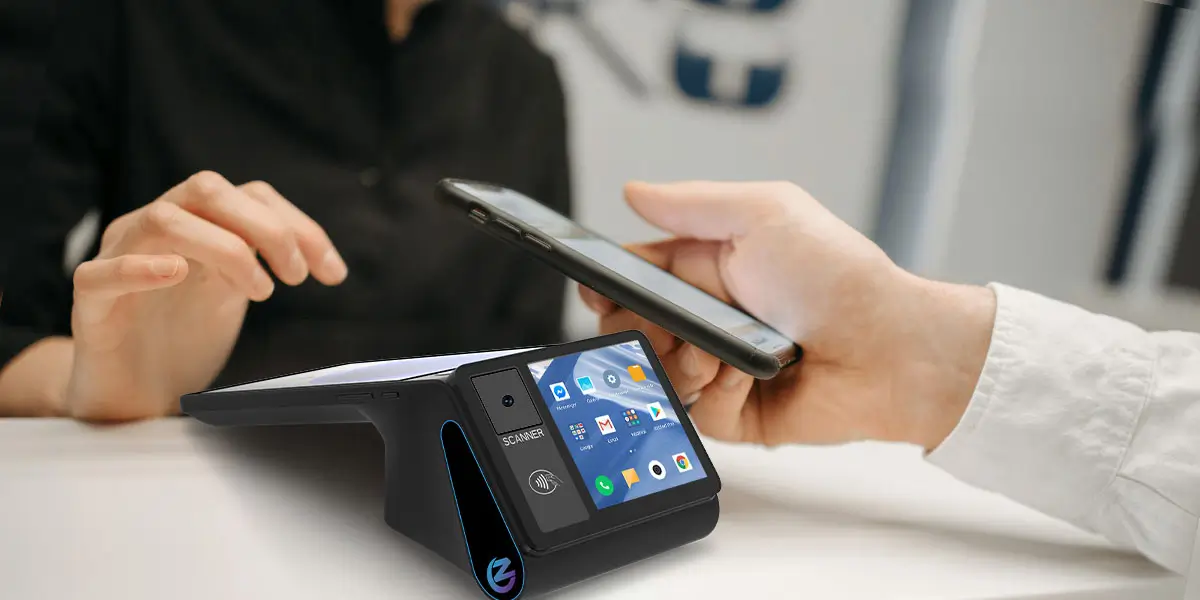
A Square Register customer display is the customer-facing screen designed to work with one matching Square Register hardware generation and version. It can show the basket, accept supported customer input and handle the payment interactions provided by Square Register. The screen is not a universal USB monitor, a standalone payment terminal or an interchangeable part across every Square Register.
That definition prevents the most expensive mistake: buying a display first and checking the model later.
The fifth through eighth characters of the 16-character serial number identify the Square Register hardware version. Square prints the seller-display serial near the rear hinge and the customer-display serial on the underside. The same information is available on the Register under More > Settings > Hardware > General > About Square Register, or in Square Dashboard under device management.
Square's official hardware identification guide lists the following pairs:
| Square Register seller display | Matching customer display | Compatibility rule |
|---|---|---|
| 1st generation, v1: S079 | 1st generation, v1: S078 | Use this pair only |
| 1st generation, v2: S134 | 1st generation, v2: S133 | Use this pair only |
| 2nd generation: S252 | 2nd generation: S251 | Use this pair only |
Customer displays are not compatible across those three pairs. A first-generation v1 S078 customer display cannot be moved to an S134 or S252 seller display. A second-generation S251 customer display does not become compatible with an older Register after a software update.
Hardware version and software version solve different problems. Square defines the generation and version when the unit is manufactured, so an update cannot convert one physical version into another. Software still matters for a matched pair: Square notes that a customer display running newer software than the connected Register may show an update-needed message.
A merchant with several Square Registers should label each pair. Recording the seller-display serial, customer-display serial, store and lane prevents a working display from being diagnosed as faulty after staff connect it to the wrong Register.
A blank, frozen or unresponsive customer display should be diagnosed before either screen is replaced. The fault can sit in the dock, cable, software, display or seller unit. Replacing the complete Register first wastes a chance to isolate a smaller problem.
Square's customer-display troubleshooting sequence starts with the physical connection. Staff can undock the display, inspect the docking area, reseat it evenly and then test the display with its customer-display cable. The cable test helps separate a dock-position problem from a broader connection problem.
The next checks are software version, hardware compatibility and a normal restart. A compatibility error points toward a mismatched display rather than a damaged screen. An update-needed message points toward software alignment. A normal restart is also different from a factory reset and should be tried first.
A factory reset belongs at the end of the process. Square warns that a reset removes settings and pending offline payments, so the merchant should upload pending offline transactions and send the requested diagnostic report before resetting the device. A store should schedule this work outside its busiest period and keep another checkout route available.
Use this order:
A separate original customer display can solve a confirmed screen failure when the matching part is available. A seller-display, motherboard, power or system fault may still justify replacing the complete Register. The diagnosis should decide the purchase, not the visible symptom alone.
The physical checks make more sense when the two-screen workflow is understood. The guide to how dual-screen POS terminals work explains how one sale is rendered for staff and customers, and why a frozen customer view may involve software state as well as the panel.
An ordinary monitor should not be treated as a supported Square Register customer-display replacement. Square's official replacement listing says the customer display connects through Square Register only, must remain docked or cabled to the Register and cannot operate as a standalone wireless device. The same listing limits one customer display to each Register.
A familiar connector does not establish monitor compatibility. A cable can carry power, data and device-specific communication without exposing a standard external-monitor interface. Screen recognition, touch input, card acceptance and the customer checkout interface also depend on Square hardware and software, not merely on an image signal. A visually matching plug is therefore evidence of shape, not support.
Square's replacement customer display listing is therefore the safer purchasing reference. Merchants should select by the seller-display serial sequence and confirm what the regional Square shop currently offers. The listing also notes that the cable is separate from a replacement display, so a buyer should not assume every order includes the cable needed for an undocked setup.
A third-party screen may still be useful beside the checkout for digital signage, but that is a separate system. It should not be represented as the Square customer display, a Square payment device or a supported way to collect customer input. A merchant needing a general-purpose second screen should evaluate a different POS architecture instead of improvising inside the Square Register.
The practical choice depends on the serial pair, part availability and the remaining life of the seller display. A newer matching Register with a damaged screen is a different case from a first-generation v1 estate that also lacks current software updates.
| Situation | Most reasonable first action | Reason to consider a full change |
|---|---|---|
| S252 Register with S251 display fault | Troubleshoot, then obtain the exact current-generation part | Seller display or system fault; unacceptable repair delay |
| S134 Register with S133 display fault | Confirm regional part availability and warranty | Fleet standardization or broader hardware ageing |
| S079 Register with S078 display fault | Check support before buying used stock | S078 replacement is discontinued and software updates ended |
| Unknown or mixed serial numbers | Identify and relabel every unit before ordering | Repeated mismatch indicates weak fleet control |
| Merchant wants a normal monitor or its own Android app | Reassess the complete POS architecture | Square customer-display replacement does not meet the new requirement |
The first-generation v1 decision needs more than a screen-price comparison. Square states that software updates for Square Register first generation v1 ended on September 1, 2025. Square also marks the S078/CS078 customer-display model as discontinued. An installed v1 Register may continue taking payments, but a merchant should weigh unavailable features, support, spare parts and security expectations before investing in another old component.
Used parts create a version and condition problem. A marketplace listing may say “Square customer display” without showing the full serial sequence. The buyer still needs the exact S078, S133 or S251 identifier, a return path and evidence that the unit is not account-, cable- or condition-limited. Availability on a resale site does not make a part supported.
Warranty status should be checked before purchasing a paid replacement. Square's shop directs customers with covered displays to submit a warranty claim. Regional terms and purchase channels can differ, so the merchant should verify coverage with Square rather than rely on a generic warranty assumption.
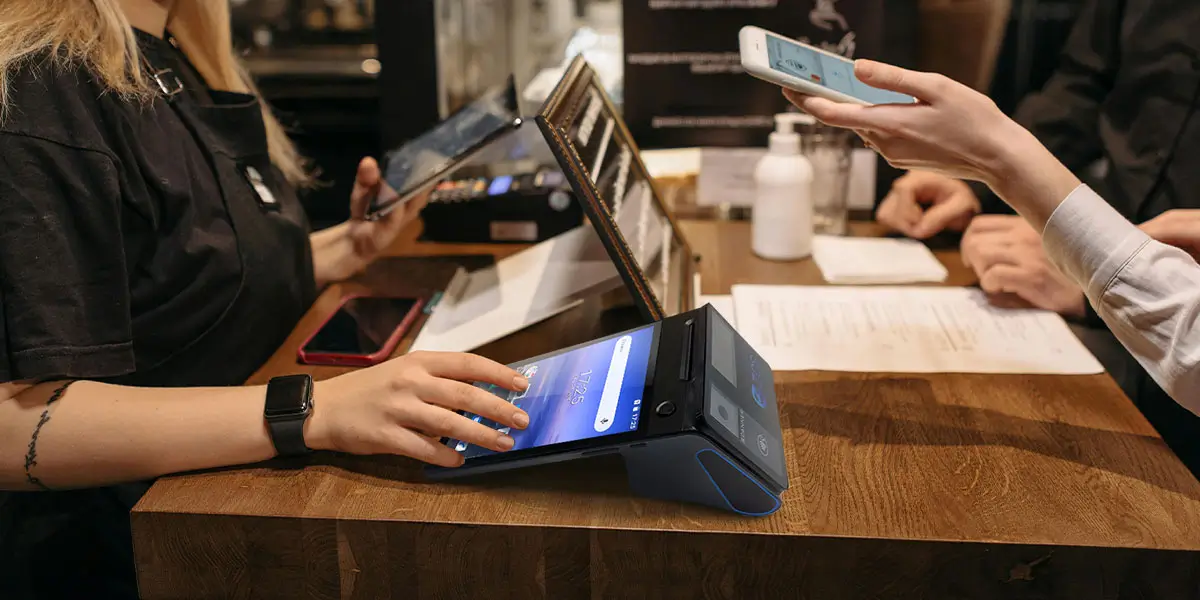
Square Register is strongest when a merchant wants one coordinated package for software, payments and customer interaction. The second-generation Register includes a seller display, customer display, cable, hub and Square Point of Sale software. The customer screen supports the payment and receipt steps defined by the Square ecosystem.
Square's current Register specifications show the advantage of that integration: the hardware, customer display, payment acceptance and POS software are designed together. The trade-off is that the customer display is not a general monitor and the hardware is not intended to become a neutral Android workstation for any application or acquirer.
Alternative architecture becomes relevant when the requirement changes from “repair Square” to “control the POS stack.” A business may need its own Android application, a regional payment provider, a separate certified payment terminal, a different customer-screen size, an integrated printer or an OEM enclosure. Those are system-selection questions, not replacement-screen questions.
| POS supply model | Main advantage | Main limitation | Best fit |
|---|---|---|---|
| Integrated Payment POS, such as Square Register | Coordinated software, payments, hardware and support | Hardware and customer display remain tied to the platform | Merchants wanting a packaged checkout |
| Uncertified white-label POS | Low apparent entry cost and broad generic availability | Approval, firmware, software and support evidence may be unclear | Non-payment tasks only after careful verification |
| Pure-Hardware ODM/OEM POS | Buyer controls the Android app, peripherals and deployment design | Buyer or integrator owns more software, payment and acceptance work | ISVs, distributors and customized projects |
Pure-Hardware ODM/OEM POS is not automatically better than Square Register. It changes ownership. Square reduces integration choices by supplying a complete service; a customizable hardware project gives the buyer more control but requires a defined application, payment path, support model and acceptance test.
An existing POS application needs a hardware compatibility project, not a screen-size match. The application must discover and control the customer display, keep both screens on the same order state and recover correctly after a display disconnect or device restart.
The dual-screen POS specification checklist turns those requirements into sample tests. The most important choice is whether the second panel mirrors the cashier screen, shows an independent customer view or accepts customer touch. The software team should prove the chosen mode on the exact production sample.
Check these layers before selecting alternative hardware:
Payment acceptance must be evaluated separately from the customer display. A screen can show an amount or QR code without becoming the component that authorizes payment. A modular POS may use a separate certified payment terminal, while an integrated device may put payment functions into the customer-facing module. The selected acquirer and deployment country decide what is permitted.
Vendor-specific code should be isolated from the checkout logic. The Android POS SDK integration guide explains how adapters can separate printing, scanning and display services from the order application. That design will not make every terminal interchangeable, but it reduces the amount of business logic rewritten during a hardware migration.
ZCS fits the new-hardware path when an ISV or integrator wants an Android dual-screen device for its own software. ZCS does not supply a customer display that should be connected to an existing Square Register, and ZCS hardware should not be described as a drop-in replacement for Square software, Square payments or Square support. A buyer reaches this path only after defining a new application owner, payment arrangement, deployment process and service boundary. The migration must be planned as a complete checkout change rather than a screen repair.
Z108 is one compact hardware example. The manufacturer documents the ZCS Z108 dual-screen POS with an 8-inch, 800 × 1280 main touchscreen and either a 3.95-inch or 2.6-inch, 480 × 480 customer display. Customer-side touch is optional. ZCS's product documents also state that Z108 can support mirrored or different content on the two displays, subject to the deployed application.
The Z108 is better suited to compact confirmation than to copying Square's seven-inch customer experience. Its smaller customer panel can show an amount, QR code, payment state or short order summary. A long basket, large signature area or rich self-service flow may need a larger display and a different model.
The Z108 also changes the integration scope. Manufacturer specifications list Android 14, Wi-Fi, cellular connectivity, Ethernet, an integrated printer option and multiple peripheral ports. Those specifications describe hardware capability, not independent performance results or acquiring approval. The project team still has to validate its Android application, customer-display behavior, printer integration and payment arrangement.
ZCS should enter the comparison only after a business decides not to preserve the Square stack. A merchant that wants Square Point of Sale and Square payment acceptance should follow Square's supported repair or upgrade path. An ISV that owns its software and needs configurable hardware can evaluate ZCS alongside other pure-hardware ODM/OEM POS suppliers.
A production-like pilot should decide whether an alternative is workable. Product photos and a successful app launch do not prove that two screens, payments and recovery states will operate together through a full shift.
Run the following test on the exact hardware and software build:
The acceptance record should describe observable behavior. “Dual screen supported” is too vague. A useful result states which screen shows each transaction state, whether customer touch is enabled, what happens after a disconnect and who owns each failure.
Yes, a matching original customer display can be replaced separately when the correct part is available and the fault is limited to that component. Check the Register and display serial sequences, connection, software, diagnostics and warranty before ordering.
No. S079 pairs with S078, S134 pairs with S133, and S252 pairs with S251. Square states that customer displays are not compatible across Register generations or versions.
Square does not document a normal monitor as a supported replacement customer display. Its replacement display connects through Square Register only and depends on the matching Square hardware and software.
The S078/CS078 display for Square Register first generation v1 is marked discontinued by Square. The S133 first-generation v2 display is a different part and is not compatible with the v1 Register.
No. Square places factory reset after connection checks, updates, compatibility checks, restart and diagnostics. Pending offline payments must be handled before a reset because the reset can delete them.
No supported compatibility is claimed. ZCS dual-screen models are complete Android POS hardware options for new software projects, not replacement displays for Square Register.
The best alternative is the hardware that passes the business's application, display, payment, printer and recovery tests. Android alone does not prove that an existing POS app or its peripherals will work.
Square Register customer display replacement begins with the serial number. S078, S133 and S251 belong to different Register versions and cannot be exchanged as generic Square screens.
A merchant should repair within the Square ecosystem when the goal is to keep Square software and payments. A matching replacement display, cable or supported Register upgrade preserves the service model more reliably than an improvised monitor.
A different dual-screen POS makes sense only when the project requirements have changed. Businesses that need their own Android application, payment arrangement or hardware design can evaluate a pure-hardware ODM/OEM POS such as ZCS, but that decision replaces the system architecture—not just the customer display.







 Home
 POS vs Cash Registers in Turkey: Which System Handles Sales, Card Payments and Fiscal Records?

