
2026-11-13 Author : ZCS
Offline POS in Italy is not one single mode. A shop can lose internet access while its checkout software still records items and totals. The same shop may be unable to authorize a card, while its registratore telematico continues to store fiscal data for later transmission. Our fiscal POS machine guide explains the general device categories; this article focuses on how the layers separate in Italy.
This distinction matters during an outage. A green “sale saved” message in the retail application does not prove that the customer’s card was charged. A successful card authorization does not, by itself, prove that the sale was recorded and transmitted correctly for tax purposes. And a delayed tax transmission does not necessarily mean the card payment failed.
The safest way to plan an offline workflow is to track three results independently: the commercial sale, the electronic payment and the fiscal record.
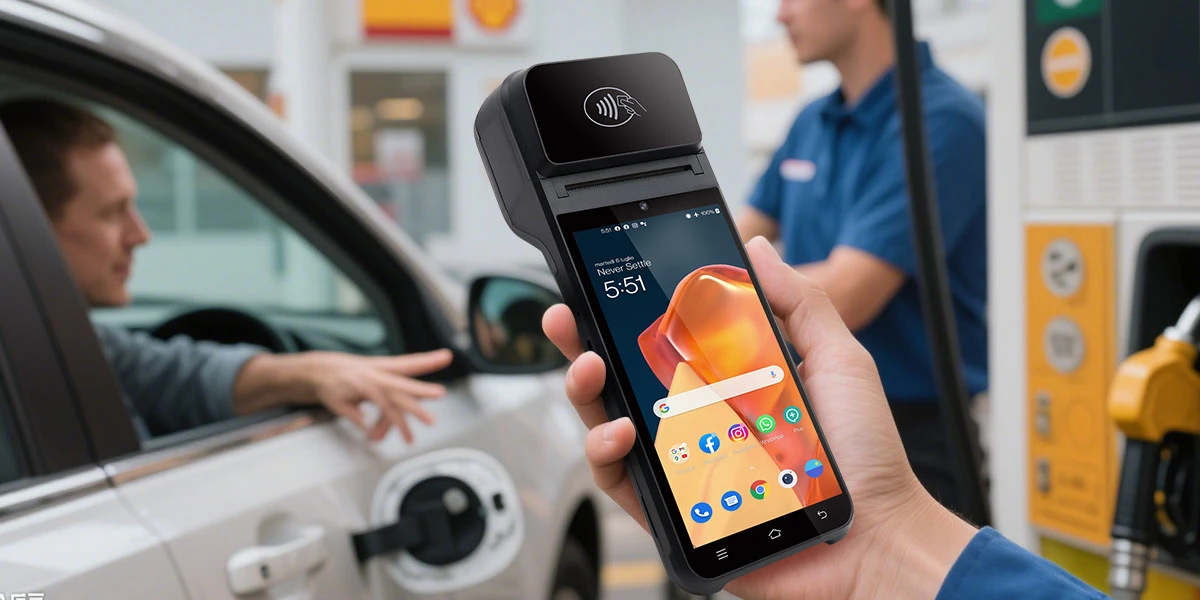
“Offline” describes which connection is unavailable, not whether the entire checkout is working or broken. A store may depend on a local network, the public internet, a payment processor and the tax-transmission service. Losing one path can affect one part of the sale while the others continue.
| Layer | Main job | What may still work offline | What offline operation does not prove |
|---|---|---|---|
| Sales POS software | Builds the basket, calculates the total and records the tender selected | Item lookup from a local database, local order storage, cash sale recording and receipt queueing | Card approval or compliant fiscal transmission |
| Payment terminal | Sends the card or wallet transaction through the acquirer and payment network | Only functions explicitly supported and enabled by the payment provider, such as a permitted offline decision or deferred transaction flow | That every card will be accepted, or that funds are guaranteed |
| Registratore telematico (RT) | Records fiscal data, produces the commercial document and transmits daily totals | Local fiscal recording and protected storage, according to the approved device and procedure | That an electronic payment was authorized or settled |
The word *POS* adds to the confusion. In Italy it often refers to the card-payment terminal, while international retail teams may use POS to mean the whole sales system. In this article, sales POS means the order and checkout software, payment POS means the card-acceptance tool, and RT means the fiscal-recording device.
One purchase can create three records even when the customer sees only one checkout. Consider a customer buying goods for €40.
When every connection works, these actions can happen within seconds. During an outage, their timing separates.
If the store’s internet connection fails but the local checkout and RT remain available, the cashier may be able to complete a cash sale, record it fiscally and transmit the daily data later under the applicable procedure. No card authorization is needed.
If the local checkout works but the payment terminal cannot reach its payment route, the order can still exist locally. The card transaction, however, may be declined, remain pending or follow a specifically enabled offline process. The cashier must not mark the order as paid merely because the basket was saved.
If the card is approved but the RT cannot reach the internet when the day is closed, the payment record and fiscal transmission now have different statuses. The merchant needs to preserve the approved payment, the commercial document and the RT transmission file without creating a second sale.
It can if the software was designed for local operation, but “works offline” needs a precise definition. Some applications keep item, price and tax data on the device. Others rely on a cloud server for product lookup, login, discounts or order numbers and may become partly or fully unavailable.
A practical offline sales design should define whether the store can:
These are software capabilities, not consequences of using Android or installing a SIM card. A terminal with Wi-Fi, 4G and a battery may still depend on a cloud-only application. Conversely, a countertop system can keep selling locally if its database and recovery rules were designed for outages.
The offline queue should also be limited. A shop needs a clear stop condition for stale prices, depleted stock or too many unsynchronized orders. Continuing indefinitely can turn a short network problem into a large reconciliation problem.
Sometimes, but only under the payment program’s rules and terminal configuration. Merchants should not advertise general offline card acceptance simply because a terminal can store transactions.
EMV payment flows can include terminal and card decisions that approve, send online or decline a transaction. Visa’s current transaction acceptance device guide notes that terminal action analysis can lead to an offline approval, an online request or an offline decline, while also explaining that many chip programs do not require offline-capable devices. The actual result depends on the card, terminal, acquirer settings and risk controls.
Three different ideas are often called “offline payment”:
| Payment situation | What happens | Main merchant risk |
|---|---|---|
| True offline chip decision | The card and terminal apply permitted rules without an online issuer response | Approval conditions are limited and provider-controlled |
| Deferred or store-and-forward transaction | The terminal stores a request and sends it later | The issuer may later decline; payment may not be guaranteed |
| Sales POS queues a payment request | The checkout saves the intention to charge but no payment transaction has completed | Staff may mistake a saved order for paid revenue |
Only the acquirer or payment provider can confirm which functions are enabled for a particular Italian merchant account and terminal. The provider should also define amount limits, eligible cards, retry behavior, chargeback exposure and what appears on the terminal when the final result is unknown.
If the terminal says “pending,” “unable to connect” or gives no final approval, the store should treat the payment as unresolved. Repeatedly tapping the card can create duplicate attempts after connectivity returns. Staff need a status-check procedure before retrying or accepting another tender.
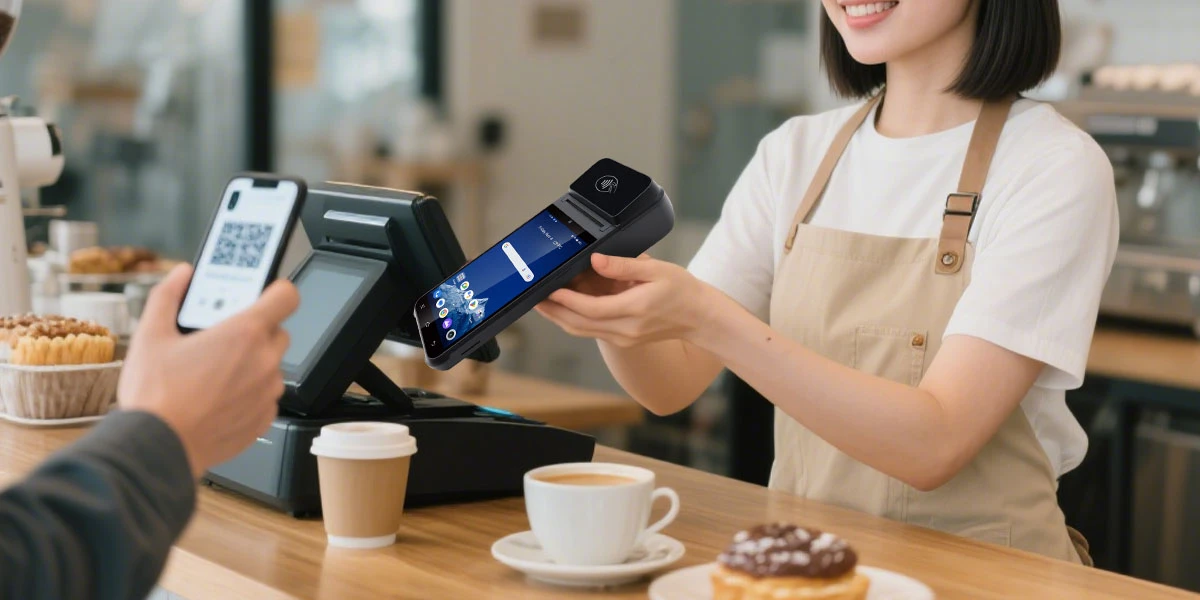
The RT owns the fiscal-recording and transmission step; it does not replace the acquirer. It records the transaction data required by the Italian fiscal workflow, produces the commercial document and prepares the daily data for transmission to Agenzia delle Entrate.
This is why a payment POS and an RT have different responsibilities:
An RT can be part of an integrated checkout, connected to retail software or operated as a more independent fiscal device. The physical arrangement does not change the need to preserve the fiscal record. The fiscal printer comparison explains why a printer-shaped device can perform regulated functions that an ordinary receipt printer cannot.
Agenzia delle Entrate’s electronic receipt guide describes an emergency procedure for internet problems at closing: the merchant has 12 days to transmit, either by reconnecting the RT or by copying the RT-sealed file to external memory and uploading it through *Fatture e Corrispettivi*.
That guidance separates recording from transmission. The sale still needs to be recorded correctly when it occurs; a transmission delay is not permission to postpone or recreate the sale. Merchants should confirm the current procedure for their device, business and date with the RT service provider or tax adviser before relying on an emergency upload.
The 2026 requirement connects electronic payment acceptance with the fiscal-recording system at the data and registration level. It should not be described as a universal physical cable requirement.
Italy’s 2025 Budget Law amended article 2(3) of Legislative Decree 127/2015 so that the process of recording and transmitting daily receipts is integrated with the electronic-payment process. The related provisions apply from January 1, 2026. The consolidated legal text refers to the electronic-payment hardware or software being connected to the instrument used to record, store and transmit the relevant data.
The operational method shows what this means for merchants. Agenzia delle Entrate directs users to associate the payment tools and fiscal tools through the relevant functions in the *Fatture e Corrispettivi* portal, or through *Documento Commerciale on line* where that web procedure is used instead of an RT.
For new POS activations or changes to registered data, the agency’s POS–RT deadline page states that the association is made between the sixth day and the last day of the second month following POS activation.
The June 30, 2026 date on that page is therefore one deadline generated by the rolling activation rule, not a universal date for every merchant in Italy. Earlier in-use devices had an initial implementation window, while later activations and data changes follow their applicable timing.
The practical takeaway is simple: the merchant must keep the identifiers and associations accurate, but the rule does not mean every RT must receive payment data through a direct cable from every POS. A software-based payment tool can also fall within the association requirement. The merchant should follow the current portal procedure and its fiscal provider’s instructions rather than inventing a hardware connection.
The correct response depends on which layer failed and which records already exist. The table below is an operational guide, not a substitute for the merchant’s approved fiscal and payment procedures.
| Scenario | Likely effect | What staff should verify before continuing |
|---|---|---|
| Store internet is down; local POS and RT work | Basket creation and local fiscal recording may continue; online services may not | Product data is current, documents are produced, transmissions are queued and cash totals are tracked |
| Payment terminal cannot reach the acquirer | Card authorization may fail, remain unresolved or use a provider-enabled offline flow | Final terminal status, provider rules and whether another attempt could duplicate the charge |
| Card is approved; RT transmission is unavailable | Payment can exist before daily fiscal data reaches the agency | Commercial document, payment reference, RT file and later transmission status |
| RT is unavailable but sales POS works | The basket may exist, but normal fiscal completion may not | The approved emergency procedure for the RT fault; do not substitute an ordinary printer |
| Cloud POS is unavailable; payment terminal works | A card could be approved without the correct order or fiscal workflow | Whether manual sale creation is permitted and how the records will be matched |
| Connection returns after queued work | Local orders and fiscal files may synchronize; payment requests may retry | Duplicate prevention, sequence numbers, timestamps and exception reports |
The key rule is do not infer one status from another. “Order saved” is not “card approved.” “Card approved” is not “fiscal file transmitted.” “Fiscal data sent” is not “merchant payout received.”
For a broader outage design, see the fiscal POS offline workflow, which covers queue controls, recovery and audit evidence across fiscal markets.
Reconciliation should match transaction identities, not only daily totals. Two systems can both show €1,000 while still containing different sales, duplicate attempts or a missing refund.
Start with three reports:
For each exception, compare the local order ID, amount, time, terminal ID, payment reference and fiscal document number. A useful recovery sequence is:
Do not delete a local sale and recreate it simply to make totals agree. That can break the link between the customer transaction, payment reference and fiscal record. The correct remedy depends on which system contains the error.
Buyers should test the full Italian workflow, not just whether the touchscreen and printer work without Wi-Fi. A pilot should involve the retail software supplier, payment acquirer, RT provider and merchant operations team.
Use this checklist:
For integrators evaluating a configurable hardware platform, ZCS lists the Z108 Android POS with an optional fiscal module. That manufacturer-stated option does not establish Italian RT approval or compatibility with a particular acquirer. A deployment still needs an Italy-specific fiscal partner, supported software, the appropriate approved RT workflow and project-level testing.
The hardware decision should come after the workflow decision. A device with two SIM slots, a large battery or a fast printer cannot solve an unsupported acquirer function or an incorrect fiscal association.
When something goes offline, ask three questions in order.
If any answer is “unknown,” pause before retrying. The most expensive mistakes happen when a cashier repeats a payment that was already approved, closes an unpaid order or creates a second fiscal record for the same sale.
It may be able to if the sales software and RT can operate locally and the merchant follows the required fiscal procedure. Cash does not require card authorization, but the sale still needs correct fiscal recording and later transmission where applicable.
No. The payment terminal and its acquirer route handle card authorization. The RT records the fiscal sale and payment information through the Italian fiscal workflow. The two functions may be integrated in one checkout, but their responsibilities remain different.
No. Offline approval and deferred transaction functions depend on the payment provider, terminal configuration, card and risk rules. Merchants must obtain written confirmation from their acquirer instead of assuming that a terminal can safely queue charges.
The official operational process uses a logical association through Agenzia delle Entrate services. The requirement should not be summarized as a universal cable connection. Merchants must register the correct payment and fiscal tools and follow the current procedure for their setup.
No. The June 30 page reflects one application of the rolling rule for new activations or data changes. The stated rule uses the sixth through the last day of the second month after POS activation. A merchant should check the deadline that applies to its activation or change date.
Verify card results before retrying, synchronize local orders once, confirm that the RT transmission was accepted and reconcile sales, payment and fiscal records. Any mismatch should follow the provider’s prescribed correction or refund process.
Offline POS in Italy works only when the merchant separates three questions: can the store record the sale, can the payment provider authorize the card, and can the RT store and transmit the fiscal record? Those answers can differ during the same outage.
The 2026 POS–RT rules make accurate association and consistent data more important, but they do not turn every payment terminal and RT into one physically connected box. A resilient deployment defines the owner, status and recovery procedure for each layer—and proves the complete workflow before a live store depends on it.







 Home
 How Self-Checkout Combines Biometric Payment, Loyalty, and Age Verification?

