
2026-11-13 Author : ZCS
EPOS in Romania usually involves several connected systems rather than one box doing every job. The EPOS application manages items, prices and the order. A card terminal handles electronic payment authorization. An approved electronic fiscal cash register, or AMEF, creates and stores the fiscal record. Our fiscal POS machine guide explains the wider device categories; this article focuses on the Romanian checkout flow.
The distinction is important because the customer may see one counter, one cashier and one total while the merchant creates three different records. A successful card payment does not automatically prove that the correct fiscal record exists. A printed sales ticket from EPOS software is not automatically a fiscal receipt. An e-Factura message does not automatically replace the AMEF process for a retail transaction.
The safest way to understand the setup is to follow one sale from the basket to the payment result and then to the fiscal receipt.
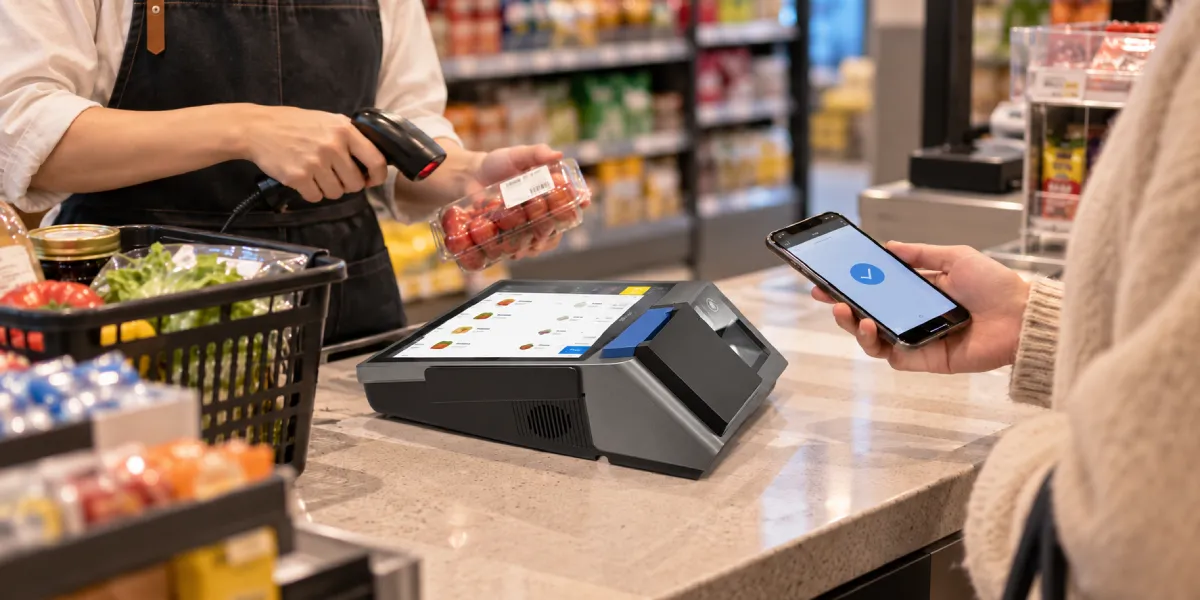
EPOS means electronic point of sale, but the term can describe software, hardware or the entire checkout. A retailer may use EPOS to mean the application that stores products and closes orders. A payment provider may call a card terminal a POS. A Romanian fiscal supplier may discuss a *casă de marcat* or AMEF.
These terms overlap in daily speech, but they identify different responsibilities.
| Component | Main responsibility | Typical record | What it does not prove |
|---|---|---|---|
| EPOS software | Builds the basket, applies prices and discounts, records the selected tender and updates business reports | Order, sales line, stock movement or non-fiscal customer ticket | AMEF approval or card authorization |
| Card terminal | Reads the card or wallet and sends the transaction through the payment provider | Approval, decline, reversal or payment slip | Fiscal recording of the sold goods |
| AMEF / casă de marcat | Records fiscal sales data, issues the fiscal receipt, maintains protected records and supports reporting to ANAF | Bon fiscal, electronic journal and daily fiscal closure report | Merchant bank settlement or inventory management |
| RO e-Factura process | Creates and transmits an electronic invoice where the rules require it | Structured electronic invoice and system response | Automatic replacement of every fiscal-receipt obligation |
One physical device may contain more than one function. An all-in-one terminal can run EPOS software, communicate with payment services and connect to fiscal equipment. That does not erase the legal and operational boundary between the functions.
A single sale can produce a commercial record, a payment record and a fiscal record. Consider a customer buying three items for RON 120.
In a well-integrated checkout, the amount travels electronically and the result returns to the correct order. In a manual setup, the cashier may type RON 120 into a separate card terminal and then select “card” in the cash register or EPOS. That can work operationally, but it creates more opportunities for mismatched amounts, duplicate payments and incorrect tender records.
The card-terminal step disappears, but the EPOS and fiscal steps remain. The cashier records the order, the AMEF creates the fiscal record and the cash enters the till. At closing, the store compares EPOS cash sales, the AMEF payment-method totals and the physical cash.
The EPOS order can still exist even though no payment was completed. The cashier should keep the order open, accept another tender or cancel it through the defined workflow. Closing the order as paid would create a false sales/payment match.
The merchant now has an approved payment and an incomplete fiscal workflow. Staff should preserve the payment reference, avoid charging the customer again and follow the approved AMEF error or service procedure. Deleting the first order and rebuilding it can make the records harder to reconcile.
EPOS software controls the commercial side of the checkout. It normally owns the product file, basket, discounts, cashier session, order status and stock movement. Depending on the project, it may also manage customers, loyalty, purchasing, restaurant tables or multiple stores.
The software should be able to answer:
Those functions make EPOS central to store operations, but they do not make ordinary sales software a fiscal device. A generic receipt printed from an office printer or built-in thermal printer is not automatically a *bon fiscal*. The fiscal document must come from the approved AMEF workflow.
This is also why integration should use stable transaction IDs. If the EPOS sends the same basket twice after a timeout, the store may create two fiscal operations or two payment attempts. A good connector checks the existing status before retrying.
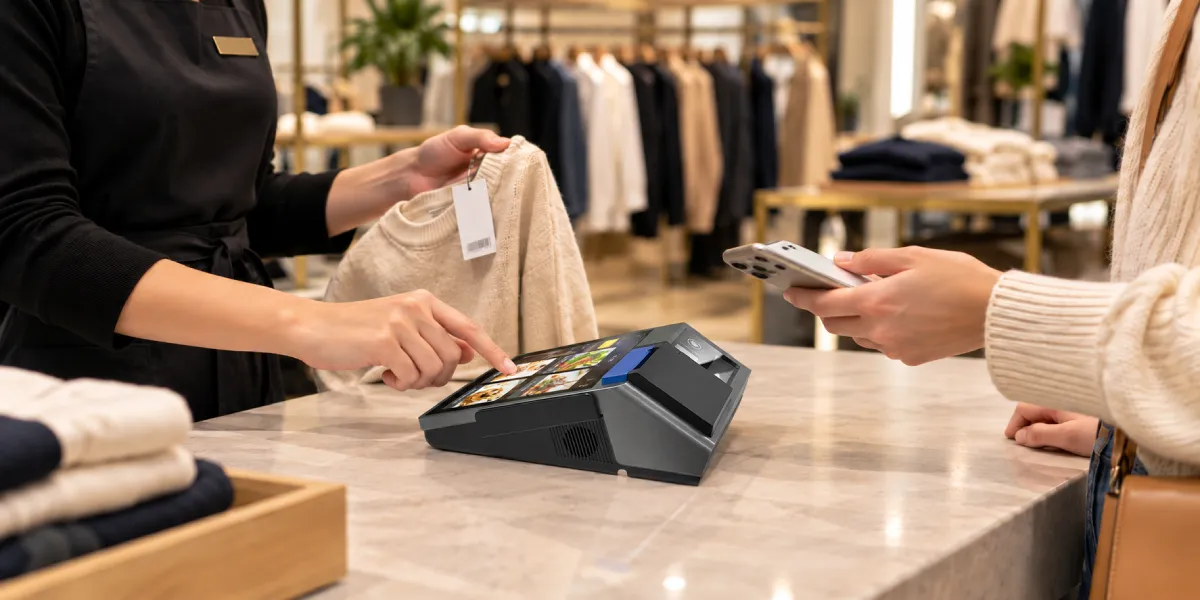
The card terminal controls the payment request, not the product sale. It captures a card or wallet credential, sends the amount through the acquirer and payment network, and returns the transaction result.
The payment record normally contains information such as:
The terminal does not normally know the full product basket. An approval for RON 120 shows that the payment request was accepted. It does not by itself show which three products were sold or whether the AMEF recorded them correctly.
A separate card terminal also may not know whether the EPOS order closed successfully. If the payment succeeds but the EPOS loses connection before receiving the result, staff should check the terminal or provider record before retrying. A second tap can create a second charge.
AMEF stands for *aparat de marcat electronic fiscal*, an electronic fiscal cash register governed by Romania’s fiscal-device rules. In everyday business language, merchants commonly say *casă de marcat*.
Romania’s OUG 28/1999 text describes the fiscal receipt as a document issued by the electronic fiscal cash register. It also defines core AMEF functions such as printing, memorizing and electronically issuing fiscal receipts, daily closure reports and electronic journals for the relevant device category.
The AMEF therefore has responsibilities that ordinary EPOS software and an ordinary receipt printer do not have:
The fiscal printer comparison explains why a device that resembles a receipt printer can still have regulated storage, reporting and service functions. Appearance alone does not establish fiscal approval.
Romanian rules provide for authorized distributors, approved models and accredited service. A merchant should confirm the exact AMEF model, fiscalization process, installation location, communication setup and service provider. A generic Android POS with a printer cannot be treated as a Romanian cash register merely because it can print tax totals.
The three documents can show the same total while serving different purposes. They should be named by their role rather than by the printer that produced them.
| Document or record | Created by | Main purpose | Key limitation |
|---|---|---|---|
| EPOS sales ticket or order record | EPOS software | Shows products, quantities, prices and operational order details | Not automatically a fiscal receipt |
| Card payment slip or digital payment record | Card terminal or payment service | Shows the electronic payment attempt and result | Does not replace product-level fiscal recording |
| Bon fiscal | Approved AMEF | Records the fiscal retail transaction with required data | Does not prove later bank settlement by itself |
| Invoice / RO e-Factura record | Invoicing system and applicable national process | Documents an invoiced transaction under invoice rules | Not automatically the same as the AMEF receipt workflow |
An integrated system may print payment information and fiscal information on one paper flow. A separate setup may produce two slips. The number of paper pieces does not determine how many electronic records exist.
The merchant should be able to trace the same sale across all systems using the order ID, payment reference, fiscal receipt number, amount and time. Matching only the daily grand total can hide a missing sale and an unrelated duplicate of the same amount.
Romania changed the customer handover rule for card payments, but the change must not be summarized as “no fiscal record is needed.”
An ANAF regional notice published in January 2025 explains that for collections made by credit or debit card, AMEF users are not required to print and hand the fiscal receipt to the customer by default. The customer can request it. The same notice states that the bank statement can serve as evidence of purchase for consumer-rights purposes.
This affects the default paper experience at the counter. It does not mean:
For system design, the important distinction is between generating and retaining the fiscal data and printing or handing a paper copy to the customer. The project team should confirm how the selected AMEF model, EPOS connector and current rules implement that distinction.
The ANAF connection is part of the fiscal-device workflow, not the card-acquiring route. The payment terminal communicates with the payment provider. The AMEF communicates through the fiscal reporting and monitoring process.
ANAF’s AMEF connection guide was written for authorized distributors, accredited service units and AMEF users. It explains the rollout of connecting fiscal devices to the Ministry of Finance–ANAF system and states that devices fiscalized after the rollout deadlines connect at fiscalization.
The 2021 dates in that guide are historical rollout dates. They should not be presented as a new 2026 deadline. The continuing value of the guide is its explanation of the connection roles, device eligibility and service process.
OUG 28/1999 also states that operators must ensure remote connection of AMEF devices so fiscal data can be transmitted to ANAF. The AMEF maintains its own fiscal memory and electronic journal, while the daily closure report contains fiscal summary information and payment-method totals.
That architecture creates two integration paths at the same checkout:
The card terminal’s network connection is a third path. One internet router may carry all three, but the destinations, credentials and failure states remain different.
No. RO e-Factura is an electronic invoicing system; a bon fiscal is a fiscal receipt produced through the AMEF workflow. The same sale may involve one or both processes depending on the transaction and current rules, but one should not be assumed to replace the other.
ANAF’s RO e-Factura clarification discusses simplified invoices from January 2025 and explicitly distinguishes fiscal receipts that meet simplified-invoice conditions from other simplified invoices. That distinction would not be necessary if every fiscal receipt automatically became the same RO e-Factura message.
For a retail checkout, the software team should ask separate questions:
Do not build a workflow that automatically sends every card receipt into RO e-Factura without confirming the transaction type and current legal requirements. Likewise, do not suppress the AMEF step merely because the EPOS can create an invoice PDF.
A failure should be classified by system before staff retry the transaction.
| Failure | What may still work | Main risk | First check |
|---|---|---|---|
| EPOS application is unavailable | Standalone payment or AMEF functions may remain available | Payment or fiscal record cannot be matched to the original basket | Confirm the approved manual or backup sales process |
| Card terminal cannot connect | EPOS basket and AMEF may still work for cash | Staff may mark an unpaid order as paid | Check the terminal’s final payment status |
| Payment approved but EPOS times out | Card transaction may already exist | Duplicate charge after a second tap | Query the terminal or provider before retrying |
| AMEF communication to EPOS fails | Payment and basket may exist | Missing or duplicate fiscal operation | Check the AMEF result and receipt number |
| AMEF connection to ANAF is interrupted | Local fiscal functions may have their own defined behavior | Transmission status may be confused with sales-record status | Follow the device and service procedure for queued or failed reporting |
| Printer paper runs out | Electronic records may still exist | Staff may assume nothing was recorded | Check system status before recreating the sale |
The fiscal POS offline workflow explains queue controls and recovery evidence in more detail. Romania-specific procedures should still come from the approved AMEF supplier and current ANAF guidance.
Reconciliation should compare individual transaction references before relying on totals. At daily closing, collect three views:
For each exception, compare:
Common exceptions include an approved card with no closed EPOS order, a fiscal receipt recorded as cash when the customer paid by card, a duplicate card attempt after a timeout and an EPOS refund that did not reach the payment or fiscal workflow.
Do not fix these differences by editing reports until totals match. Use the prescribed void, cancellation, return, refund or fiscal-correction process for the system that contains the error.
A Romania EPOS pilot should test the complete sale, not just the printer and touchscreen. Include the EPOS supplier, payment provider, authorized AMEF distributor or service unit and merchant operations team.
The fiscal hardware guide provides a broader procurement checklist. In Romania, buyers should add the exact AMEF authorization, distributor, service and ANAF communication requirements to that list.
Use this checklist:
Hardware should be evaluated inside this approved architecture. ZCS identifies the Z100 Android POS as a configurable platform with an optional fiscal module. That manufacturer-stated option does not establish approval as a Romanian AMEF or compatibility with a specific fiscal supplier or acquirer. A Romanian project still needs the approved fiscal device path, local integration and service validation.

No. EPOS software manages products, orders, prices and operational reports. An AMEF or *casă de marcat* performs the approved fiscal-recording functions. They can be integrated, but ordinary EPOS software is not automatically a fiscal device.
No. The payment slip records the electronic payment attempt and result. The fiscal receipt comes from the AMEF workflow and contains the required fiscal transaction information.
ANAF’s January 2025 summary says AMEF users do not have to print and hand the fiscal receipt to the customer by default for credit or debit card collections, although the customer can request it. This paper rule does not remove the underlying fiscal-recording requirements.
Not automatically. RO e-Factura handles electronic invoices, while the bon fiscal belongs to the AMEF workflow. The required combination depends on the transaction and current rules.
Not merely because it runs sales software and prints receipts. The project must use the approved Romanian fiscal-device and service path. Any external Android POS should be treated as the commercial system unless its fiscal status and integration are specifically verified.
Check the card terminal or payment-provider status before asking the customer to pay again. Then confirm whether the EPOS order and AMEF fiscal record were completed. Resolve each missing or duplicate record through the relevant provider’s procedure.
EPOS in Romania works best when the merchant treats sales, payment and fiscal recording as connected but separate responsibilities. The EPOS application owns the basket. The card terminal owns the payment request. The AMEF owns the fiscal receipt, protected records and fiscal communication process.
A reliable integration passes the correct data between those systems, preserves their individual status and gives staff a safe recovery path. It also keeps RO e-Factura separate until an invoice is actually required. That structure makes checkout failures easier to diagnose and daily reconciliation much more reliable.






 Home
 How Offline POS in Italy Separates Local Sales, Card Authorization and Fiscal Record Transmission?

