
2026-08-24 Author : ZCS
A supermarket in Warsaw and a boutique in Berlin can both be legally required to record every sale for tax purposes, yet the hardware sitting at their checkout counters can look nothing alike. That difference usually comes down to one question: does the tax-recording hardware run on its own, or does it depend on a separate computer to tell it what to record?
Fiscal compliance hardware utilizes certified fiscal memory to record and preserve sales-tax data for government audit. Current hardware infrastructure bifurcates into peripheral devices, represented by the fiscal printer, and all-in-one systems, utilizing embedded certified memory like that built into a fiscal POS terminal.
The category lines between these two hardware types are drawn by certification scope and dependency on external software, not by price point alone. One is a component that plugs into an existing checkout setup; the other is a complete, self-contained tax-recording device.
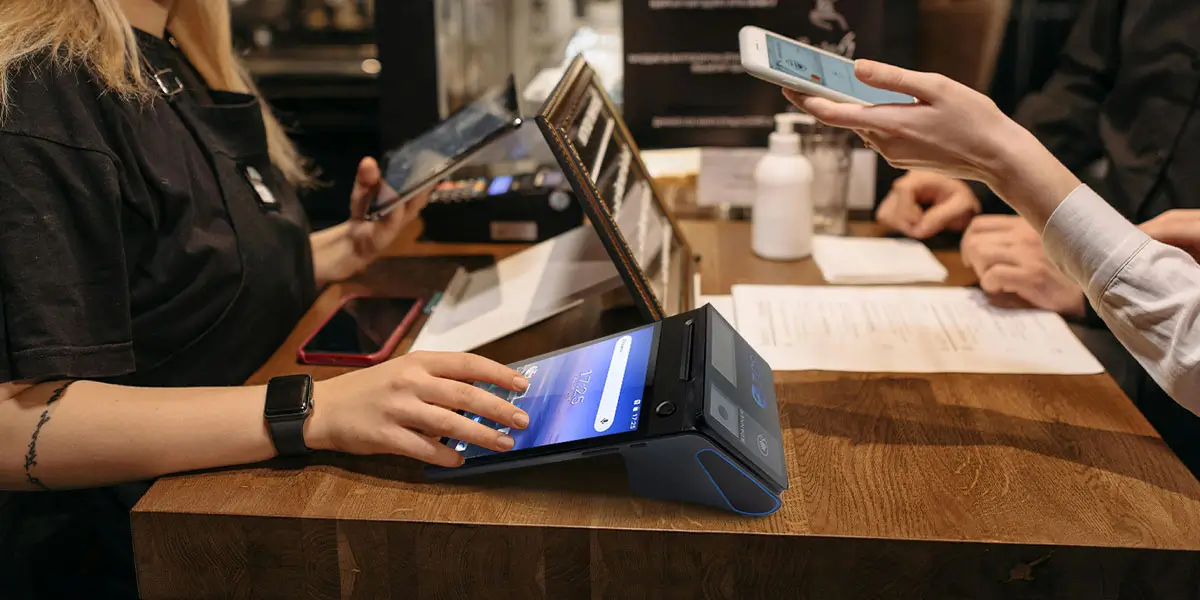
A fiscal printer is a specialized receipt printer built around a certified fiscal memory module, and it cannot function as a standalone cash register. The device connects to a host computer or POS terminal over a serial (RS-232), USB, or Ethernet port, receives transaction data from separately running sales software, and then writes that data into an encrypted, tamper-proof memory chip before printing a tax-compliant receipt. Removing the fiscal printer from the setup does not stop the sale from happening; it simply removes the government's ability to see that the sale happened correctly.
This dependency structure is the detail most buyer's guides skip past. A fiscal printer is only as compliant as the software feeding it data, which means the certification burden splits between the hardware vendor and the POS software vendor rather than resting on one device alone.
A fiscal cash register, often abbreviated ECR, sits at the opposite end of the independence spectrum from a fiscal printer. The device combines a keypad, a small display, and a built-in printer with fiscal memory into one standalone unit that requires no external computer or POS software to operate.
Readers who want the full vocabulary map behind these device categories, including the EFD, ETR, and VFD terminology tax authorities use interchangeably across different countries, will find a complete breakdown in EFD, ETR, and VFD terminology explained for 2026.
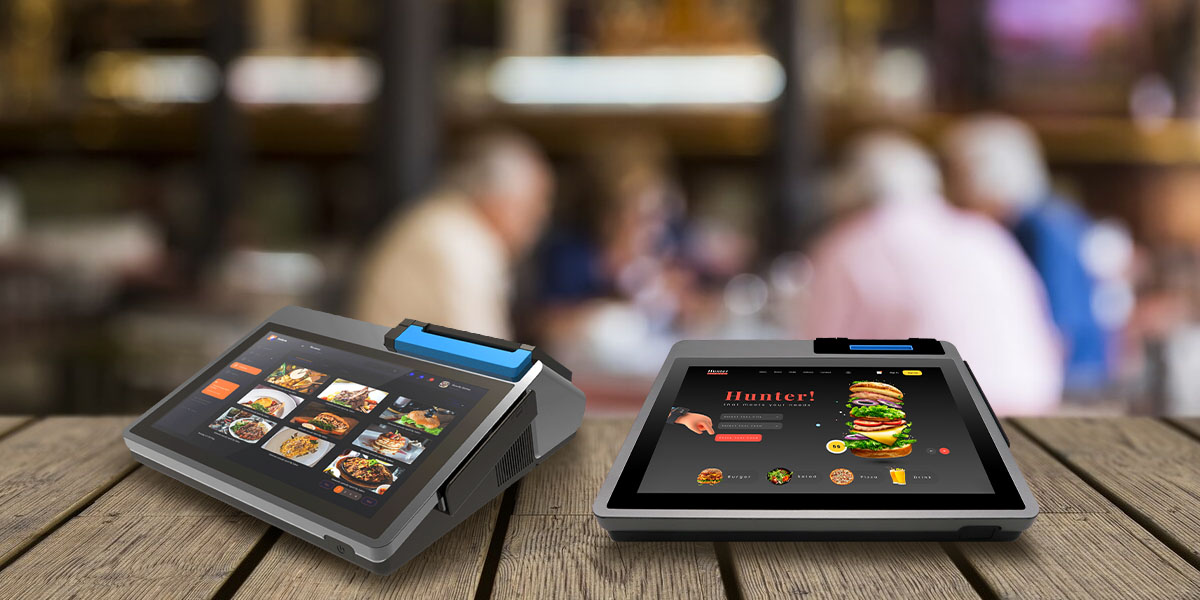
A fiscal POS terminal folds the sales-software computer and the fiscal printer into a single certified device. Instead of pairing a separate cash register application on a PC with an external fiscal printer connected by cable, the terminal runs the point-of-sale software, prints the receipt, and writes to fiscal memory all inside one enclosure — commercial examples include Telpo's M8 and M10 desktop units and Fiscat's Galaxy Touch and Super Touch lines, both marketed specifically as fiscal-ready Android terminals. That consolidation removes a cabling and driver-compatibility step that a printer-plus-computer setup always carries, since the certification now covers the whole device rather than two separately certified components working together.
The trade-off runs in the opposite direction from a fiscal printer's flexibility: a fiscal POS terminal is a fixed hardware-software bundle, so replacing just the printing mechanism or just the sales software independently is rarely an option once the unit is certified as a whole.
| Attribute | Fiscal Printer | Fiscal POS Terminal |
|---|---|---|
| Requires external computer | Yes | No |
| Connection type | Serial/USB/Ethernet to host | Self-contained |
| Certification scope | Hardware + separate POS software | Single unified device |
| Typical deployment | Multi-lane retail with existing POS software | Single-till or new deployment needing an all-in-one box |
| Upgrade path | Swap printer or software independently | Replace or recertify the whole unit |
Standard fiscal printers typically require a separate host computer running certified POS software before they can operate at all. Selecting an all-in-one fiscal POS terminal instead prevents cable- and driver-related integration failures during high-volume checkout scenarios like supermarket peak-hour scanning.
That distinction matters most once a business scales past a single till. A retailer running eight checkout lanes on an existing POS software stack can add a fiscal printer to each lane without touching the software layer, while a business opening a single new kiosk with no existing POS software often finds a fiscal POS terminal faster to certify and deploy. Buyers weighing that decision alongside broader hardware-security expectations can review fiscal POS hardware requirements to see how fiscal-certified devices diverge from standard POS hardware beyond the tax-memory question alone.
Fiscalization rules vary sharply by country, and the hardware requirement follows directly from which regulatory model a tax authority has chosen. Three models currently coexist across Europe:
Italy strengthened its hardware-based model at the start of 2026: as of January 1, merchants must maintain a mandatory virtual connection between electronic payment terminals and fiscal cash registers, a rule enforced through the Agenzia delle Entrate's digital portal. In just the first five months of enforcement, that single measure surfaced more than €5 billion in transactions that had previously gone unreported, based on figures the tax agency has published on the rollout. Poland and Bulgaria run comparable hardware-based systems, which is why a merchant expanding from Warsaw to Sofia still has to source locally certified hardware rather than simply reconfiguring existing POS software.
The deployment of hardware-based fiscal devices in EU member states depends on national tax-authority certification schemes. Italy and Poland mandate physical fiscal memory hardware, while Germany's TSE framework complies with a hybrid software-hardware policy that pairs a certified security module with existing cash-register software.
A terminal certified for one EU country's fiscal regime rarely ports cleanly into a neighboring one, since each model above solves a structurally different technical problem. Germany's Technical Security System, certified by the Federal Office for Information Security, requires every business operating an electronic recording system to register that system through the country's federal tax portal — a registration step that simply has no equivalent under Italy's pure hardware mandate. That mismatch is exactly why sourcing fiscal hardware for a multi-country rollout goes wrong when a buyer assumes one country's certified device will satisfy a neighboring market's rules. A full country-by-country breakdown of which EU markets require which hardware category is laid out in country-by-country fiscal requirements.
Fiscalization extends well beyond the EU under different regional names, though the underlying hardware categories stay recognizable. Kenya's electronic tax register mandate and Ethiopia's fiscal device rules both require certified hardware performing essentially the same function as the fiscal printers and fiscal POS terminals already discussed. Tanzania's Revenue Authority runs its Electronic Fiscal Device framework around three certified device types, including Electronic Fiscal Printers, alongside electronic signature devices and virtual fiscal devices, transmitting transaction data to the authority in near real time. Malawi has already begun shifting away from physical fiscal devices toward a web-based real-time model, previewing a transition path that hardware-only markets elsewhere may eventually follow.
Existing infrastructure decides this choice more often than device specifications do. A business already running a certified POS software stack across multiple lanes typically gains more from adding fiscal printers to that existing environment than from ripping out working software to fit an all-in-one terminal. A business standing up a new location with no existing software commitment, by contrast, usually finds a fiscal POS terminal faster to certify, since one device carries the whole compliance burden instead of two components certified separately.
Hardware makers building for this second scenario increasingly design fiscal capability into the terminal from the start rather than bolting it on. ZCS's Z108 and Z100 dual-screen terminals both list a fiscal module as a configurable option alongside their standard EMV and NFC payment stacks, a pattern shared by Telpo's fiscal-focused M-series and Fiscat's Galaxy Touch line. For merchants expanding into a market with country-specific fiscal certification requirements that off-the-shelf hardware doesn't yet cover, the more relevant question becomes how quickly a manufacturer can adapt an existing terminal to a new country's fiscal standard rather than starting hardware selection from scratch. That kind of country-specific adaptation work is exactly what custom Android POS manufacturing covers, from open SDK access to firmware-level ODM changes needed to pass a new jurisdiction's fiscal certification.

Q1. Is a fiscal printer the same as a POS terminal?
No. A fiscal printer is a peripheral device that depends on a separate computer running POS software, while a POS terminal (fiscal or otherwise) is a complete computing device that can run sales software on its own.
Q2. Which countries require fiscal printers or fiscal POS terminals?
Hardware-based fiscalization is mandatory or common in Italy, Poland, Bulgaria, Russia, Serbia, Romania, Kenya, and Tanzania, among others, though the exact device category required — printer, cash register, or terminal — varies by national tax authority.
Q3. Can a fiscal cash register replace a full POS system?
Only for very simple operations. A fiscal cash register handles sales recording and receipt printing on its own, but it lacks the inventory management, reporting depth, and software integrations that a full POS system or fiscal POS terminal typically provides.






 Home
Home  Fiscal POS Requirements Across the EU: A Country-by-Country Comparison
