
2026-11-17 Author : ZCS
To accept credit card payments, a business needs an approved payment service, a bank account for payouts, a way to capture the customer’s payment details and a process for recording each transaction. The payment provider connects the merchant to acquiring and card-network infrastructure.
The complete setup follows a clear sequence.
A small business starts accepting card payments by choosing its sales channels, applying to an acquirer or all-in-one payment provider, connecting an approved acceptance method, configuring checkout and security settings, testing transaction outcomes and confirming the first bank payout. A reader captures the card, but the provider account authorizes the merchant to process it.
That distinction prevents the most common setup mistake: buying hardware before confirming which provider and market will activate it.
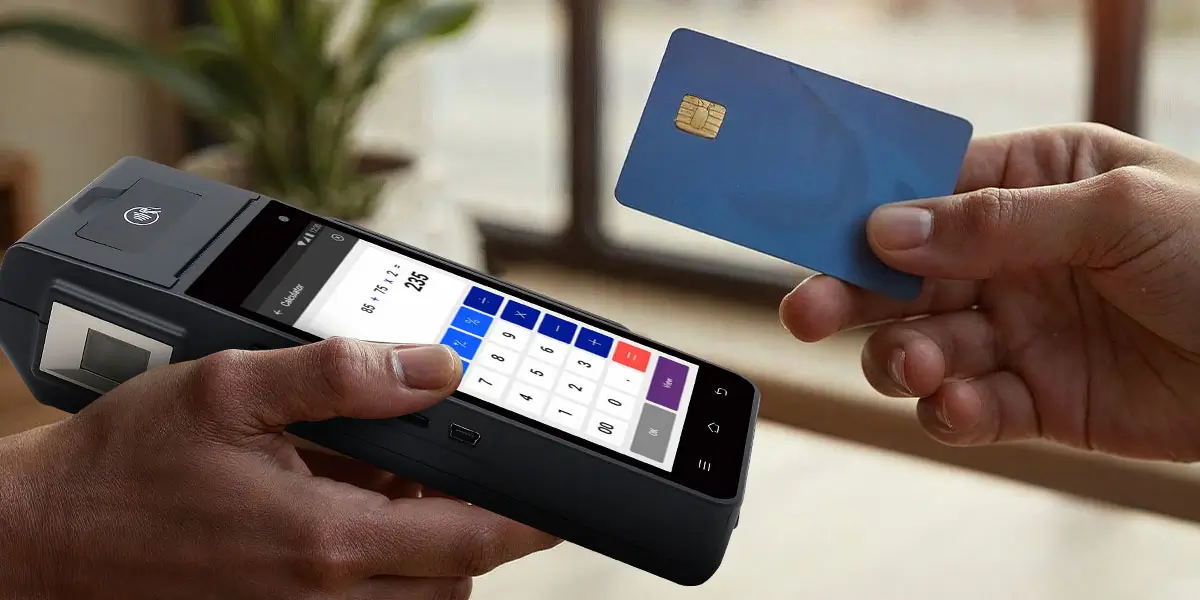
Every card-payment setup needs five operating components. The names differ across providers, but the functions remain consistent.
The Mastercard small-business card acceptance guide, published July 10, 2026, organizes the process around acceptance method, payment provider, account setup, hardware or software and PCI requirements. That order reflects the real dependency chain: provider approval comes before active processing.
A business bank account is not the same thing as card-processing approval. The bank account receives payouts. The merchant agreement or facilitated account gives the business access to processing. An all-in-one provider bundles several functions behind one application, while a traditional setup separates the merchant account, gateway, processor and equipment contract.
The fastest setup is not automatically the lowest-cost setup. A new seller benefits from simple onboarding, while a higher-volume merchant gains more from negotiated pricing, detailed routing and contract control. The right structure follows transaction volume, average ticket size, sales channels and operational complexity.
Understanding the payment flow helps merchants evaluate what their provider actually handles. Our payment processing guide explains how transaction data and funds move between merchants, acquirers, card networks and issuers from checkout to payout. Use that overview to distinguish the reader’s role from authorization, settlement and bank funding before selecting an acceptance setup.
The sales environment determines how the business captures card details. Start by listing every place a customer completes payment, then select the acceptance method for each channel.
A physical checkout needs a method for reading chip or contactless credentials. Countertop terminals, integrated POS devices and mobile readers all support face-to-face sales when activated by the selected provider.
Modern in-person acceptance prioritizes EMV chip and contactless transactions. Contactless acceptance covers eligible physical cards and digital wallets on phones or watches. Magnetic-stripe support remains a market- and device-specific fallback, not the primary design target.
The checkout must show a final transaction result. A beep, card-reader light or customer phone animation does not replace the approved, declined or failed status in the merchant system.
An online store needs a payment page connected to a gateway or commerce platform. The merchant can use a hosted checkout, a platform plugin or a custom integration.
A hosted payment page keeps more card-data handling inside the provider’s controlled environment. A custom payment form creates greater design and integration control but expands the technical and security work. The decision belongs in the website architecture, not at the end of the launch.
Online checkout also needs clear order-state logic. The store must distinguish a created cart, submitted payment, approved authorization, captured payment, failed attempt, cancelled order and refunded order. Treating these states as one “paid” flag produces fulfilment and reconciliation errors.
Phone and mail orders use a virtual terminal or another provider-approved card-not-present workflow. Staff enter payment details into a secured interface instead of using a consumer-facing card reader.
Manually entered payments carry higher fraud exposure because the customer and physical card are not present for normal chip or contactless verification. Providers price and monitor this channel separately. Staff must never write card numbers on paper, messaging apps or general notes.
Mobile businesses accept cards through a phone, tablet, connected reader or handheld payment terminal. Markets, delivery services, repair teams, taxis and field sales need battery, connectivity and device-loss procedures alongside payment acceptance.
Tap to Pay turns an eligible NFC phone into a contactless acceptance device through a supported application. The phone model, operating system, provider, country and merchant account all need support. Installing an application alone does not activate the service.
The provider controls onboarding, processing access, settlement and many device options. Compare provider models before comparing card readers.
A traditional merchant account gives the business a direct acquiring relationship or a dedicated merchant identity through a processor. The setup separates more commercial and technical components, which supports negotiated pricing, complex routing and specialized integrations.
This model fits established merchants with material transaction volume, several channels or firm requirements for gateways, terminals and reporting. It also creates more contracts and implementation work.
A payment facilitator onboards merchants under a managed platform and bundles processing with software or hardware. The merchant usually receives one application, one dashboard and standardized pricing.
This model fits startups, mobile sellers and small shops that value fast setup and a single support path. The tradeoff is tighter dependence on the provider’s supported devices, markets, software and account policies.
A provider comparison must cover the complete operating cost and exit path. Ask for written answers to these questions:
Headline transaction rates do not reveal total cost. Fixed per-transaction charges weigh heavily on low-value sales, monthly fees weigh heavily on low-volume sellers, and premium equipment adds upfront or contractual cost.
Merchant onboarding verifies the business, its owners, its products and the expected transaction risk. Prepare accurate information before starting the application.
The application commonly requests:
Mastercard’s merchant acquirer application guide lists business type, industry, address, tax identification, products, expected e-commerce share, personal identity details and payout-bank information among the items merchants prepare. Exact documentation follows the provider, business type and country.
Accurate volume and fulfilment information reduces avoidable review. A merchant selling downloadable services has a different risk profile from a local grocery store. A business taking deposits months before delivery has a different exposure from one handing goods to the customer at checkout.
Approval speed is provider-specific. Automated services approve straightforward applications quickly, while traditional underwriting and higher-risk sectors require deeper review. Do not announce a launch date until the provider has approved the account and activated the selected payment channel.
The business name on the customer’s statement also matters. Configure a clear billing descriptor so customers recognize the charge. An unfamiliar descriptor creates preventable disputes even when the sale was legitimate.
Hardware must match the provider, channel and checkout workload. A device with the right physical card interfaces remains unusable when the provider cannot provision it.
A mobile reader pairs with a phone or tablet and handles basic in-person acceptance. It fits pop-ups, market stalls, service calls and low-complexity counters.
The host phone or tablet remains part of the payment system. Battery health, operating-system updates, Bluetooth or cable connection, staff logins and loss protection affect every sale.
A standalone terminal accepts payment without building the order inside a full POS application. Staff enter the amount on the terminal or receive it from another system when integration exists.
Standalone terminals fit counters that already have a cash register or management system. Manual amount entry works, but it creates a mismatch risk between the sale total and the payment total. End-of-day reconciliation must detect those differences.
An integrated POS sends the final amount from the order to the payment component. This removes duplicate amount entry and links the payment result to the sale record.
Integration must cover more than successful payments. The POS needs defined behavior for declines, timeouts, partial approvals, tips, voids, refunds and duplicate attempts. A shared order or transaction reference lets support staff trace both sides of a problem.
Tap to Pay provides contactless card acceptance on an eligible NFC phone without a separate reader. It offers the lowest hardware threshold for mobile sellers and backup checkout positions.
Tap to Pay does not cover every payment need. Chip insertion, receipt printing, cash drawers, barcode scanning and full counter workflows still require other hardware or peripherals.
Payment hardware sits inside a larger checkout station. List receipt printing, cash handling, barcode scanning, customer display, Ethernet, Wi-Fi, cellular service and charging requirements before purchasing devices.
One complete station costs more than the terminal price. Include mounts, cables, paper, network equipment, spares and replacement procedures in the rollout budget.
Debit and credit cards enter the same merchant checkout through the provider’s supported card networks and device configuration. The payment flow differs when the market or transaction requires PIN, signature, contactless limits or debit-network selection.
The customer controls the card and enters a PIN directly on the approved payment interface. Staff never ask the customer to say the PIN, type it into the POS screen or write it down.
A dedicated PIN-entry device separates customer verification from cashier order entry. The guide to the POS PIN pad workflow explains how the cashier screen, payment application and customer PIN interface divide responsibilities.
Debit acceptance starts with provider confirmation, not a setting guessed by the cashier. Confirm the card brands, domestic debit networks, PIN support, contactless rules and routing options included in the merchant agreement. A terminal displaying a card logo does not prove the merchant account is enabled for every transaction type behind that logo.
Test debit with the same discipline as credit: approval, decline, receipt, refund and reporting. The payment record must identify the transaction without exposing the PIN or unnecessary account data.
Configuration binds the merchant account, location, device and checkout rules into one working system. Complete the setup through the provider’s approved dashboard or deployment process.
Create each operating location with the correct legal, tax and reporting settings. Assign staff individual accounts or role-based access instead of sharing an owner login.
Restrict refunds, manual card entry, offline payments, price overrides and administrative changes to the roles that need them. Shared credentials remove accountability and complicate incident response.
Activate each reader or terminal under the correct merchant and location. Record the device serial number, store, counter and support owner.
Payment support teams use merchant and terminal identifiers to trace activity, configuration and incidents. The article on POS terminal ID and merchant ID explains why TID and MID values identify different parts of the acceptance setup.
Set taxes, tips, receipts, refund permissions, preauthorization, signature handling and offline behavior according to the business workflow. Enable only the features the staff understand and the provider supports.
The payment system also needs a clear order-to-payment link. Use a shared reference, receipt number or integrated transaction mapping so the merchant can match the customer order, payment result and later payout.
Receipts need the correct trading name, date, amount, payment method and contact route. Email and SMS receipts require accurate customer consent and data handling.
Do not print full card numbers or authentication data. Masked account information supports customer service without exposing sensitive credentials.
A proper acceptance test covers success, failure and recovery. One approved payment proves only the simplest path.
Run a small permitted transaction through each required method: chip, contactless, wallet, debit, online checkout or virtual terminal. Confirm:
Use the provider’s test environment, training mode or approved test procedure. Confirm that a decline leaves the order unpaid, gives staff a clear action and does not create a false receipt.
Staff need a standard response: ask for another payment method, do not diagnose the customer’s bank account and do not repeat the same transaction without checking status.
Test a same-day cancellation and a post-settlement refund. Confirm which role can perform each action, what record appears in the POS, what the payment dashboard shows and what receipt reaches the customer.
A void and a refund are not interchangeable. Transaction state determines which operation is available and how the customer’s balance changes.
Disconnect the network in a controlled test. Confirm what the device displays, whether offline acceptance is enabled, what transaction limits apply and how the system reconnects.
After a timeout, check transaction status before retrying. Blind retries create duplicate charges when the first payment reached the processor but the terminal missed the response.
Close a test shift or batch and compare POS sales, payment totals, fees, refunds and cash. Confirm that staff know where to find unsettled, failed and reversed transactions.
The test ends only when the records reconcile. A working reader without a working closeout process is not a complete deployment.
The first live payment follows the same controlled sequence as every later sale. Staff must finish the order before presenting the payment interface.
The merchant screen is the source of truth for checkout status. A customer phone animation confirms interaction with the wallet, not final merchant settlement. A terminal sound confirms device activity, not necessarily approval.
When the status is unclear, pause the order and search the payment dashboard by amount, time, device and transaction reference. Do not collect the payment again until the original attempt is resolved.
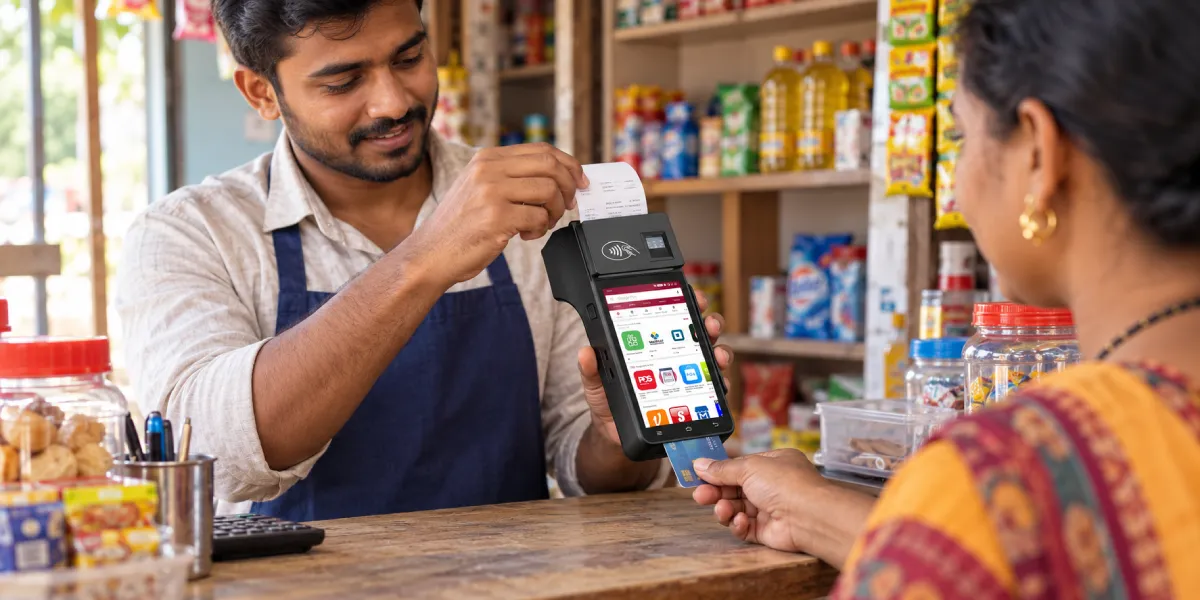
Card acceptance is operational only after the merchant verifies the first payout. An approved sale and a bank deposit are separate events.
The provider groups or records transactions, deducts applicable fees and sends the net amount under its settlement schedule. The merchant then matches three records:
The detailed POS settlement process explains why a payment can show approved at checkout before the corresponding payout reaches the bank.
The first-payout review must explain every difference. A net deposit can differ from gross sales because of processing fees, refunds, chargebacks, reserves, adjustments or transactions included in another payout period.
Funding time comes from the provider agreement, transaction timing, weekends, banking rails and account status. Do not promise customers or cash-flow managers a universal payout time.
Record the payout reference, covered transactions, gross amount, deductions, net amount and bank date. This creates the baseline for daily or periodic reconciliation.
Card-payment cost combines transaction pricing with software, hardware and operational expenses. Compare providers with the merchant’s real sales profile.
Common cost components include:
Use this calculation:
Annual card-acceptance cost = transaction fees + account and software fees + hardware and peripherals + add-ons + support and replacement cost
Average ticket size changes the effective rate. A fixed 15-cent charge consumes 1.5% of a $10 sale before the percentage fee, but only 0.15% of a $100 sale. Transaction count therefore matters alongside annual card volume.
Separate card-present, online and manually entered sales in the model. Each channel carries its own price and risk profile. A blended headline rate hides expensive transaction types.
Contract review also needs the exit cost. Equipment return, termination charges, data export and terminal re-provisioning determine how easily the merchant changes providers later.
PCI DSS applies to merchants regardless of size or transaction volume. The PCI Security Standards Council’s small-merchant compliance FAQ states that small merchants often have simpler environments, but size does not remove PCI DSS applicability. The acquirer or payment brand defines the merchant’s validation and reporting process.
Merchants need practical controls from the first transaction:
Outsourcing payment processing reduces direct card-data handling but preserves merchant responsibility. The business still selects the provider, controls staff access, secures its website or network connections and responds to suspicious activity.
A hosted checkout narrows the merchant’s technical scope only when the integration keeps card entry inside the provider-controlled flow. Copying card data into the merchant’s form, logs, analytics or support tools changes that boundary.
The PCI SSC outsourced-payment responsibility FAQ states that merchants remain responsible for confirming provider compliance, maintaining written responsibility agreements, monitoring provider status and understanding shared controls.
Security ownership must be explicit. Record who manages the terminal, payment dashboard, website integration, user access, software updates and incident response. “The provider handles security” is not an operating procedure.
Most launch failures come from the order of implementation, not the card technology. Avoid these errors:
A terminal is not universally portable across acquirers and countries. Choose the payment relationship first, then buy hardware that the provider provisions.
Fixed transaction fees, monthly charges, gateway costs, chargeback fees and hardware contracts change total cost. Compare the annual total at the merchant’s actual ticket size and volume.
Staff who test only an approval do not know how to recover from the first failure. Declines, voids, refunds and timeouts belong in the acceptance test.
Manual amount entry without a shared reference produces reconciliation gaps. Record the order number or integrate the systems.
Shared logins remove accountability for refunds, settings and exports. Use named accounts and role-based permissions.
Checkout approval confirms the payment response, not final bank funding. Verify the first payout and establish a reconciliation routine.
Every location needs a response for network loss, device failure, unclear status and support escalation. Write the procedure before launch.
A merchant is ready when every required item has an owner and a verified result. Use this checklist before public launch.
| Check | Evidence | Owner |
|---|---|---|
| Merchant application approved | Provider approval and active account | Business owner or finance |
| Payout bank account verified | Successful verification or test deposit | Finance |
| Required payment channels enabled | Provider dashboard and contract | Payments lead |
| Devices assigned to correct location | Device inventory and activation record | Store operations |
| Card and wallet types confirmed | Provider acceptance list | Payments lead |
| Staff roles configured | User and permission report | Manager |
| Approval and decline tests passed | Test log | Store operations |
| Refund and void tests passed | Test transaction records | Manager |
| Receipt details verified | Printed or digital receipt | Store operations |
| Network recovery tested | Recovery log | IT or integrator |
| PCI actions assigned | Compliance record | Security or owner |
| Support contacts recorded | Escalation sheet | Manager |
| First live sale reconciled | POS and provider match | Finance |
| First payout confirmed | Provider payout and bank deposit match | Finance |
The checklist is complete only when the business can prove the result. “Configured” without a transaction record or payout match is not evidence.

You need an approved payment provider, a verified payout account, an acceptance method and a transaction-record system. In-person businesses also need a provider-supported reader, terminal, phone or integrated POS.
You need access to merchant acquiring, but you do not always open a separate traditional merchant account. Payment facilitators bundle that access into an all-in-one service, while traditional processors establish a dedicated merchant relationship.
Yes, an eligible phone accepts contactless cards through a supported Tap to Pay application. The provider, merchant account, phone model, operating system and country must support the service. Chip insertion and full counter peripherals require additional hardware.
Enable debit acceptance through the provider and use its approved terminal or app. The customer taps or inserts the card and completes any required PIN or verification step directly on the payment interface.
The total includes transaction fees, account or software charges, hardware, add-ons and operating costs. Calculate the cost with actual ticket size, transaction count, channel mix and contract terms instead of one advertised rate.
Approval time follows the provider’s underwriting process and the business risk profile. Straightforward automated applications move faster than traditional accounts, complex ownership structures or higher-risk sectors. Launch only after written approval and channel activation.
The provider’s settlement schedule determines payout timing. Transaction time, weekends, reserves, account reviews and banking rails affect the deposit date. Use the payout report and bank record for the confirmed answer.
Yes, PCI DSS applies to merchants regardless of size or transaction volume. The merchant’s payment setup and acquiring relationship determine the applicable validation process and shared responsibilities.
The first step in accepting card payments is choosing the payment relationship, not buying a reader. The provider determines account approval, supported channels, device activation, pricing, settlement and compliance instructions.
A complete launch connects that relationship to the right hardware or online checkout, tests every important transaction state and verifies the first bank payout. When the order record, payment record and bank deposit reconcile, the business has a working card-acceptance system—not just a powered-on terminal.






 Home
 How Square POS Combines Payments, Software and Hardware for Different Business Sizes?

