
2026-01-08 Author : ZCS
In this comprehensive guide, we’ll walk through the most critical aspects restaurateurs should consider when selecting a POS system, draw on authoritative third-party insights, and highlight how ZCS solutions can help restaurants thrive in the digital era.
The global restaurant POS software market is expanding rapidly. According to recent market research, the restaurant POS software segment is projected to grow with a compound annual growth rate (CAGR) of nearly 10% between 2025 and 2030, driven by cloud adoption, mobile payments, and AI-driven analytics.
Another report shows that an increasing number of modern restaurants are upgrading to integrated POS systems that support cloud, mobile, and contactless payment technologies such as QR codes and mobile wallets, while legacy systems decline in usage.
These trends underscore a broader shift in restaurant technology: the days of static, local POS boxes are fading, replaced by flexible, data-rich systems that unify front-of-house (FOH) and back-of-house (BOH) operations.
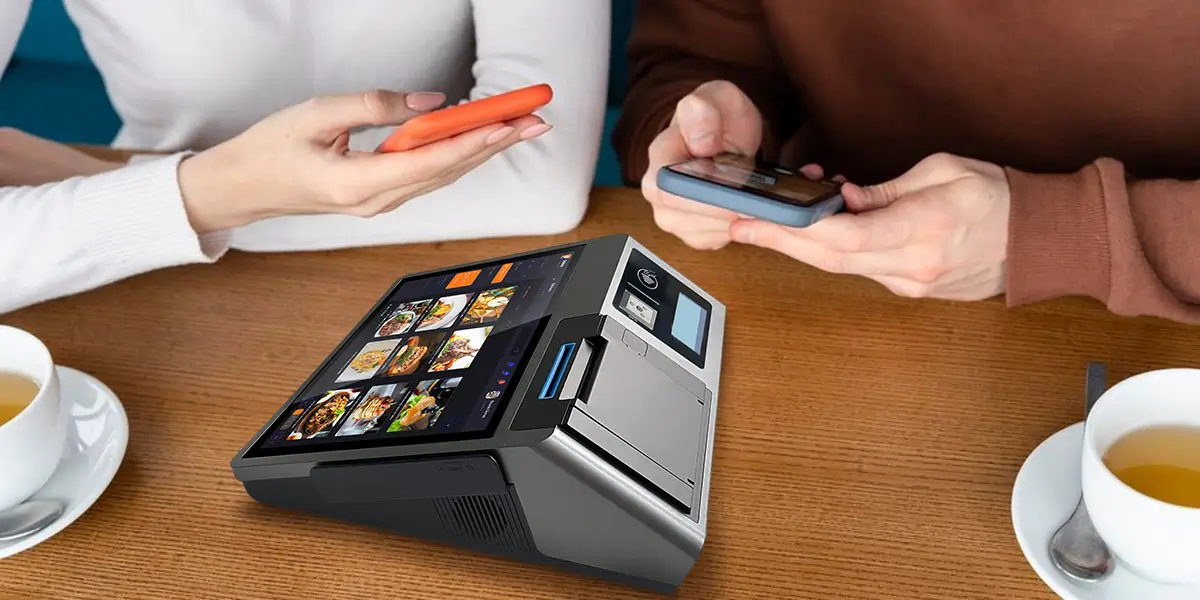
When evaluating POS solutions for your restaurant, prioritize systems that deliver real operational value—not just basic payment processing.
A strong smart POS should provide real-time inventory tracking and ingredient-level stock visibility. This helps prevent stockouts, reduce waste, and maintain optimal food cost control.
Restaurants that use real-time inventory tools can avoid running out of popular dishes during peak hours and lower overall food waste.
Recipe cost calculation is another critical function, as it ties ingredient usage directly to menu pricing and profitability.
Restaurant POS systems with touchscreen POS system for casual dining and waiter handheld POS units empower staff to take orders anywhere in the dining area—reducing waiting times and increasing table turnover.
A reliable smart POS must seamlessly integrate with kitchen display integration POS screens. This eliminates paper tickets and improves communication between front and back of house, reducing errors during busy service.
As guest preferences evolve, contactless payment options like QR code menus and mobile wallets have become standard. Contactless dining payment POS capabilities not only enhance customer experience but also improve checkout speeds and safety.
Modern POS platforms collect valuable customer behavior data, enabling targeted loyalty campaigns and repeat business. Integrated customer loyalty features also encourage guests to return more frequently and spend more per visit.
Cloud-based restaurant POS solutions allow owners to view performance metrics from anywhere, scale quickly across multiple locations, and ensure data integrity with automatic backups and updates.
While software drives functionality, hardware form factor affects usability and service speed:
As a seasoned pos manufacturer, ZCS offers a full range of hardware that supports all these configurations, ensuring compatibility and future-proof performance: https://www.szzcs.com/.
When comparing smart restaurant POS systems, evaluate:
Use the blue ocean / long-tail criteria to assess unique functions like menu modifiers, guest order tracking, shift scheduling tools, and advanced analytics dashboards.
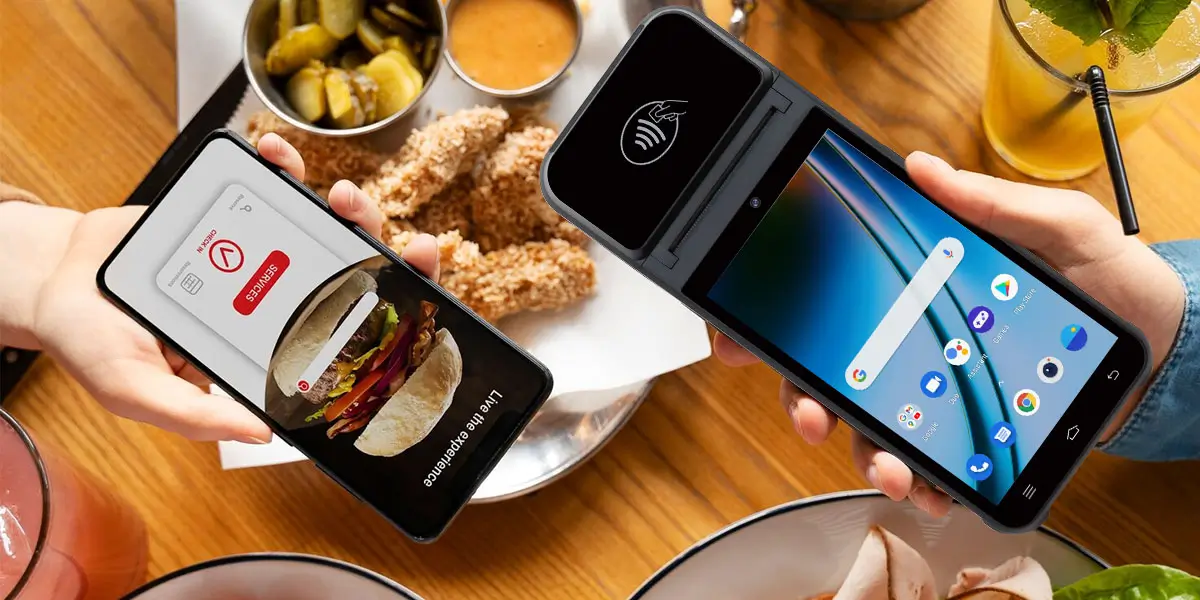
Selecting an optimized POS isn’t just about technology—it’s about delivering better service, boosting revenue, and simplifying management:
In fact, one industry statistic shows that over 86% of restaurants use POS data to increase average order values through intelligent upselling and promotions—a strong indicator of how data-driven operations can directly affect revenue.
As a trusted global pos manufacturer, ZCS understands restaurant challenges and delivers comprehensive smart POS solutions that integrate all the features mentioned above.
Explore ZCS’s smart restaurant POS terminal options: Z100 Desktop POS Terminal
With ZCS, restaurants can unlock higher efficiency, enhanced service delivery, and deeper operational insights.
Q1. What key features should restaurants look for in a smart POS system?
Look for advanced reporting, inventory management, contactless payment, handheld units, and kitchen display integrations that streamline service and boost revenue.
Q2. Is cloud-based POS better than traditional local terminal POS?
Cloud-based POS systems offer remote management, automatic backups, and scalability, making them ideal for expanding operations and multi-location visibility.
Q3. How can a smart POS system improve customer experience?
By offering faster checkout, seamless payments, loyalty program integration, and personalized service based on purchasing data.
Q4. What role does AI data analytics play in a restaurant POS system?
AI analytics help forecast demand, optimize staffing, and tailor menus for profitability based on historical sales data.
Q5. Can handheld POS units really speed up restaurant operations?
Yes. Handheld POS devices enable order taking at tableside, reduce wait times, and improve order accuracy during peak dining hours.

● What Are the Key Differences Between Android POS and Windows POS?
● How to Choose a POS Manufacturer with Open API Support?
● How Android POS Systems Enable Rapid Multi-Payment Expansion?






 Home
Home  Can Smart POS and AI Data Analytics Really Boost Revenue? A Complete Guide to Value and Use Cases
