
2025-12-24 Author : ZCS
In today’s fast-moving retail and foodservice environment, outdated POS hardware is more than just an inconvenience—it directly affects checkout speed, payment security, staff productivity, and customer satisfaction. Many businesses focus on upgrading software, yet overlook hardware, even though the POS hardware lifecycle is one of the strongest predictors of operational stability.
This guide explains when you should upgrade your POS hardware, what signs indicate the need for replacement, and how modern devices—especially mobile-first options like the ZCS Z92 Android Mobile POS—help future-proof your business.
The retail and hospitality industries are experiencing rapid shifts: contactless payments, QR code adoption, rising transaction volumes, and omnichannel workflows. Your POS hardware must support these demands consistently.
A 2024 study by Global Payments found that 68% of consumers abandon a purchase if checkout is slow, often caused by aging POS terminals.
Furthermore, Gartner reports that outdated POS hardware increases payment error rates by 40%, reducing customer trust.
These studies highlight a clear reality: hardware limitations directly impact business revenue.
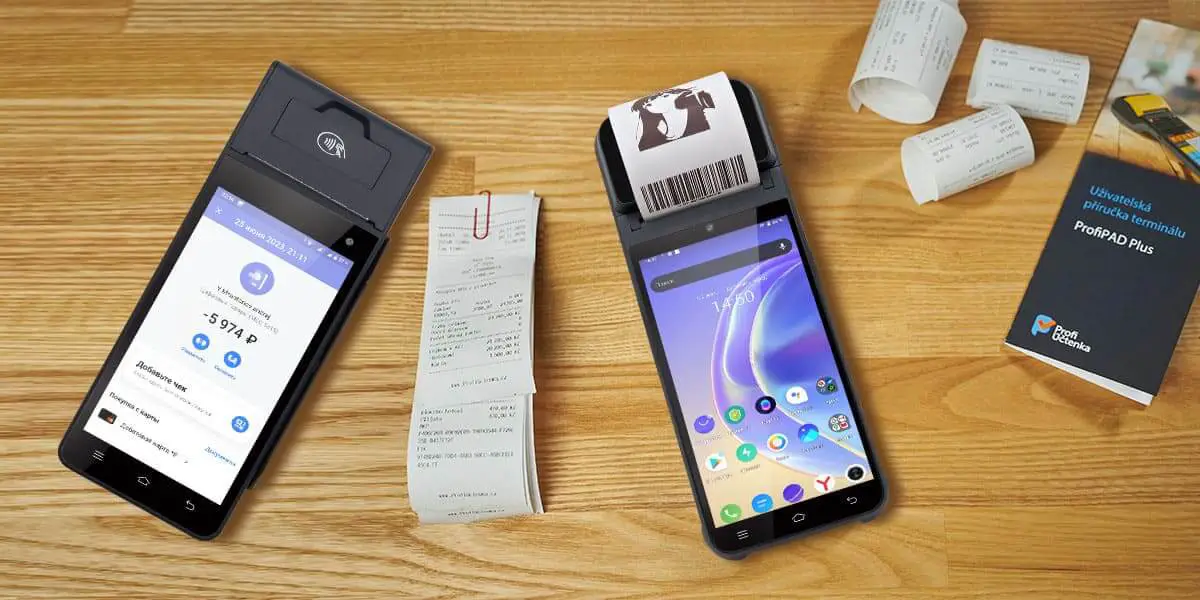
Businesses often ask: When should we replace old POS hardware? Below are the clearest signals and operational triggers—each also representing a high-value SEO opportunity such as POS hardware performance checklist or slow POS hardware affecting checkout speed.
If staff frequently reports that the POS freezes, buffers, or takes several seconds to open the payment window, your hardware is becoming a bottleneck. Slow systems significantly decrease transaction throughput.
A study by RetailDive states that a 1-second delay at checkout reduces customer satisfaction by 7%.
Many legacy POS terminals cannot support modern payment methods:
Contactless payments,NFC loyalty apps,Local wallets (Alipay, PayPal, PhonePe), QR code transactions
If your POS cannot accept the newest methods, you risk losing customers and partners.
If printers, scanners, or touchscreens regularly malfunction, you are losing money daily. Devices older than 5 years often show:
Touchscreen unresponsiveness,Battery degradation,Thermal printer errors,Connection drop-outs.
POS hardware refresh cycle advice: Most manufacturers recommend replacement every 3–5 years.
Outdated POS hardware may not support the latest security updates, making your business vulnerable to data breaches.
The PCI Security Standards Council warns:
“Merchants are at greatest risk when running unpatched or outdated POS hardware.”
When opening new locations, adding delivery services, or offering curbside pickup, your POS hardware must scale accordingly.
Many retailers adopt mobile POS to support in-aisle checkout or tableside ordering. A device like the ZCS Z92 Android Mobile POS enables this transition smoothly.
Here are real-world operational triggers—each aligned to long-tail search intent:Peak Season Preparation,Adding Omnichannel Integrations,Switching to Cloud-Based POS Software,High Staff Turnover Requiring Easier Training.
Newer POS devices, especially Android-based, reduce training time by up to 60%, according to Square’s 2024 usability survey.
A POS upgrade is not just an expense—it’s an investment in efficiency. Businesses typically see returns through:Reduced checkout times,Lower maintenance costs,Access to new revenue channels,Improved customer experience,Better reporting accuracy.
Modern devices also offer longer lifespan, automatic cloud syncing, and more robust connectivity.
The ZCS Z92 Android Mobile POS is engineered to replace aging terminals while enhancing mobility, speed, and reliability.
Key Hardware Advantages:High-performance Android OS for faster checkout,Integrated thermal printer, scanner, and NFC,Secure encryption for PCI compliance,Long battery life for all-day operations,Stable Wi-Fi/4G connectivity,Support for latest payment apps & QR codes.
This makes the Z92 ideal for:Retail stores,Food trucks,Restaurants,Pop-ups,Delivery operations,Market stalls.
With Z92, your business eliminates the common pain points of old POS hardware and adopts a mobile-ready strategy suitable for 2025 and beyond.

Below is a simple lifecycle management model—valuable for SEO under planning POS hardware lifecycle management:
-Audit your current POS devices:Check age, performance, compatibility.
-Identify operational bottlenecks:Where does slow hardware impact revenue?
-Prioritize critical issues:Security → Speed → Compatibility → Mobility
-Budget for upgrade phases:Most retailers upgrade hardware every 3–4 years.
-Choose a trusted POS manufacturer:Select long-term partners like ZCS, a global POS manufacturer specializing in Android terminals, mobile POS, and smart retail technology.
Upgrading POS hardware is no longer optional. When terminals slow down, fail to support mobile payments, or expose your business to security risks, it’s time to consider modern solutions like the ZCS Z92 Android Mobile POS. With industry-backed research and clear operational signals, businesses that refresh hardware proactively gain a strong competitive advantage.
Most POS hardware lasts 3–5 years, depending on usage intensity and maintenance. After this period, performance, battery, and security patches decline.
Common indicators include slow checkout speed, touchscreen lag, printer failures, unsupported payment methods, and outdated Android/OS versions.
Yes. Upgrading reduces maintenance costs and improves checkout speed. Modern Android POS devices also support new payment systems, boosting customer satisfaction.
Absolutely. Old terminals may not receive PCI-required updates, leaving you exposed to data breaches.
Mobile devices like the ZCS POS are ideal for small businesses due to their portability, integrated printer, and fast transaction processing.

Related Posts
1. Best Point of Sale Systems for Small Business in 2026: Complete Buyer's Guide
2.POS + Inventory & CRM Integration: Boost Efficiency and Customer Loyalty for Small Businesses






 Home
Home  How Do POS Devices Protect Payment and Data Security? A Complete 2026 Guide
