
2026-10-21 Author : ZCS
POS reconciliation proves that each completed sale can be traced to the cash, payment-provider record or bank payout that should result from it. If the term POS itself is unfamiliar, this point of sale system guide explains how checkout software records orders and tenders.
The process is not simply “checking the bank.” It connects operational records created at different times and by different systems.
POS reconciliation is the process of matching POS sales and refunds with each payment method’s evidence, then explaining any difference. Cash is matched to the counted drawer and deposits; card and QR transactions are matched to processor settlements, fees and bank payouts.
That definition creates three practical questions: Was the sale recorded correctly, was the correct tender collected, and did the expected money reach the business?
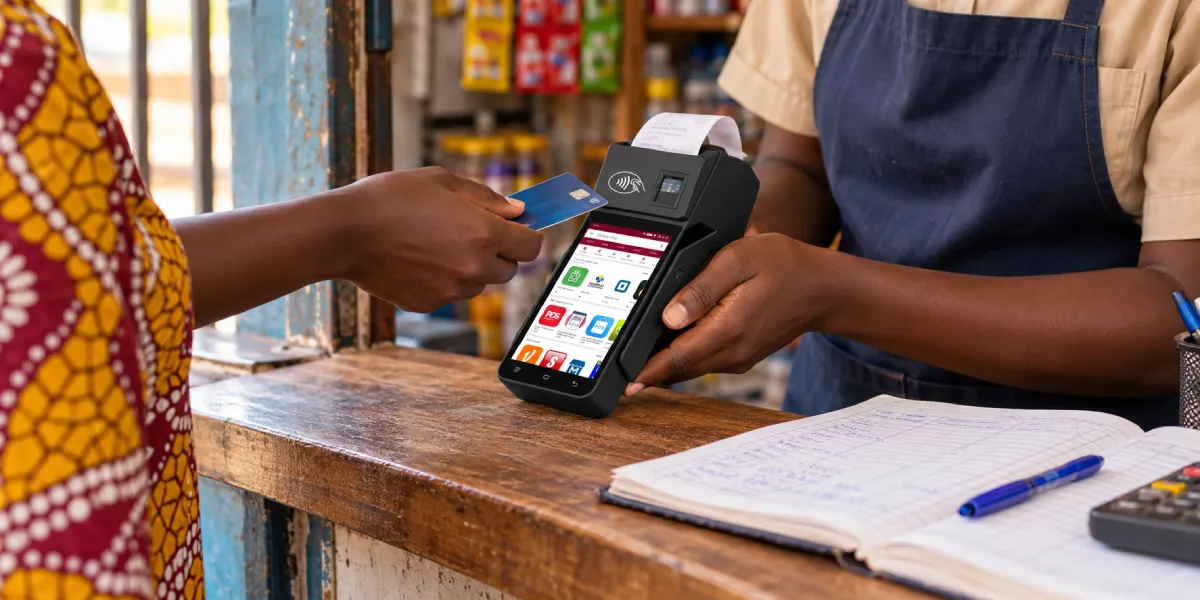
POS reconciliation is a control process that follows sales value from the checkout record to the place where the merchant ultimately holds the money. It compares records that describe the same activity from different perspectives rather than assuming one system is complete.
For a daily or shift-based review, a merchant usually compares four evidence groups:
These records rarely share the same timestamp or total. A cash sale can increase the drawer immediately but reach the bank days later. A card authorization can appear at checkout while its clearing record and payout arrive later. A QR payment may settle through its own provider schedule.
Good reconciliation therefore does not force every figure to equal the same number. It establishes which figures should equal each other, when they should match, and which documented items explain the differences.
The main purpose is to separate normal timing and fee differences from real errors or loss. Without that separation, a business can mistake a delayed payout for missing revenue, overlook a cash shortage, count a duplicate charge as an extra sale or post processor fees against the wrong period.
The record set also supports bookkeeping. The IRS recordkeeping guidance lists cash-register tapes, deposit information, receipt books and invoices among the documents that can support gross receipts. Although tax rules vary by jurisdiction, the operational lesson is broadly useful: a bank entry alone does not describe the sale that produced it.
Regular reconciliation helps a merchant:
Reconciliation is also more useful when performed close to the transaction date. Staff can remember a drawer change, offline card acceptance or customer refund on the same day. Weeks later, the same difference becomes harder and more expensive to explain.
A reliable POS reconciliation needs source records from both sides of every comparison. The POS report provides the operational total, but a second, independent record must confirm what happened to the tender.
| Record | Important fields | What it proves |
|---|---|---|
| POS sales or shift report | Order ID, time, location, cashier, gross sale, tax, tip, tender, refund and void | What the checkout system recorded |
| Cash count sheet | Opening float, cash received, paid-outs, drops, closing count and cashier | What physical cash should be and what was counted |
| Card batch or processor report | Transaction ID, authorization result, batch, gross amount, refunds, fees and payout ID | What the processor accepted and scheduled for settlement |
| QR-provider report | Provider transaction ID, merchant reference, status, amount, fee and settlement batch | What the QR payment provider recorded |
| Bank statement | Value date, deposit amount, sender or descriptor and bank reference | What actually reached the business account |
| Exception log | Difference, owner, evidence, status and resolution | Why an item does not yet match |
The POS report should retain enough detail to move from a summary back to an individual order. A merchant that only stores daily totals may see a $50 difference but lack the order, cashier or payment reference needed to investigate it. This is why POS sales reports and analytics matter operationally even before advanced business intelligence is considered.
Field names differ by provider, so the reconciliation design should define a common matching key. Order ID, merchant reference, provider transaction ID, batch ID, location, amount and timestamp are typical candidates. Amount and date alone are weak keys because several customers can pay the same amount on the same day.
A single sale creates several related records rather than one universal transaction record. Consider an illustrative $100.00 card purchase with a hypothetical $2.60 processing fee. The numbers explain the mechanics; they are not a quoted rate from any provider.
| Stage | Record created | Amount relevant to reconciliation |
|---|---|---|
| 1. Order completed | POS order marked paid by card | $100.00 gross sale |
| 2. Payment approved | Terminal or gateway records an approved transaction | $100.00 authorized |
| 3. Batch processed | Processor includes the transaction in a settlement batch | $100.00 gross processed |
| 4. Fee deducted | Settlement statement records the illustrative fee | −$2.60 |
| 5. Payout issued | Processor creates a payout reference | $97.40 net payout |
| 6. Funds received | Bank statement shows the matching deposit | $97.40 deposited |
The POS-to-processor match is $100.00 to $100.00. The processor-to-bank match is not $100.00 to $100.00; it is $100.00 less the documented $2.60 fee, producing the $97.40 payout. The accounting entry should preserve the $100.00 sale and recognize the $2.60 cost rather than recording only $97.40 as revenue.
A $100 card order should match a $100 processor transaction. If a $2.60 fee is deducted, the expected bank payout is $97.40. POS reconciliation preserves the $100 sale, records the $2.60 expense and matches the $97.40 deposit to its payout reference.
That gross-to-net bridge prevents a common false alarm: treating every processor deduction as missing sales.
The same order could follow a different path if it were paid in cash. The $100.00 would increase expected drawer cash, while any later bank deposit might combine several shifts or exclude an approved paid-out. If paid by QR, the order would be matched to the QR provider’s transaction and payout records instead of a card batch.
Cash reconciliation compares the amount that should be in the drawer with the amount actually counted. It should be completed by shift, till or cashier wherever responsibility can be separated.
A practical formula is:
Expected closing cash = opening float + cash sales − cash refunds − cash paid-outs − cash drops
Then calculate:
Cash variance = counted closing cash − expected closing cash
Suppose a till begins with a $200 float, records $850 in cash sales, pays a $30 petty-cash expense and transfers $500 to the safe. Expected closing cash is $520. If staff count $515, the shift has a $5 shortage that needs an exception record.
The formula must reflect local operating practices. Tips paid from the drawer, staff reimbursements, foreign currency, cash-back, safe drops and mid-shift float changes can all affect expected cash. Each permitted movement needs a record and an approver; otherwise the reconciliation cannot distinguish a legitimate use from unexplained loss.
The Australian Taxation Office banking guidance similarly explains that daily cash reconciliation should balance with net cash banked while accounting for business expenses, wages, drawings and float. Exact legal retention requirements depend on the merchant’s jurisdiction, but the control principle is universal.
Cash should be counted away from customers and preferably verified by someone other than the cashier for material amounts. The count sheet should record denominations, not just a handwritten total, and both the preparer and reviewer should sign or electronically approve it.
Card reconciliation normally requires two matches: POS transactions to processor activity, then processor payouts to the bank. Combining these steps hides whether a difference began at checkout or during settlement.
First, compare each POS card sale and refund with processor transaction data. Check amount, status, reference, location and batch. An approved payment with no completed POS order may indicate an interrupted checkout or duplicate collection. A POS order marked paid with no processor record may indicate the wrong tender, an offline transaction awaiting upload or an integration failure.
Second, build a gross-to-net settlement bridge:
Expected payout = captured sales − refunds − chargebacks − fees − reserves ± adjustments
Not every item applies to every provider or payout. Some processors invoice fees separately; others deduct them before depositing funds. The merchant should use the statement’s actual fee and adjustment categories rather than assume a percentage.
Card authorization confirms that a payment request was approved at checkout; it does not prove the merchant received funds. Clearing exchanges transaction details, settlement calculates financial positions, and the processor payout reaches the merchant later according to its schedule and adjustment rules.
This time separation is part of normal card processing. Mastercard’s overview of authorization, clearing and settlement treats them as distinct activities, which is why the approval screen, settlement report and bank deposit are separate reconciliation evidence.
One payout can contain transactions from multiple days, locations or batches. Conversely, one business day can produce more than one payout. A payout ID and statement-level transaction list provide a safer match than searching for a bank deposit equal to one POS daily total.
QR reconciliation should use the provider’s confirmed transaction record, not a customer screenshot or a scanned-code event. Scanning a QR code can initiate a payment, but initiation alone does not establish successful collection.
The merchant should match the POS order reference to the QR-provider transaction ID, final status, amount, merchant account and settlement batch. For a merchant-presented code, the customer scans the code; for a consumer-presented code, the merchant scans the customer’s code. EMVCo explains these two modes in its EMV QR Code overview, while individual schemes and wallets define their own processing and payout details.
Dynamic QR codes generally make matching easier because the amount and order reference can be generated for one checkout. A static code may require the cashier to enter an amount or manually associate the provider confirmation with an order, increasing the chance of wrong amounts and unmatched receipts.
Merchants using several QR wallets or account-to-account providers should reconcile each provider separately before combining results. Provider A’s “completed” status, fee model and payout schedule may not mean the same thing as Provider B’s. A normalized report can support accounting, but the original provider references should remain available for disputes.
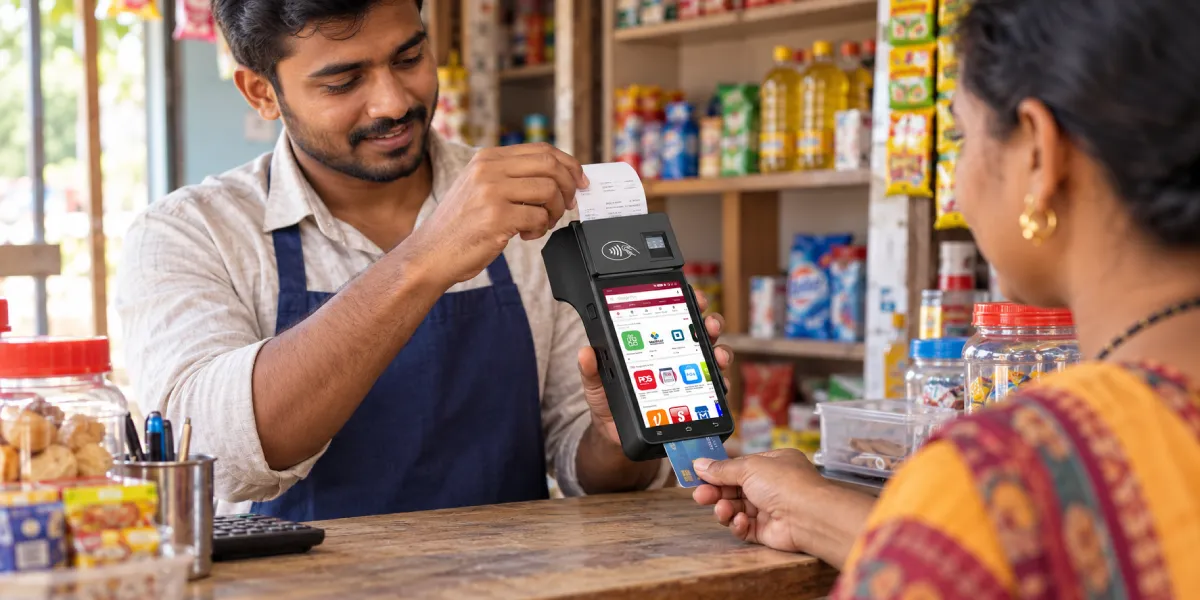
A daily workflow should close the operational period first, match each tender second and review exceptions before posting final accounting totals. The following sequence works for a small store and can be automated for larger estates.
Merchants evaluating the checkout side can use this QR payment POS guide to separate code presentation and scanning requirements from the financial matching process covered here.
Automation can compare thousands of records and highlight unmatched items, but it should not erase the underlying evidence. A strong system preserves the POS order, tender transaction, settlement line and bank entry as linked records.
Responsibilities also matter. The cashier can close the drawer, a supervisor can review shift variance, finance can match provider payouts, and an accountant can approve ledger treatment. Separating these duties reduces the opportunity for one person to create and conceal the same error.
A difference is not automatically a loss, but every difference should have a reason and supporting evidence. Timing, grouping and deductions account for many legitimate mismatches.
| Difference | Likely cause | Evidence to check | Typical action |
|---|---|---|---|
| POS card total exceeds today’s bank deposit | Settlement delay or multiple payout schedules | Processor payout statement and value date | Carry as an expected payout until due |
| Bank payout is below processor gross sales | Fees, refunds, chargebacks, reserves or adjustments | Gross-to-net payout detail | Post each documented deduction separately |
| Counted cash is below expected cash | Wrong change, unrecorded paid-out, theft or count error | Denomination sheet, receipts, till log and CCTV policy | Recount, investigate and log variance |
| Approved provider payment has no completed order | Checkout interruption or duplicate payment | Transaction ID, gateway log and order audit trail | Resolve customer order or issue refund |
| POS order has no electronic payment record | Wrong tender, offline queue or integration failure | Terminal batch, offline log and cashier notes | Correct tender or collect/escalate under policy |
| QR screenshot exists but provider record does not | Pending, failed or falsified customer evidence | Merchant portal and provider transaction ID | Do not treat screenshot as final payment |
| Payout combines several locations | Processor-level aggregation | Location mapping and payout detail | Allocate by transaction before ledger posting |
A merchant should define tolerance rules carefully. A zero-tolerance match is appropriate for electronic transaction IDs and payout totals. Small cash tolerances may be operationally permitted, but they should not become an automatic write-off that hides repeated shortages.
POS reconciliation ends when every material amount is matched, documented as an expected timing item or assigned for investigation. It is not finished merely because the cash drawer closes or the bank balance looks reasonable.
It also does not replace inventory reconciliation, tax reporting or full bank reconciliation. A correctly paid order can still contain the wrong item quantity. A processor payout can match the bank while sales tax is posted incorrectly. A bank reconciliation covers other receipts, expenses and transfers that never passed through the POS.
Special operating models add their own evidence. Delivery businesses collecting money away from the store may need to match each order to a driver handover before the normal tender process begins. The separate guide to cash on delivery reconciliation covers that route-and-courier problem; the general workflow here remains focused on sales, tenders, settlements and bank payouts.
The best completion rule is therefore evidence-based: sales equal supported tender activity, physical cash equals documented custody movements, electronic gross amounts bridge to net payouts, and payouts equal deposits. Anything else stays on the exception list until resolved.
Cash and POS sales should normally be reconciled at each shift or daily close, while electronic payouts should be matched whenever the provider issues them. High-volume or high-risk merchants may add intra-day controls. The appropriate schedule depends on transaction volume, staffing, settlement timing and local recordkeeping obligations.
No. A sales report shows checkout activity, while a bank deposit shows money received into an account. Cash may be deposited later, and card or QR payouts may be net of fees, refunds and adjustments or grouped across several sales periods.
The payout may be reduced by refunds, chargebacks, processing fees, reserves or other documented adjustments. It may also include transactions from a different cutoff period. The processor’s payout report should bridge gross activity to the net bank amount.
It is the difference between counted closing cash and expected closing cash. A positive number is an overage; a negative number is a shortage. Recounting, checking recorded movements and reviewing cashier activity help identify the cause.
Yes, matching can be automated when the POS, processors and bank provide stable references and exportable data. Automation should flag exceptions and retain source evidence rather than automatically force unmatched records to balance.
A manager or finance reviewer independent of the original cash handling or posting should approve material reconciliations. Small businesses may have fewer people, but they can still separate preparation from periodic owner review and preserve an audit trail.
POS reconciliation is the bridge between what a merchant sold, how the customer paid and what the business ultimately received. The method changes by tender: count cash against the drawer, match card and QR orders to provider records, explain gross-to-net deductions and match each payout to the bank.
The most useful output is not a forced zero. It is a traceable record in which every difference has a known cause, supporting evidence, responsible owner and resolution date. That discipline turns daily checkout data into reliable financial records without confusing sales, cash custody and processor funding.






 Home
Home  How Tencent Palm Pay in Singapore Links Palm Recognition to Visa Payments?
