2026-10-23 Author : ZCS
Android payment-terminal replacement connects device hardware, payment applications, acquiring services and business software. A candidate terminal must satisfy each retained dependency. Hardware specifications establish physical capability, while payment-provider support, application integration and deployment authorization determine whether the proposed configuration can operate in the intended acceptance environment.
The A920 replacement shortlist should therefore distinguish complete payment terminals from business devices that work alongside them. That distinction prevents an attractive screen, printer or processor specification from hiding an unresolved payment dependency.
An A920 replacement can involve a PAX upgrade, another payment-terminal platform or a different business-device architecture. The options below are candidates for evaluation, not a list of devices proven interchangeable with a merchant's existing deployment.
| Candidate or path | Reason to evaluate it | Main condition before selection |
|---|---|---|
| Supported PAX A920Pro configuration | Upgrade within the PAX ecosystem | Confirm the exact regional model, payment application and provider support |
| NEXGO N86 | Alternative handheld SmartPOS platform with integrated printing and card-reading functions | Confirm current availability, lifecycle, acquiring support and development resources |
| Newland N950 | Alternative portable Android SmartPOS platform | Confirm the payment application, supported deployment and integration responsibilities |
| ZCS Z90 | Payment-oriented handheld hardware for a buyer-defined project | Verify current approvals, delivered configuration, payment integration and support |
| ZCS Z92 or Z108 beside a supported payment terminal | Change ordering, printing or customer interaction without replacing the protected payment device | Validate the business application and transaction interface between devices |
The existing A920 deployment remains the baseline. Record the exact model, firmware, payment application, processor, merchant assignment and management platform before requesting quotations. A920, A920 Pro and later regional configurations should not be treated as one specification.
PAX's April 20, 2026 announcement introduced an A920Pro PCI 7 configuration with Android 14 and a customer-facing display. A current comparison cannot accurately describe every PAX option as an old Android device without a second screen. Remaining within PAX may reduce some migration work, but the new configuration still needs provider confirmation.
A920 hardware replacement will not necessarily fix a business-software limitation. Missing inventory features, reporting requirements or ecommerce connectors should first be traced to the application and its supported integrations. Retaining the terminal can be sensible when payment acceptance works and the replacement business software supports the existing payment arrangement.
Heartland's published A920 configuration illustrates a specific dependency: its documented setup requires Heartland processing and a dedicated device template. This is evidence about that integration, not a rule that all A920 terminals are restricted to Heartland. The A920 payment integration example shows why a buyer needs more than a matching device name.
An ISV should define the payment boundary before changing hardware. A business app may send an amount to a separate payment application and receive a transaction result. Another project may use different middleware or a provider-specific interface. The migration estimate must identify the actual architecture rather than assume that the card-reading logic belongs to the business APK.
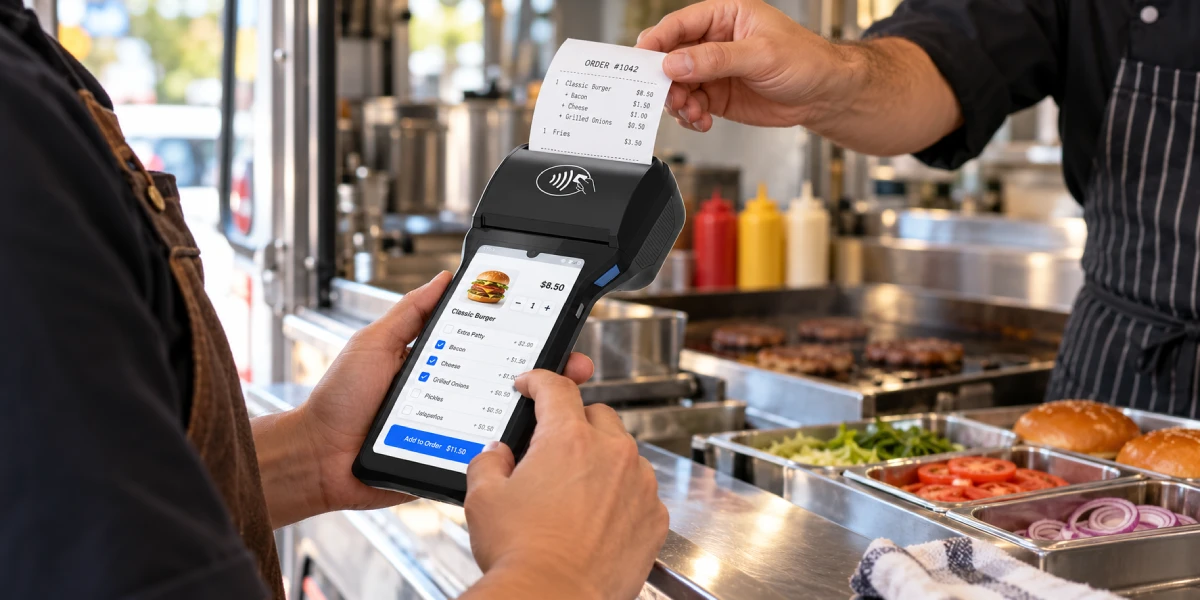
The replacement scope should also preserve the required merchant workflow. A restaurant may need ordering and payment on one handheld device. A retail counter may accept a separate payment terminal beside a larger business screen. Both can be valid designs, but they solve different problems and create different integration responsibilities.
Payment approval evidence must match the device configuration being supplied. Request approval references, hardware identifiers, firmware versions and expiry information for the shortlisted model. A product brochure listing PCI or EMV does not establish the current status of every unit or configuration sold under that name.
The PCI Security Standards Council recommends checking device approval and expiry information, and consulting the acquirer or payment brand about devices with expired approvals. Its guidance on expired PTS approvals also distinguishes payment-brand usage requirements from PCI DSS. A supplier's historical certification claim should not be converted into a promise of unrestricted new deployment.
The A920 procurement record should identify who will supply the production payment application and who accepts responsibility for its supported device build. Require the payment partner to confirm the intended country, acquiring connection and required payment methods. The hardware supplier should identify what is included in its quotation and what remains with the integrator.
Payment-readiness checks should apply equally to PAX, NEXGO, Newland and ZCS. A higher Android version does not establish current payment approval. A card-reader module does not establish a supported merchant account. Existing approval evidence also needs reassessment when a project proposes changes to the hardware or firmware configuration covered by that evidence.
EMV terminal capabilities and payment-system integration answer different questions. A buyer should verify both rather than treat a specification-sheet acronym as a complete payment-service guarantee.
EMV acceptance-device evaluation includes distinct layers for device communication, payment-kernel behavior and integration with acceptance infrastructure. A terminal's hardware and software approvals do not, by themselves, confirm a particular acquiring deployment. The responsible payment partner must identify the applicable integration testing, configuration and operational requirements for the proposed payment service.
The practical distinction is explained by EMVCo's Level 3 testing framework, which addresses integration between an EMV acceptance device and its acceptance infrastructure. EMVCo supports the framework and test-tool qualification; participating payment systems define their testing policies. A terminal quotation therefore needs to identify the supported payment arrangement rather than imply universal acquiring approval.
The payment partner should confirm key provisioning and terminal registration arrangements before the pilot. These activities need named owners and approved procedures. A factory reset, a working internet connection or successful APK installation is not evidence that a terminal can process live transactions in the intended environment.
Software migration should inventory payment interfaces and peripherals independently. Standard Android business logic may be reusable, but supplier-specific printer calls, scanner events, payment messages and management services can require adaptation. The candidate device needs a functioning application build, not just a successful installation screen.
The engineering team should record each integration's version, permissions, error codes and recovery behavior. A printer adapter must handle paper-out conditions. A payment adapter must distinguish approved, declined, cancelled and unresolved outcomes. The application should retain the identifiers needed to investigate a transaction after communication fails.
Application delivery also belongs in the comparison. PAX provides third-party development and managed application-distribution resources; competing suppliers should be evaluated against the actual regional workflow, not a claim that PAX prevents independent software development. Confirm application signing, production access, staged releases, failure recovery and the party responsible for firmware maintenance.
The Android POS SDK integration guide provides a structure for documenting these dependencies. Use the same test application and transaction scenarios across the shortlist. An open SDK is useful only when its functions, documentation and support meet the requirements of the selected model and production build.
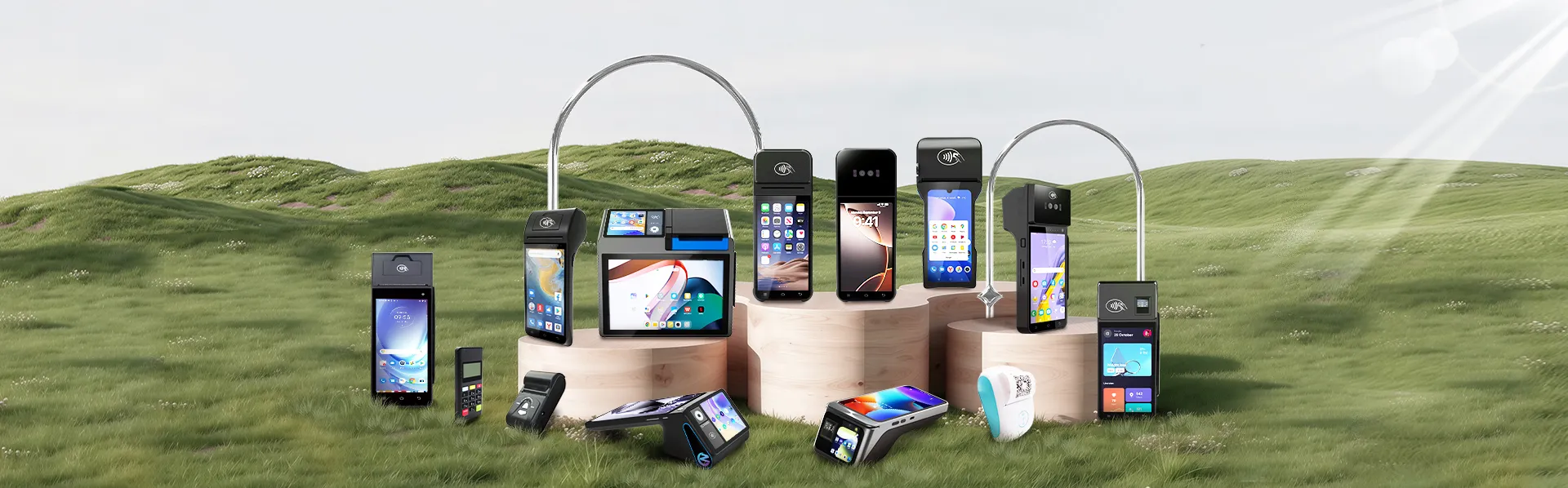
ZCS is worth shortlisting when an A920 replacement project also needs a different way to take orders, print receipts or serve customers at the counter. Its range spans payment-oriented handhelds, mobile business terminals and dual-screen checkout devices. The practical benefit is a choice of layouts and peripherals around the buyer's application, rather than a single handheld format.
ZCS Z90 combines card-reading hardware and receipt printing in one handheld. A 5-inch touchscreen, magnetic-stripe, contact and contactless readers, and a 58 mm printer make it the payment-oriented option in this selection. Z92 takes a business-application route: its documented 364 g body, 5.5-inch screen and built-in printer suit staff-carried ordering and ticketing workflows, with optional hand belts and charging bases for the chosen setup.
The Z108 dual-screen Android POS puts an 8-inch operator screen and a separate customer display into a portable/countertop layout. The Z108 customer display supports mirrored or independent content, giving developers separate spaces for staff controls and customer-facing order details. Its USB, Ethernet, serial and cash-drawer interfaces provide connection options for a checkout built around external peripherals.
ZCS Z100 serves a fixed counter with a 10.1-inch main display and four USB Type-A ports. The larger screen provides room for product selection and order review, while the desktop format suits stores that keep the operator station, scanner and cash drawer together. This is a checkout redesign option rather than another staff-carried device.
ZCS Z108 and Z100 offer 58 mm or 80 mm printer configurations. A compact receipt and a wider, itemized bill call for different paper layouts; the software team can select the format alongside the screen and peripheral arrangement. These documented hardware choices give a buyer-branded project concrete configuration options to discuss with the supplier. Specifications describe manufacturer-listed configurations.
Payment-terminal replacement follows the qualification process in Section 3; Z92, Z108 and Z100 can instead serve the business application alongside a supported payment terminal.
Configuration flexibility has value when it removes a specific workflow constraint. Printer width, customer-display size, scanner options and external ports should map to a written requirement. The quotation must identify which features are standard, optional or dependent on a different hardware build.
The POS OEM and ODM tradeoffs guide explains why existing platform options differ from engineering changes. Branding, packaging, revised electronics and custom firmware require different deliverables. Payment-sensitive changes need an explicit assessment of their effect on the configuration's approval and integration evidence.
The A920 alternative cost comparison should include the same scope for every candidate:
| Cost item | What the quotation or project plan should identify |
|---|---|
| Hardware and accessories | Exact device build, printer configuration, chargers, bases and required peripherals |
| Software migration | Payment adapter, peripheral integration, application testing and release work |
| Payment qualification | Required approvals, integration testing, keys and provisioning responsibilities |
| Deployment | Device registration, network configuration, installation and staff training |
| Ongoing operation | Firmware support, management services, repairs, spares and replacement handling |
An A920 project should compare these costs with retaining the supported existing deployment. A lower device quotation is not evidence of a cheaper project. Equally, retaining a familiar brand is not automatically economical when the proposed business workflow requires substantial additional hardware or unsupported software work.
A production-equivalent pilot should decide which A920 alternative proceeds to purchasing. Freeze the candidate's model, hardware revision, firmware, payment application and business-app build before testing. A different configuration on the production purchase order can invalidate conclusions drawn from a demonstration unit.
The acceptance checklist should cover normal operation and unresolved outcomes:
PAX A920 alternatives should be chosen by verified project fit. Evaluate supported PAX upgrades, NEXGO N86 and Newland N950 as payment-terminal candidates. Consider Z90 for a qualified payment-hardware project, and Z92, Z108 or Z100 when the business-device architecture is what needs to change. ZCS's range is useful because those roles differ, not because every model can replace the same payment terminal.

Supported PAX A920Pro configurations, NEXGO N86, Newland N950 and ZCS Z90 are candidates to evaluate. Their suitability depends on the exact payment application, acquiring support, approval evidence and regional configuration. ZCS Z92, Z108 and Z100 can address business-device requirements but should not be assumed equivalent secure payment terminals.
Keeping the payment processor depends on whether it supports the replacement device, application and deployment. Obtain confirmation from the payment partner before purchasing. Choosing another hardware brand does not automatically preserve the merchant account, payment configuration or existing commercial terms.
A PAX application's standard Android business components may be reusable, but payment interfaces, peripheral libraries and release arrangements need separate assessment. Successful APK installation is not sufficient evidence. Validate the application on the quoted ZCS build with the intended payment setup.
The supplied Z90 specification does not support a general performance-superiority claim. Z90 should be evaluated for its payment-oriented hardware and supported project configuration. Benchmark comparisons require the exact PAX and ZCS builds, the same workload and measured results.
A dual-screen ZCS terminal can change the business-application and customer-interaction layout. That does not establish direct payment compatibility. A supported external payment terminal may remain part of the design, or a separately qualified payment arrangement may be required.






 Home
Home  How Biometric Attendance in Cambodia Can Record Factory Shifts and Resolve Missed Check-Ins?
