Best Budget Smart POS 2026 How SMBs Can Avoid Pitfalls When Choosing Terminals
2026-05-13 Author : ZCS
Most small business owners evaluate a POS terminal by looking at one number — the sticker price. But that number is almost never the full story. It's the starting point.
The POS market in 2026 is quietly splitting in two. According to market research, the global smart POS terminal market is projected to reach $60.85 billion in 2026, growing at a 10% CAGR — with Android-based devices already accounting for nearly 68% of total shipments worldwide. The technology is advancing fast. But a significant portion of "budget" devices on the market are still shipping outdated hardware, closed operating systems, and proprietary ecosystems designed to lock merchants in rather than serve them well.
This guide isn't a roundup of the cheapest POS terminals available. It's a framework for understanding what separates a genuinely cost-effective device from a false economy — using the Z92 as a concrete, spec-by-spec reference point. Not an advertisement. An anchor.
1. Do You Actually Need to Upgrade? Start With Your Real Pain Points
Before deciding what to buy, it's worth asking a more important question: why are you upgrading in the first place?
Most terminal replacements aren't driven by strategic planning — they're reactive. A printer jams during a dinner rush. The WiFi drops during checkout. The operating system stops receiving updates and a critical payment app refuses to install. These moments trigger a purchase decision that's often rushed, under-researched, and sets the business up for the same problems two years later.
Understanding which of the following four scenarios applies to your situation is the most direct path to a clear purchase decision.
Unreliable connectivity is costing you sales
For food trucks, outdoor markets, pop-up retail, or any business without a guaranteed fixed network, a terminal without 4G fallback is a liability. One network outage during peak hours — no matter how brief — can disrupt an entire checkout queue and, in high-volume environments, translate directly into lost revenue.
Printing failures are slowing down order throughput External printers introduce weak points: Bluetooth lag, loose cables, incompatible paper formats. In high-frequency transaction environments — busy restaurant kitchens, bakery counters, convenience stores — any delay in receipt printing creates a bottleneck that compounds over the course of a day. An all-in-one terminal with an integrated printer eliminates this failure point at the hardware level.
An outdated OS is creating app compatibility problems A large segment of budget terminals shipped in 2020–2022 still run Android 8 or 9. Major payment SDKs and POS software platforms are progressively dropping support for older OS versions. When a mandatory security update or payment app upgrade forces incompatibility, a terminal effectively becomes a brick — not from hardware failure, but from software obsolescence.
Business growth has outpaced single-function hardwareExpanding from one location to two, shifting from counter service to tableside ordering, adding new payment methods — each of these transitions places new demands on terminal hardware. Selecting a device with sufficient processing power, connectivity options, and modular accessories from the outset is nearly always more economical than incremental replacements driven by capability gaps.
2. The Five Hidden Costs of Cheap POS Devices
Industry analysts consistently recommend evaluating POS costs over a 12–36 month horizon, accounting for hardware, software, payment processing, accessories, and consumables — not just the day-one purchase price. A terminal priced at $200 upfront can easily cost three times that over its operational lifetime. Here's where the gap typically comes from.
Non-standard consumables with a captive pricing premium
The 58mm thermal paper roll is a global commodity. It's inexpensive, widely available, and interchangeable across dozens of manufacturers. Some budget terminals, however, use proprietary paper cartridges or non-standard roll dimensions that effectively force merchants to purchase from a single supplier. The unit cost can run 30–50% above open-market pricing. Over three years of daily printing, that delta alone can offset the price difference between a budget and mid-range device.
Closed-ecosystem software fees
Many POS vendors structure contracts of two to five years, with early termination penalties that can include the remaining balance of the term. Basic software features — reporting, multi-user access, inventory sync — are frequently gated behind subscription tiers that weren't made clear at the point of sale. Devices built on open Android ecosystems allow merchants to select third-party applications and payment processors independently, which is the single most effective way to avoid software lock-in.
No 4G fallback — invisible losses during downtime
This isn't a line item on an invoice, which is precisely why it's underestimated. For a restaurant or retail store processing dozens of transactions per hour during peak periods, a 15-minute connectivity outage represents a concrete revenue loss. In many cases, this loss exceeds the cost savings from choosing a terminal without cellular backup — measured not over three years, but in a single afternoon.
Proprietary accessories with no competitive pricing
When a terminal uses proprietary docking stations, custom cables, or manufacturer-specific batteries, the merchant has no leverage when components need replacing. The supplier sets the price, and the merchant pays it. Open-standard hardware — USB-C, standard thermal paper, commodity battery cells — keeps replacement costs competitive and predictable.
Shortened replacement cycles under operational loadMarket data indicates the average smart POS device replacement cycle is approximately 4.2 years. Budget terminals used in high-frequency environments — restaurant service, market stalls, continuous outdoor use — frequently fail before the two-year mark. Each unplanned replacement carries hardware cost, data migration time, and staff retraining overhead. When amortized, the per-year cost of a budget device that lasts 18 months often exceeds that of a mid-range device that lasts four years.
3. What a Budget POS Actually Needs to Deliver in 2026 — And How the Z92 Measures Up
The budget POS segment has a recurring problem: devices are spec'd to win on paper and underperform in operation. Six criteria separate terminals that hold up under real business conditions from those that merely look competitive at point of purchase.
An OS you won't outgrow. Android 13 is the current baseline for security patch cadence, payment SDK compatibility, and multi-app stability. A surprising number of budget devices still ship on Android 8 or 9 — versions that major POS software platforms are actively phasing out. The Z92's ZOS is built on Android 13, which meaningfully extends its viable software lifespan without requiring a hardware replacement cycle.
Connectivity that doesn't have a single point of failure. Reliable operation requires three independent layers: 4G dual-SIM for cellular failover, dual-band WiFi for fixed environments, and Bluetooth for peripherals. Remove any one layer and you introduce a specific vulnerability — dead zones, outage exposure, or peripheral lag. The Z92 covers all three, with dual-SIM automatic carrier switching that keeps transactions running when either the primary network or WiFi drops.
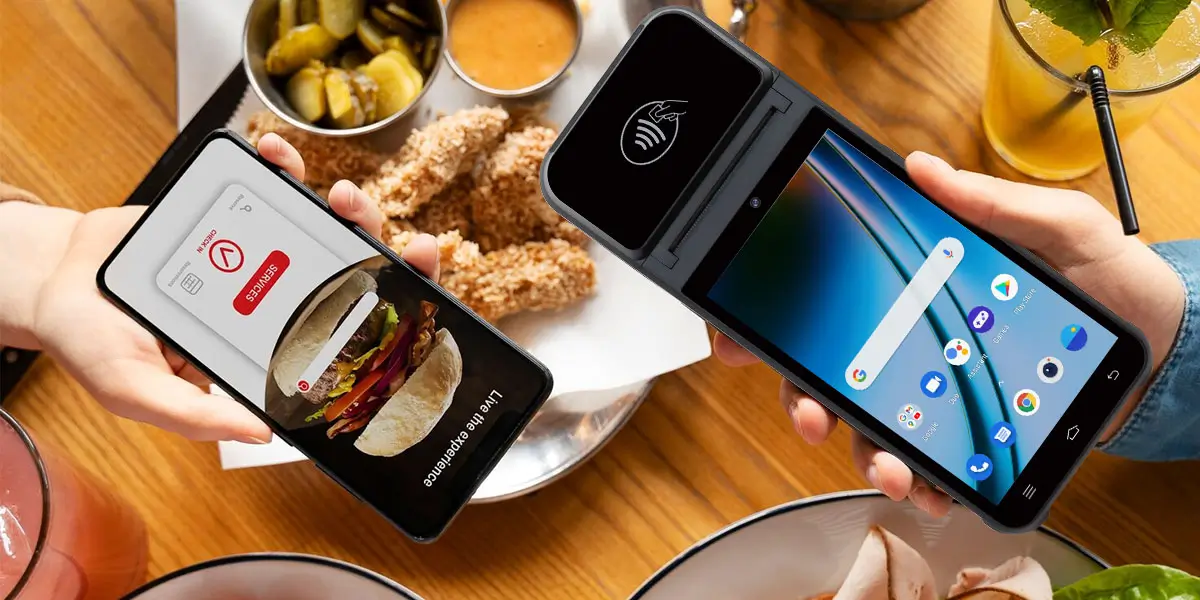
Payment coverage that matches how customers actually pay. NFC contactless, and QR code scanning are no longer differentiators — they're the floor.
A battery spec you can actually trust. Most mAh comparisons between devices are misleading because they ignore voltage. The Z92's 3,020mAh at 7.4V delivers roughly 22.4Wh of usable energy — the equivalent of a 6,000mAh device at the more common 3.7V. For food trucks, outdoor markets, or any operation without guaranteed access to fixed power, this is the difference between a device that lasts a full shift and one that doesn't.
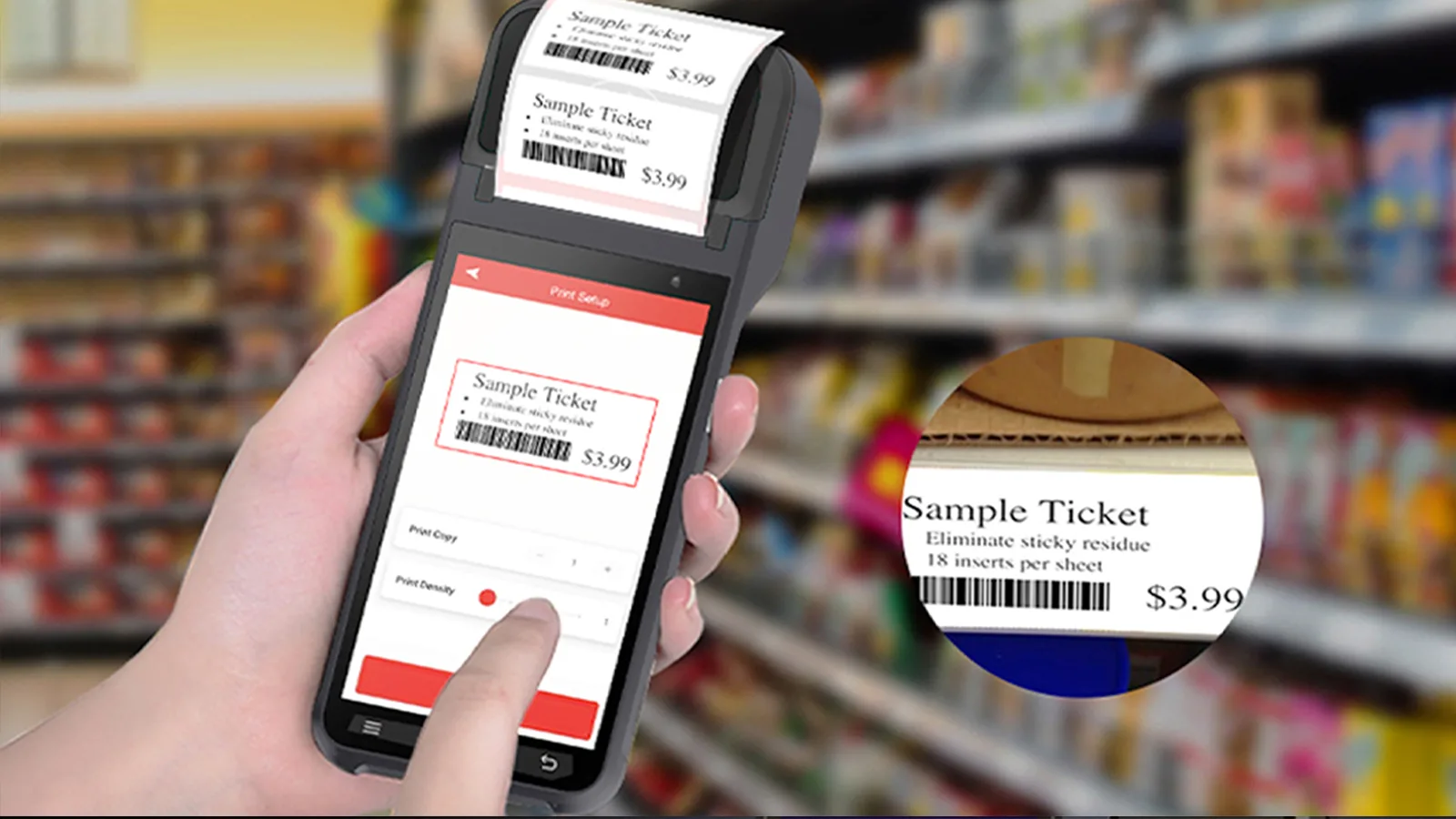
An integrated printer with standard consumables. A built-in 58mm thermal printer eliminates Bluetooth print lag and removes the risk of proprietary paper format premiums. The Z92 uses standard commodity rolls available from any supplier — a detail that compounds into meaningful cost savings over a three-year operating period.
The Z92 fits cleanly across food service, convenience retail, parking and ticketing, and high-turnover service counters — environments where mobile operation, print reliability, and network resilience are the operational priorities. It is less suited to fixed installations requiring a customer-facing display, or extreme-throughput printing scenarios where a dedicated terminal would be warranted.
4. Conclusion: The Real Logic of Budget Procurement — Not the Cheapest, But the Right Fit
The POS market in 2026 presents a genuine opportunity for small and mid-sized businesses: terminals with sufficient specifications for most commercial applications are now available at accessible price points. The Asia-Pacific region, which accounts for 35–40% of global POS terminal market share, is growing at over 9% annually — intensifying competition among manufacturers and driving meaningful price-to-performance improvements across the budget segment.
But "accessible price point" is not synonymous with "any device will do." The framework developed in this guide reduces to one operational principle: evaluate on 3-year TCO, not Day 1 list price.
Within that framework, the Z92 occupies a specific and well-defined position: it is an appropriate choice for mobile payment workflows, integrated thermal printing requirements, and 4G-dependent outdoor or semi-outdoor operational environments at small to mid-scale. It is not a flagship device. But it is a device with an honest specification profile that supports a credible three-year planning horizon.
FAQS
Q1: What is the best budget smart POS for small businesses in 2026?
There is no universal answer, but the evaluation criteria are well-defined: Android 11 or higher, 4G dual-SIM, integrated thermal printer, NFC , and standard 58mm consumables. Applying this framework to any device under consideration will produce a more reliable answer than any ranked list. Q2: Can the Z92 process payments without a WiFi connection?
Yes. The Z92 supports dual-SIM 4G across all standard LTE bands. In environments with no WiFi access, the device completes payment processing, receipt printing, and data synchronization entirely over the cellular network — which is one of its primary operational advantages for outdoor and mobile deployments. Q3: Is an Android-based POS system secure for payment processing?
NFC contactless payments are among the most secure transaction methods currently available, particularly when implemented with data encryption and payment tokenization. Q4: What thermal paper does the Z92 use, and where can it be sourced?
Standard 58mm thermal paper rolls with a maximum outer diameter of 40mm — one of the most widely available consumable formats in global commerce. It is interchangeable across hundreds of manufacturers and available from most office supply and business equipment retailers at competitive commodity pricing. Q5: Is the fingerprint module standard or optional?
Optional. It is well-suited to environments requiring multi-employee access management, role-based permissions, or per-transaction operator attribution — such as chain convenience stores, multi-shift retail operations, or restaurants with shared terminal access. For single-operator businesses, this module is not operationally necessary.








 Home
Home  How to Choose the Best Wireless Card Machine for Your Business?
