
2026-11-12 Author : ZCS
Bar tab management keeps one customer or group’s check open while drinks, food and service charges are added over time, then closes the remaining balance through one or more payments. The complete bar POS guide covers the wider bar operation. This article follows one tab from the first order through transfer, splitting, payment and end-of-night review.
The central control is simple: the POS must always show which check owns each item, which employee owns the check, which payments have been applied and how much remains due. The difficult cases appear when two guests share a name, a server changes shifts, one person leaves early or a card hold remains visible after the final payment.
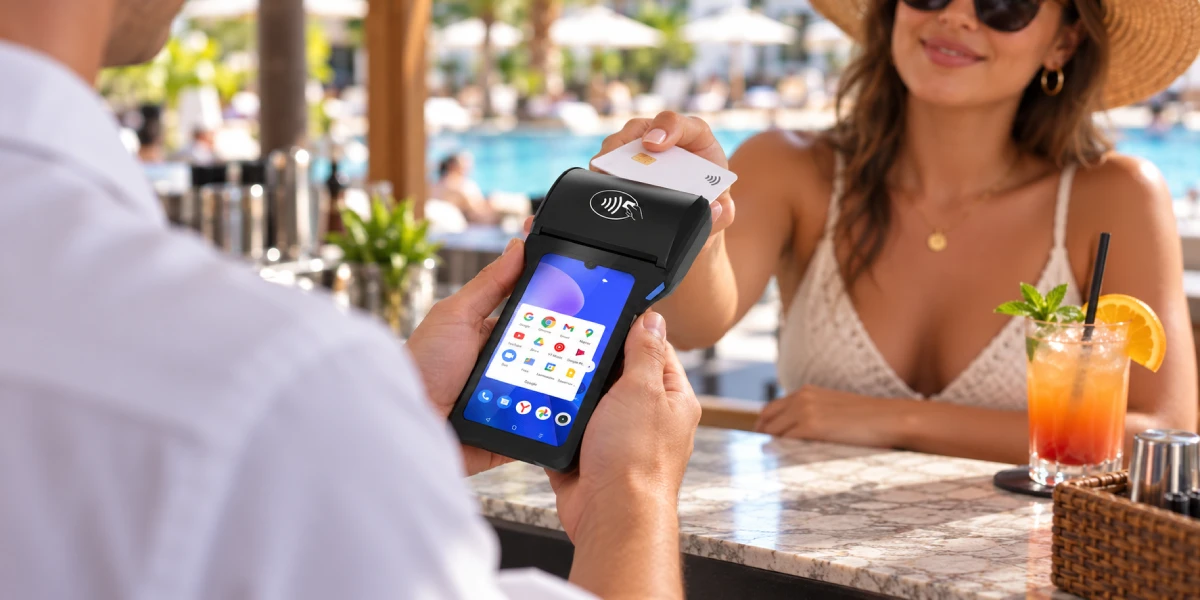
Bar tab management is the process of keeping a short-term check open during a customer’s visit, adding orders to it and collecting the full balance before the visit or business day ends. In this article, “tab” does not mean a house account, invoice or long-term credit arrangement.
A tab normally contains four connected record types:
| Record | What it should identify | Why it matters |
|---|---|---|
| Check | Guest, group, table, seat or another unique label | Prevents items from reaching the wrong customer |
| Order lines | Item, quantity, price, modifiers, time and staff member | Preserves what was served and when |
| Payment relationship | No card, saved payment credential or preauthorization, depending on setup | Determines what payment action is available at closeout |
| Payments | Tender, amount, status, tip and transaction reference | Proves how much was collected and what remains due |
The check can stay open without any card relationship. A bartender may create “Patio 4 – Alex,” add several rounds and ask for payment only at the end. Another bar may read a card and preauthorize an amount when opening the tab. Both are bar tabs, but their risk, customer account display and recovery steps differ.
No. These are three separate capabilities that may appear together in one workflow.
| Capability | What it does | What it does not prove |
|---|---|---|
| Open check or ticket | Saves an unpaid order so staff can add items later | That a card was stored, funds were held or payment will succeed |
| Saved payment credential | Lets the supported system refer to a card or token later | That the issuer approved a hold or the final charge |
| Card preauthorization | Requests issuer approval for an initial amount and may create a temporary hold | That the customer can cover every later addition or that the final charge has completed |
Square’s open-ticket documentation provides a useful example. It says an open ticket can be created and edited before payment. It also states that using a customer’s card to name a new open ticket in that workflow does not charge the card or store its payment information in the Square POS app. Only available identifying details, such as the cardholder name, may be associated with the ticket.
That is different from a configured preauthorization flow. A bar should document which action staff are performing when they read a card and what the customer will see.
A tab needs a label that remains unique during the shift. A first name alone is rarely enough during a busy night. A practical naming rule combines two or more operational fields without exposing unnecessary card data.
Useful identifiers include:
“Alex” can become “Patio 4 – Alex – 218.” The customer-facing receipt can still use a friendly name, while the POS keeps the unique internal reference.
Staff should confirm the tab before adding the first item. The opening record should capture the responsible server, opening time, service location and payment relationship, if any. It should not display a full card number or use sensitive card details as the public tab name.
The bar also needs a duplicate-name check. If two tabs share similar names, the POS should show enough context—area, time, employee and current items—to let the bartender choose safely. Searching by name and immediately adding a drink without reviewing the existing order is a common way to contaminate another guest’s check.
Every new round should create new order lines on the existing check rather than silently increasing old quantities. Separate lines preserve the entry time, price, modifier, employee and service status of each round.
A bartender reopening a tab should verify:
New lines matter when pricing changes during the visit. A drink ordered during Happy Hour may keep its recorded promotional price, while a later round uses the regular price. The bar Happy Hour pricing guide explains how entry time, sizes, modifiers and discount stacking should behave on an open check that crosses the cutoff.
The POS should not recalculate every old item merely because the tab was reopened. If a bartender changes a prior quantity, voids a drink or moves an item, the audit trail should show what changed and who made the change.
A transfer changes operational ownership. It should not create a new check, duplicate items or lose responsibility for cash and tips. Transfers commonly occur when a guest moves from the patio to the main bar, a server ends a shift or a manager redistributes a busy section.
The transfer record should retain:
Toast’s check-transfer documentation illustrates why status matters. Open checks can be combined under defined conditions, while checks with payments or closed checks have different restrictions. Toast also warns that transferring a closed cash-paid check without handing off the cash can make shift reporting inconsistent. Those are Toast-specific mechanics, but the control principle is general: transfer the financial responsibility together with the POS record.
At shift change, the outgoing server should not clock out while unexplained tabs remain assigned. The manager should either transfer them, close them under the correct policy or record an exception. Revenue and tip attribution must follow the venue’s configured reporting rules rather than an informal handoff.
Splitting a check decides which items or shares belong to each guest. Splitting a payment leaves the check intact and divides the amount due among several tenders. The two operations solve different requests.
| Guest request | Correct starting action |
|---|---|
| “I will pay for my two drinks.” | Split the items onto a separate check |
| “Each seat pays its own order.” | Split by seat if the POS tracks seats |
| “Divide the total four ways.” | Split the amount into four payments |
| “Put $40 on this card and the rest in cash.” | Apply a partial card payment, then cash to the remaining balance |
| “One person pays for food, others pay for drinks.” | Move the relevant items first, then collect each payment |
Square’s split-check documentation distinguishes splitting by item or seat from splitting a payment by amount. It also notes that item-level discounts and service charges may need review when items move. The precise options depend on the product plan and configuration, so bars should test their actual setup.
After splitting, the POS should preserve the sum:
Original check total = all split-check totals + any approved adjustments
Taxes, service charges, tips, discounts and shared items must have a documented allocation rule. If a bottle is split among four guests, the bar should verify whether the POS can divide that item and how rounding differences are assigned.
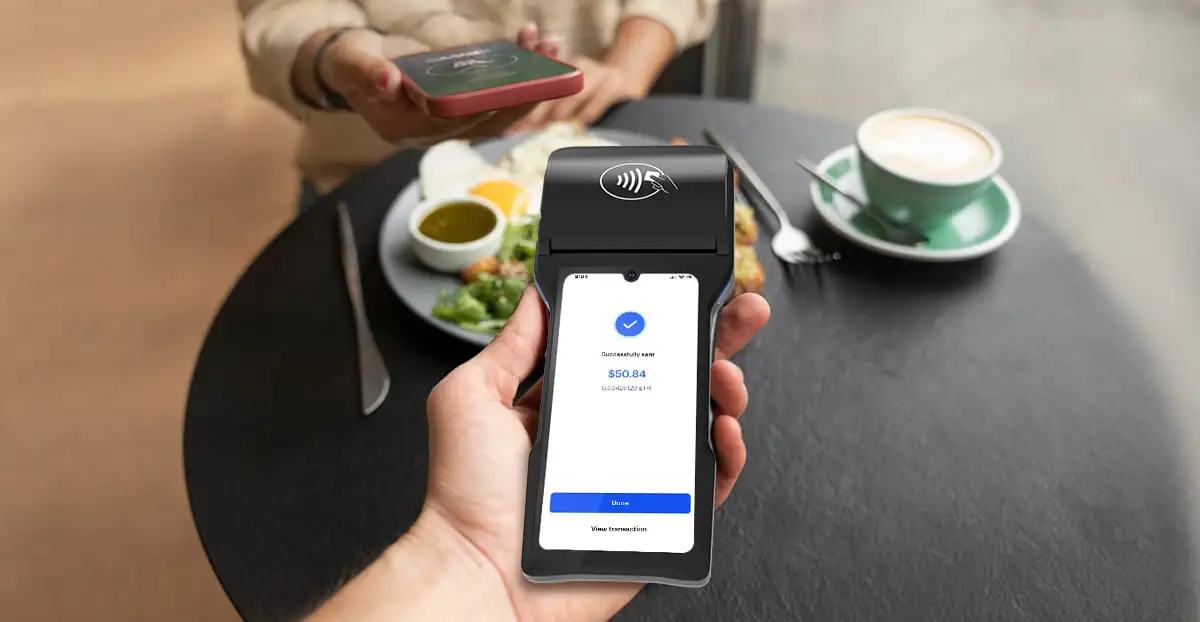
A partial payment reduces the remaining balance but does not close the tab. The POS should show the amount already collected, the tender used, its payment status and the exact balance still due.
Consider a $120 tab:
| Step | Payment event | Remaining balance |
|---|---|---|
| Tab ready to close | No payment applied | $120 |
| Guest A pays by card | $50 approved | $70 |
| Guest B pays cash | $20 received | $50 |
| Guest C’s card declines | No successful payment | $50 |
| Guest C uses another card | $50 approved | $0 |
The declined attempt should remain separate from the successful payment and should not reduce the balance. If a terminal times out after a card submission, staff should check the original transaction status before trying again. “No response” is not proof that the card was not charged.
Mixed tender also changes operational responsibility. A cash payment must increase the correct drawer or server cash total. Card payments need their own transaction references. Gift cards, vouchers or loyalty value may have restrictions on tips, taxes or refunds. The check closes only when every applied payment is final enough under the provider’s workflow and the remaining balance is zero.
Preauthorization asks the issuer to approve an initial amount before the tab is closed. It can validate the card and place a temporary hold, but it is not the final charge.
A common flow is:
Square’s preauthorization instructions state that its preauthorization amount is the configured minimum or the current cart value, whichever is greater. Toast describes a similar greater-of rule in its own system. Neither example means every provider uses the same amount logic.
A preauthorization does not guarantee the final total. A card approved for $20 when the tab opens may later fail on a $140 closeout. The bar still needs a fallback payment method and a policy for customers who leave before settling.
The pending amount is usually the preauthorization hold. The final charge is the completed tab amount. They can appear together temporarily because the issuer has posted the final transaction before removing the earlier hold from the account display.
Toast’s card preauthorization FAQ explains this customer-visible effect in its own system. Toast says a guest may see a pending preauthorized amount alongside the final charge, and the time for the hold to disappear depends on the guest’s bank. Its published timing examples should not be turned into a universal promise for every issuer or POS provider.
The merchant should explain the records accurately:
“The smaller pending amount is the temporary authorization used when the tab opened. The final amount is the completed charge. Your bank controls when the pending authorization disappears. If both amounts become completed charges, contact us with the receipt and transaction details so we can investigate.”
Staff should not say “you were charged twice” when one line is still pending. They also should not dismiss the concern without checking the provider portal. The correct review compares the original preauthorization, final payment reference, captured amount and issuer-facing status.
This distinction is part of the broader POS settlement process. Authorization can affect available balance before the merchant’s final captured payment enters settlement and payout.
Closing a tab means confirming the final check, collecting the remaining balance and changing the check to a completed state only after the supported payment result is known.
Before pressing the final close button, staff should:
If the final charge is declined, the tab remains open with the unpaid balance. If the result is unknown after a timeout, the bar should search by the original reference rather than automatically submitting another charge. If a guest disputes the amount, staff should preserve the check and payment records while following the manager escalation process.
The fastest closeout is not the one with the fewest screen taps. It is the one that produces one final financial result, a zero remaining balance and records that another employee can understand.
End-of-night review should separate normal open tabs from payment exceptions. A list of “open checks” alone can hide checks that have a partial payment, saved card, failed final charge or unsettled tip.
Managers should review these categories:
| Category | What to check | Required outcome |
|---|---|---|
| Open with no payment | Guest, server, items and reason still open | Close, transfer or document exception |
| Preauthorized but not finalized | Hold reference, current total and guest status | Complete or follow approved abandoned-tab policy |
| Partially paid | Successful tenders and remaining balance | Collect remainder or escalate |
| Paid but not closed | Tip, final amount and POS status | Settle and close under provider workflow |
| Declined final payment | Decline result and alternative tender | Obtain valid payment or manager action |
| Status unknown | Original transaction reference and provider status | Resolve before resubmitting |
| Cash transferred between servers | Check ownership and physical cash handoff | Match shift responsibility |
| Voided or comped items | Reason, employee and approval | Review exceptions and inventory effect |
The fast bar checkout guide covers the wider throughput problem. For tab management, the close-of-day test is whether every open balance and payment exception has a named owner, status and next action.
Automatic closeout settings require careful review. A bar should define whether abandoned tabs can be closed to a preauthorized card, how gratuity is handled, which disclosures are required and who reviews exceptions. The exact policy depends on the provider, merchant agreement and applicable local rules.
A venue should test the complete tab lifecycle on its actual POS configuration, not only confirm that an “Open Tab” button exists.
Run these cases:
The test passes only when order totals, payment totals, staff ownership and reports remain consistent through every step.
A bar tab is a short-term open check that collects several orders during one visit and is paid before the visit or business day ends. It is different from a long-term house account or invoice.
Not necessarily. An open check can exist without a card. A configured preauthorization can place a temporary hold, while the final charge occurs when the tab is completed.
No. The result depends on the POS feature and provider configuration. A card may only supply a name for an open ticket, may create a saved payment relationship or may trigger preauthorization. Staff must know which workflow is active.
Yes, when the POS supports split checks or partial payments. Staff can move items to separate checks, divide the amount or apply several tenders until the remaining balance reaches zero.
Staff can move that guest’s items to a separate check or collect a partial payment, depending on the requested split. The remaining tab should stay open with an accurate balance.
One amount may be the temporary preauthorization hold and the other the final charge. The hold can remain pending while the issuer updates the account. Staff should confirm that both are not completed charges before describing the issue.
The provider can attempt the supported final charge, but approval is not guaranteed. The bar needs an alternative tender and a clear abandoned-tab policy.
The POS may require permissions, a manager override or reopening the original shift review. The venue should transfer the check and any related cash or tip responsibility before closing the employee’s shift whenever possible.
A tab is fully closed when the final check is confirmed, successful payments cover the total, the remaining balance is zero and the POS records the completed state. A pending or unknown payment result should remain an exception.
Reliable bar tab management preserves one clear record from the first drink to the final payment. The tab needs a unique identifier, traceable rounds, controlled transfers, correct splits and a payment state that staff can explain.
The customer’s pending hold and final charge are not automatically duplicate completed payments. The bar should compare the preauthorization and final transaction, avoid promising a universal hold-release time and investigate any case where both amounts post as completed. At closing time, every tab should have a zero balance or a documented exception with an owner and next action.







 Home
 POS Void vs Refund: How Cancellation Timing Changes Payment Records and Customer Balances

