2026-07-29 Author : ZCS
Plenty of food and beverage merchants across Southeast Asia run into the same operational headache: one system for in-store checkout, a completely separate app for Grab orders, and two devices crowding an already tight counter. Choosing the right Android POS terminal for Grab merchant integration usually comes down to solving that specific problem — not just finding a device that can technically install the app, but finding one built around how a real order-fulfillment counter actually works during a lunch rush. This guide walks through what hardware requirements matter most, why Android's open app ecosystem is the real advantage here, and which terminal fits which part of that workflow.
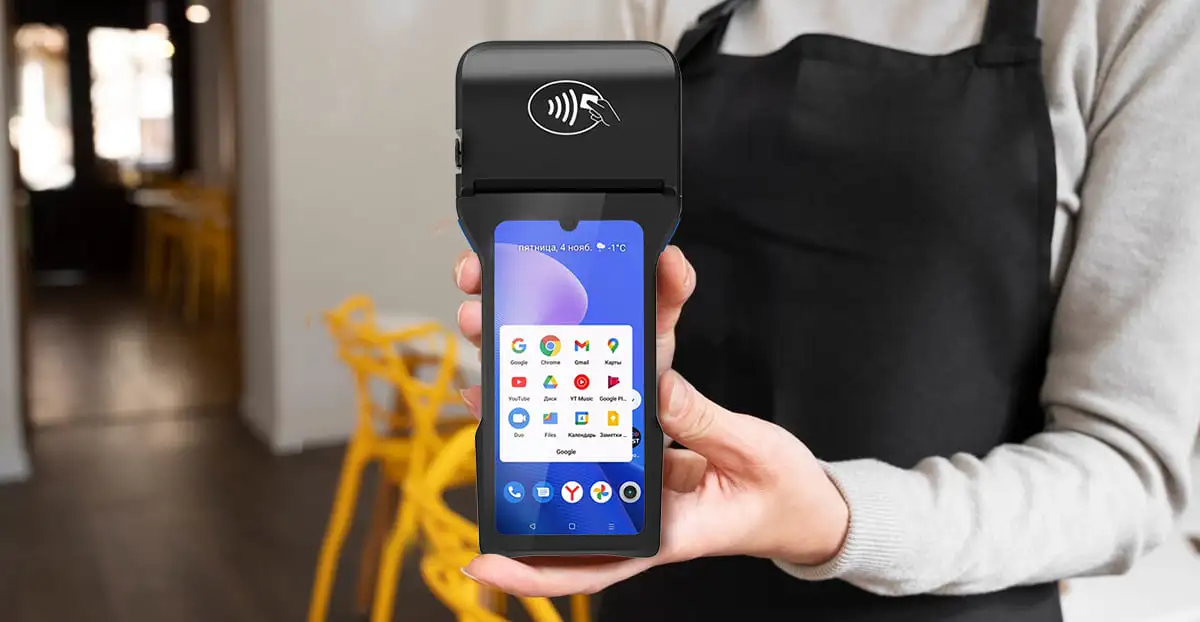
This is where the hardware conversation connects to something bigger than any single spec: a GMS-certified Android POS terminal can install the Grab Merchant app directly from Google Play, running alongside whatever in-store POS software the business already uses — no need for two separate devices doing two separate jobs. That's a direct extension of the broader case for GMS-certified Android POS terminals giving merchants software freedom: the same openness that lets a merchant install any app they need, rather than being locked into a single vendor's closed system, is exactly what makes running Grab Merchant and an in-store POS app on one device possible in the first place.
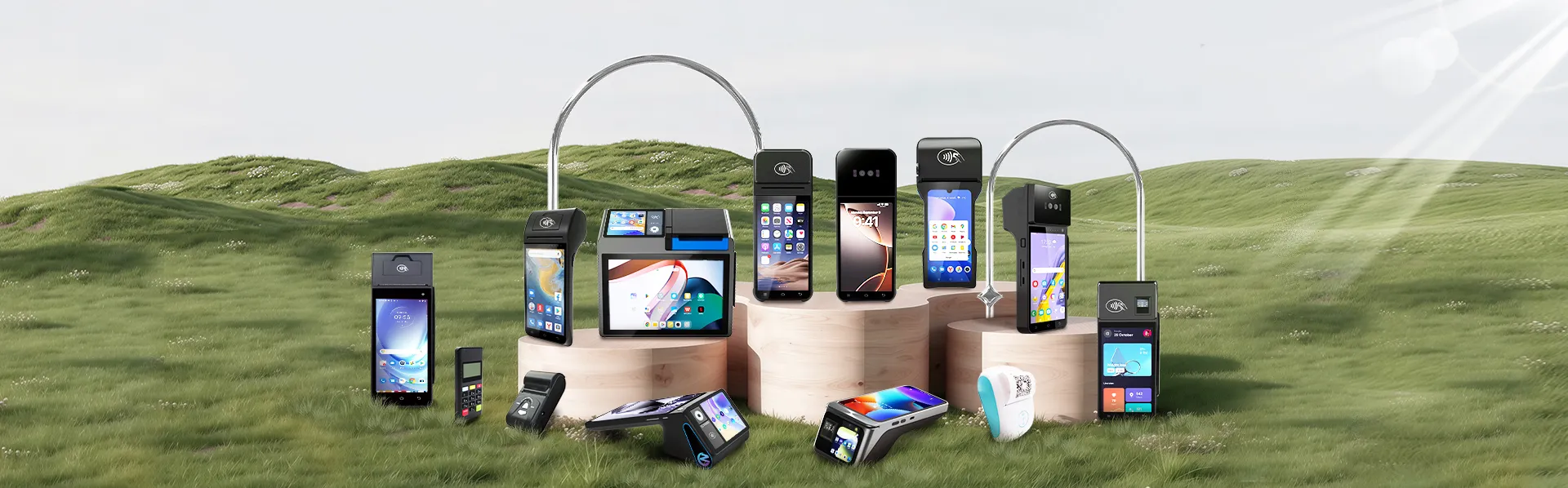
Different models in ZCS's Android POS lineup line up with the three requirements above in different ways.
| Requirement | Model | Why It Fits |
|---|---|---|
| Fast receipt/order printing | Z93 | Built around an 58mm thermal printer suited to high order-ticket volume |
| Order queue readability | Z100 | Dual-screen design — a customer-facing display for checkout alongside a second screen usable for order queue visibility |
| Battery life and portability | Z92 | Handheld form factor built for quick handoff during delivery pickup rushes, without being tied to a counter |
Z92, Z93, Z100, and Z108 are all GMS-certified, which means Grab Merchant can be installed directly from Google Play on any of them without custom firmware work — the certification question is about the device, not about whether Grab specifically supports it as a partner.
For merchants who also run back-office or inventory software rather than a standalone POS app, the same open-ecosystem logic extends further. A terminal that already runs Grab Merchant and an in-store checkout app can typically add a connected ERP layer too — see how Android POS terminals power Odoo-based unified commerce operations for what that three-way setup looks like when sales, delivery orders, and inventory all need to reconcile against the same records.
Grab operates across multiple Southeast Asian markets, and hardware sourcing decisions rarely stay confined to just Vietnam or just Thailand for a business expanding regionally. Connectivity standards, power specifications, and language/localization needs vary by country even when the software layer (Grab Merchant, the in-store POS app) stays largely consistent — a broader set of considerations covered in our guide to hardware buyers in Thailand, Vietnam, and Indonesia sourcing for the Southeast Asia payments market.
Grab is rarely the only delivery channel a merchant ends up running — Shopee Food and GoFood Merchant are common additions in several Southeast Asian markets, and each is just another app installable on the same GMS-certified device rather than another piece of hardware to buy. For businesses or resellers that need firmware branding, specific app pre-configuration, or hardware tailored to a particular multi-app deployment at scale, ZCS's open SDK and custom ODM programme covers how that customization works on top of the standard certified hardware.

Q1. Can a terminal run Grab Merchant and an in-store POS app at the same time?
Yes, on a GMS-certified Android terminal. Because both apps install through Google Play like they would on any Android device, there's no technical conflict running them side by side — the terminal simply switches between apps the way a phone does.
Q2. Which ZCS model prints receipts and order tickets the fastest?
The Z93, built around an 58mm thermal printer, is suited to businesses printing high volumes of order tickets and receipts, since the wider paper format and printer speed handle busier order flow better than a narrower 58mm printer.
Q3. How do I set up a Grab Merchant account in a country outside Vietnam?
Account setup and onboarding are handled entirely through Grab's own merchant registration process, which varies by country. This guide covers hardware compatibility only — for account setup, registration requirements, and country-specific onboarding, refer to Grab's official merchant help centre directly.
Q4. Does a POS terminal need special certification just to run Grab Merchant?
It needs to be GMS-certified to access the Google Play Store at all, which is what allows Grab Merchant (or any other Play Store app) to be installed. This is a general Android/Google certification requirement, not something specific to Grab as a company.
Q5. Can one terminal run Grab, Shopee Food, and GoFood Merchant all at once?
Yes — each is a separate app installable from Google Play on a GMS-certified device, so a merchant running multiple delivery platforms can operate all of them from the same terminal rather than needing separate hardware per platform.






 Home
Home  How Do Android POS Terminals Power Odoo-Based Unified Commerce Operations?
